40+ Best Lower Third Templates
In news segments, interviews, and YouTube videos, a well-designed lower third overlay can help add more context to your videos. Even though a lower third seems like a simple object that anyone can create, it takes some creative thinking and visual effects to make a lower third that actually makes your videos look more professional.
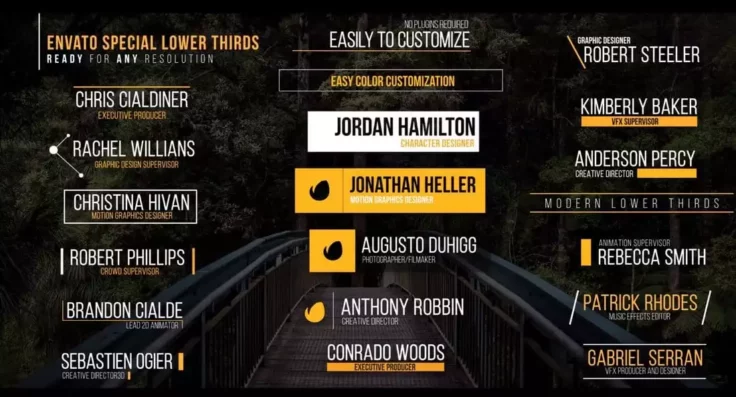
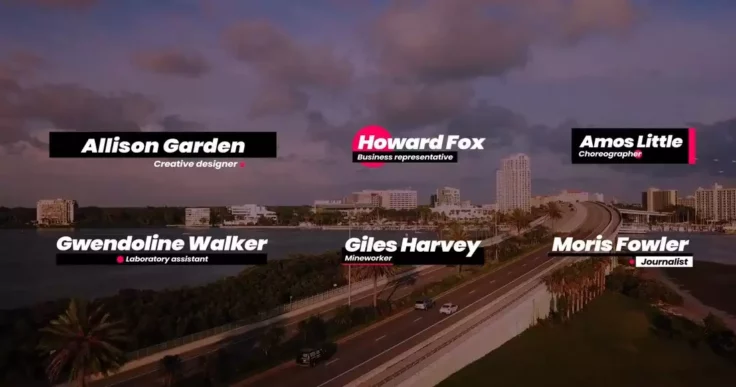
Learn About Lower Thirds Templates
What Are Lower Thirds?
Tips, ideas, and video examples of how to work with lower thirds.
How Should I Get Started With Premiere Pro?
Learn how to use Premiere Pro, find templates, and watch tutorials.
Should I Use Final Cut or Premiere Pro?
We explore the pros and cons of the different apps to help you choose.

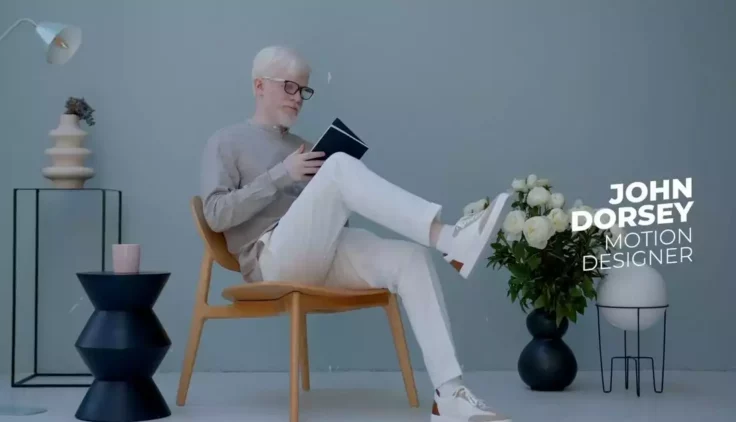


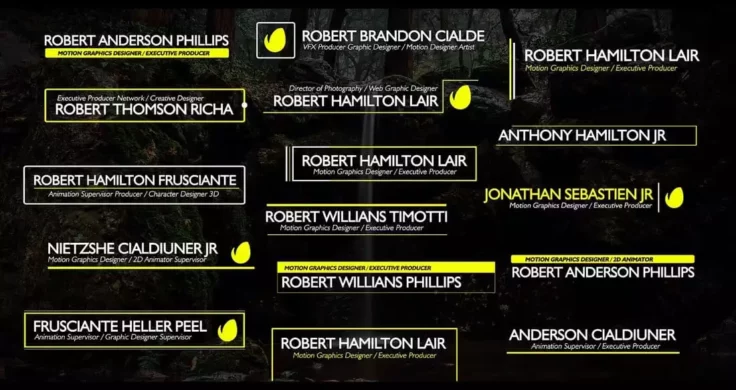





Stylish Social Media Lower Thirds Templates
Another collection of lower third templates for showcasing your social media accounts in videos. This bundle includes various lower thirds for promoti...

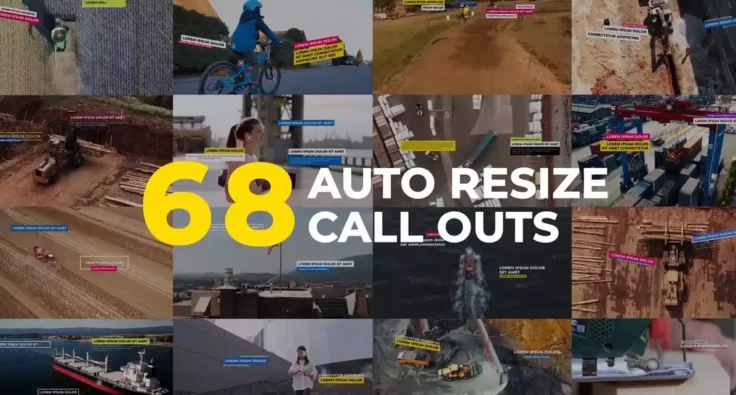
Autoresizing Typo Titles and Lower Thirds
If you’re looking for a unique lower third with attractive effects that stand out from the crowd, this bundle of animated lower thirds is the perfec...

Broadcast Channel Lower Thirds & Essentials
If you want to make your YouTube videos look just as good as the content you see on big brand broadcast channels, then this templates pack is a must-h...

Creative Titles & Lower Thirds Templates
Another collection of modern and creative lower thirds templates with unique designs. This bundle also comes with a set of title templates with matchi...

Boxd Lower Thirds Templates
If you’re working on a video for a startup or a creative brand, these stylish lower thirds will help you make your video look more professional. It ...

Clean & Simple Lower Thirds Templates
If you’ve been looking for simple and minimal lower thirds designs to use in your professional and creative videos, this bundle will let you choose ...

Neon Social Media Lower Thirds Templates
The lower third templates in this bundle are perfect for promoting your social media channels on your videos. They feature a glowing animation that wi...

Modern Business Lower Third Templates
This collection of lower third templates include professional designs that are ideal for business and branding video productions. You’ll need both P...
FAQs About Lower Third Templates
What are Lower Third Templates?
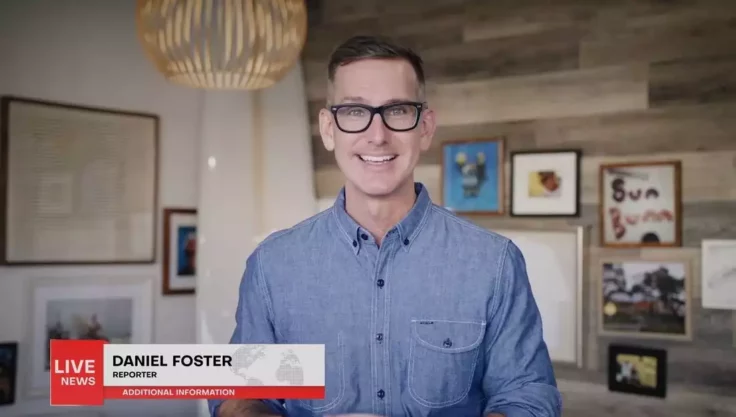
Lower Third Templates are graphical overlays that appear typically at the bottom area of a video. They present ancillary information like a speaker's name, location, or the topic being discussed, contributing significantly to the video's professional touch and look.
These templates come in various styles and designs, ranging from simple text layers to more complex animations. They are typically used in news broadcasts, documentaries, corporate and educational videos, live streams, etc.
Why should I use Lower Third Templates?
Lower Third Templates not only provide valuable information to your viewers but also add an aesthetic appeal to your videos, making them look professional. They allow you to maintain brand consistency by incorporating your brand's colors and fonts into the overlay design.
In addition, using templates saves time and effort. Instead of creating a new lower third from scratch for every video, you can use a pre-designed and customizable template, which only requires you to change the text or other minor details.
How can I customize a Lower Third Template?
Most lower third templates are designed to be easily edited and customized to suit your specific video production needs. Usually, they come with customizable components like text, color, font, position, or even animations. These can be adjusted within the video editing software you’re using.
With software like Adobe After Effects or Premiere Pro, you simply import the template, and it can then be customized within the software interface. Often the file includes a 'readme' or an instructions file guiding you through the process of editing the template.
Where can I find Lower Third Templates?
Lower third templates are available on various online platforms. Some video editing softwares offer specific ones within their libraries, others can be found on dedicated graphic design websites or marketplaces like Envato Elements, GraphicRiver, etc.
When choosing a template, you should consider factors such as the style and tone of your video, your brand image, and the software you’re using to edit your video. Always ensure the template is compatible with your video software to avoid potential issues when editing.
Are Lower Third Templates difficult to implement?
Implementing lower third templates is relatively straightforward, especially if you have basic knowledge of video editing software. Once you've edited the template to your liking, adding it to your video is usually as simple as dragging and dropping the file into your timeline at the appropriate point.
If you're using professional software like Adobe Premiere Pro or After Effects, you might need a bit of familiarity with the software. However, many templates come with instructions to guide the users on how to use and implement the templates properly.