25 Awesome Tools for Choosing a Website Color Scheme
As a designer, color management should be an integral part of your workflow. A website’s color scheme helps shape its identity and therefore should not be carelessly thrown together. Here are 25 online, desktop and iPhone applications to help you live and breathe color management no matter where you are.
Online Tools
There are simply a ton of free color tools available on the web. However, a cursory search reveals that most are extremely basic and simply mimic everything else out there. Here’s a few that I found that stood out in either design, usability or features.
Kuler
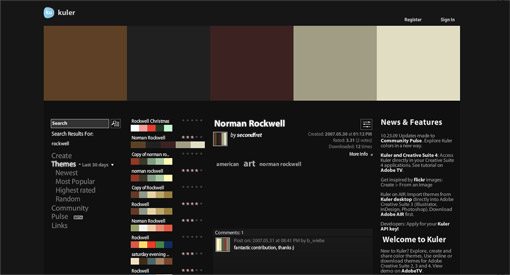
Kuler is one of the best free online color scheme creation tools out there and my personal favorite. You can browse tons of pre-made color schemes or create your own using an advanced yet simple to use interface. My favorite feature of Kuler is that access is built right into Adobe Illustrator so it’s never far away. There’s also an AIR app and Dashboard widget available for even more access options.
Color Scheme Designer

Color Scheme Designer has a beautiful interface that helps you create beautiful color schemes in seconds. colorblind simulation is built in so you can ensure usability will be optimized for all users.
Colour Lovers

An online community where color aficionados can create, share and browse color schemes.
Pictaculous
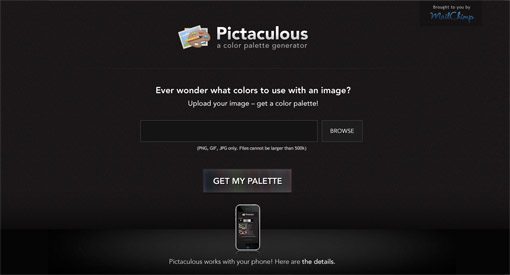
The guys at MailChimp created this excellent free service. Simply upload a picture and automatically get a color scheme to go with it. Suggestions from Kuler and Colour Lovers are built in and you can download the Adobe swatch file.
Color Spire

A simpler, no frills interface that helps you build a five swatch color scheme. Provides a nifty preview of the selected colors working together on a basic site frame.
Daily Color Scheme
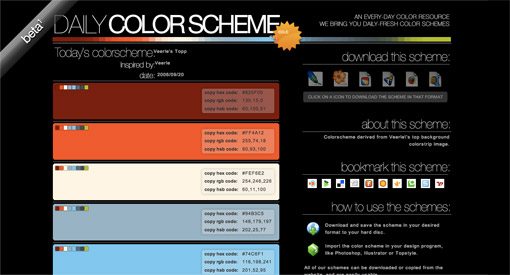
Every day brings a new featured color scheme. Choose from a variety of download formats and browse past color schemes.
Instant Color Schemes

Though the interface is a bit lacking this tool is actually pretty helpful. Just type in a word or phrase (Ex: Firetruck) and you’ll get 24 of the most prominent colors that result from the first five images in a matching Yahoo image search.
Color Explorer

Color Explorer is the most fully featured online solution I came across in my research. The impressive feature list includes a number of advanced tools for creating and converting your own color palettes as well as the ability to browse popular schemes. If you fancy yourself a color expert, this one is for you.
Color Rotate
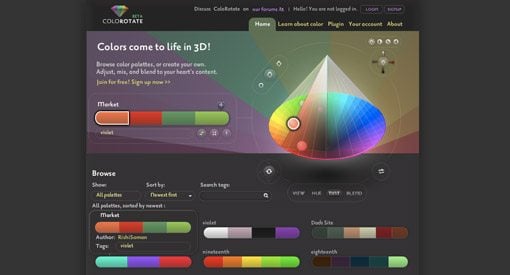
Color Rotate is a lot like a 3D version of Kuler. The interface is not exactly intuitive, but it sure is pretty and fun to play with!
Toucan
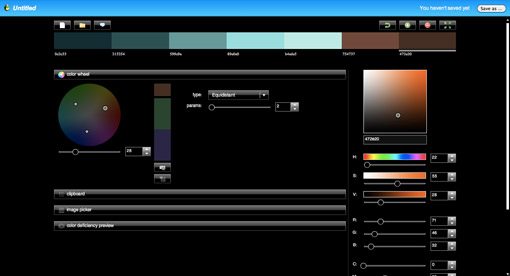
Toucan has all the quality and richness you’d expect from an Aviary application. Use the interactive color wheel to create schemes on the fly and take advantage of the color theory features built into the application. Like Color Scheme Designer, Toucan comes with a colorblindness simulator supporting all major types of colorblindness.
Colour Grab
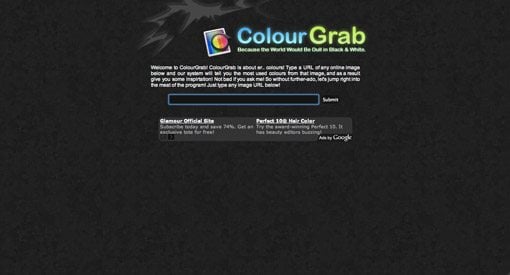
Type in the URL of a image, get the most frequently appearing colors and a nice 3D pie chart so you can see how often a color appears. Downloadable Adobe swatches built in.
Color Jack

A simple interactive color wheel with several customization options and color theory formulas.
Desktop Applications & Widgets
Web apps are great, but sometimes you need a local solution that doesn’t require you to navigate to a website and is easier to merge with your current workflow.
Tangerine (Mac)
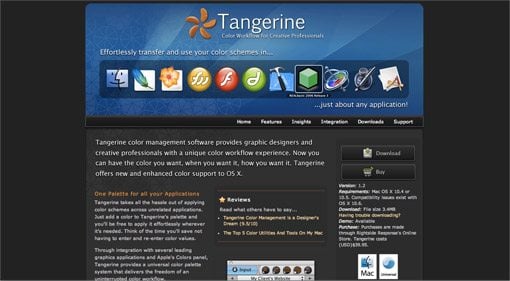
Tangerine provides a color palette that remains consistent across a wide array of graphics applications making it easy to use the same colors throughout your design process as you switch apps.
Price: $39.95
Color Schemer (Mac or PC)
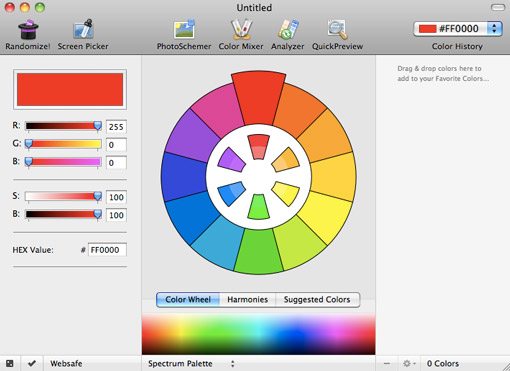
Color Schemer is a fully featured color palette creation application. Get all the features of some of the most popular web apps and more with the convenience of an always present desktop application. By far the best desktop solution I found.
Price: $49.99
ColorBurn (Mac or PC)
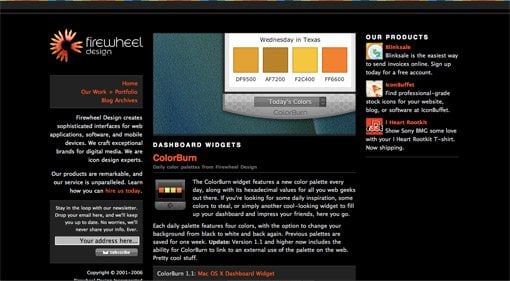
ColorBurn gives you access to tons of beautiful color schemes right in your OS Dashboard (or Yahoo Widget interface). ColorBurn features daily palettes of four colors and the ability to browse the previous week’s schemes.
Price: Free
Swatch (Mac)
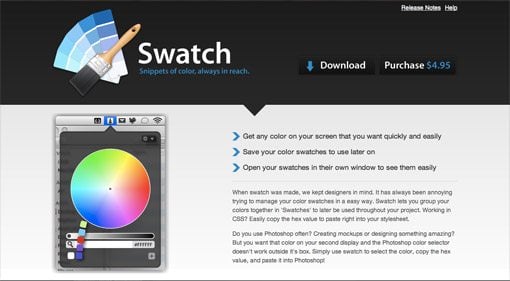
As an avid Mac user, I love men bar apps. Swatch is an extremely helpful little app that puts color swatch management and creation right in your menu bar and therefore easily accessible from any application.
ColourMod (Mac or PC)
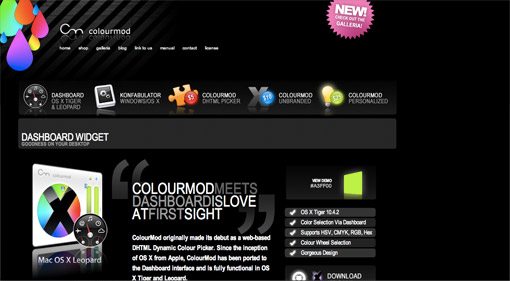
ColourMod is a stylishly designed widget that provides a quick and easy way to grab any color’s Hex value.
Price: Free
iPhone Apps
The iPhone provides a great way to bring color management and scheme creation with you everywhere you go. Another bonus is the multi-touch interface, which adds an element of direct interaction that you don’t get with a mouse. Here’s a list of great iPhone apps I found along with the descriptions from their creators.
Color Expert
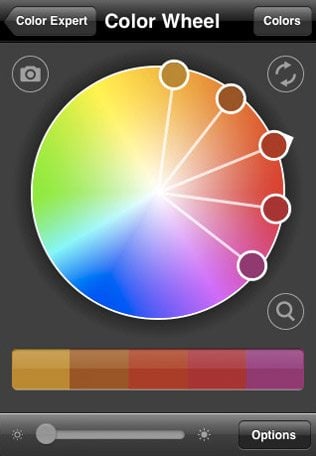
“Color Expert is an interactive color wheel and swatch library that helps artists and designers identify, translate, capture and showcase color.”
Price: $9.99
CliqCliq Colors
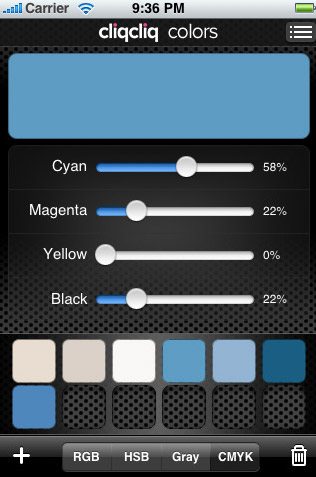
“Colors is an easy-to-use color picker for discovering, converting and managing colors and palettes.”
Price: $2.99
My Pantone
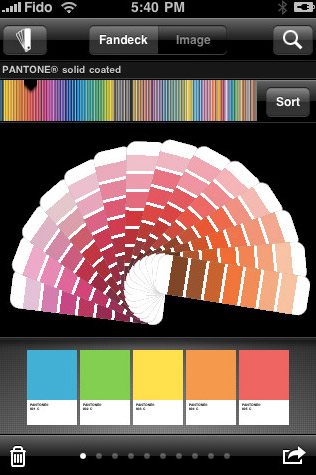
If you’ve ever been a print designer, you’re probably fond of color books full of Pantone swatches that fan out into a rainbow of easily browsable colors. MyPantone offers this functionality in the convenience of an iPhone app.
Price: $9.99
Color Stream

“A beautiful color tool for the iPhone, Color Stream lets you create and store color palettes that are either created from scratch, generated from a photo, or even auto-generated using our built-in color schemer (which supports analogous, monochromatic, triadic and more!).”
Price: $2.99
Loupe
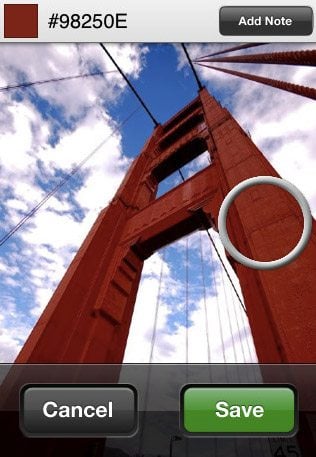
“Simple and thoughtfully designed, Loupe lets you create color swatches from your photo library or using the camera to save colors as you find them.”
Price: $0.99
Think Ink: Color Unleashed
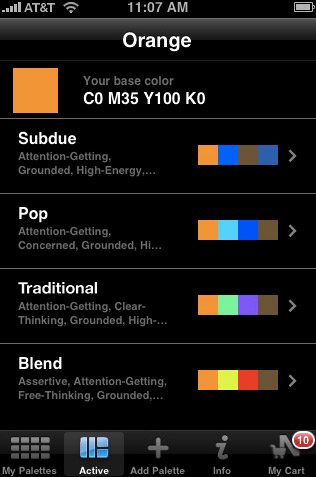
“Think Ink is a free iPhone application that lets you explore color combinations from the Dewey Color System, create custom color palettes, and order coordinating paper samples from Neenah Paper.”
Price: Free
Vibrant Color Picker
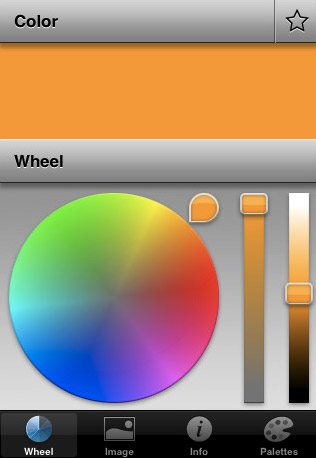
“Vibrant is a full featured color picker/color chooser and gives you all the tools that a designer needs to identify and manage colors and color themes on the go. Take a photo of the target with the integrated camera, pinch and drag the cross-hair to select a color, spin the color wheel and slide the sliders to adjust your color and tap the star to save your new color in the palette.”
Price: $0.99
Conclusion
You should now be equipped to create fantastic color schemes for everything you design. We examined a variety of web apps, desktop apps and iPhone apps to get the job done in plethora of different ways. Let us know if you liked any of these applications and what comprises your personal color workflow!