20+ Best Night Photography Lightroom Presets
In this collection, you’ll find night photography Lightroom presets to enhance low-light scenes without losing detail or depth.
These presets help balance exposure, reduce harsh noise, and refine color tones so city lights, stars, and shadows feel intentional rather than muddy.
Some presets emphasize cool blue hues and deep contrast for a cinematic urban vibe. Others enhance warm streetlight glows and subtle grain to create a moody, film-inspired look.
Perfect for cityscapes, astrophotography, nightlife, and evening portraits, these presets help you maintain clarity while preserving atmosphere. Have a look!
Nightfall – Dark Lightroom Presets
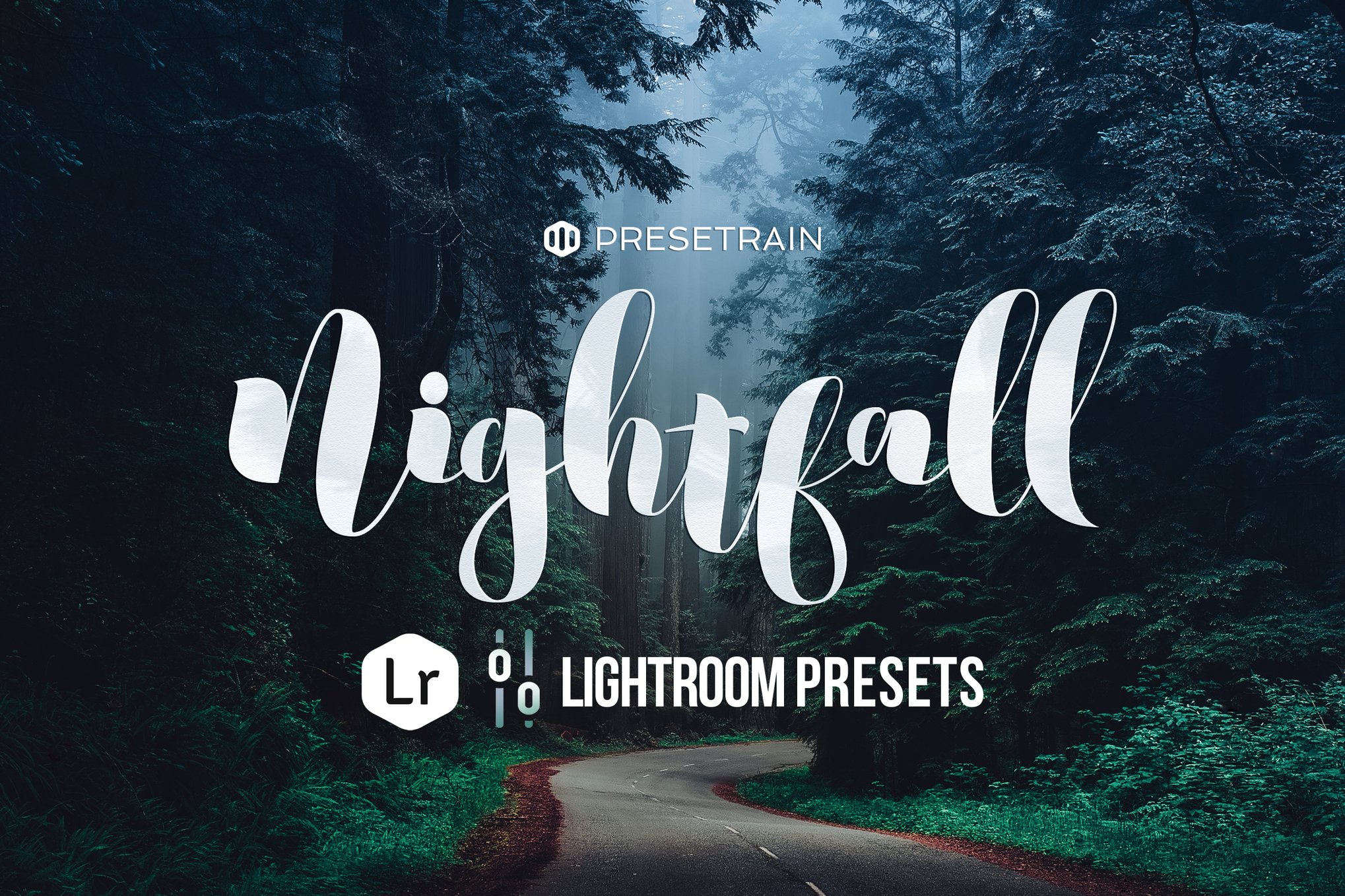
Nightfall Lightroom preset pack offers seven unique options to enhance your evening scenes or mimic a night mood in daylight shots. With presets like Twilight and Moonlight, your images gain a rich, dark, and mysterious allure. Ideal for outdoor evening photography, these presets are compatible with Lightroom 4 and above.
Night – Night Photography Lightroom Presets
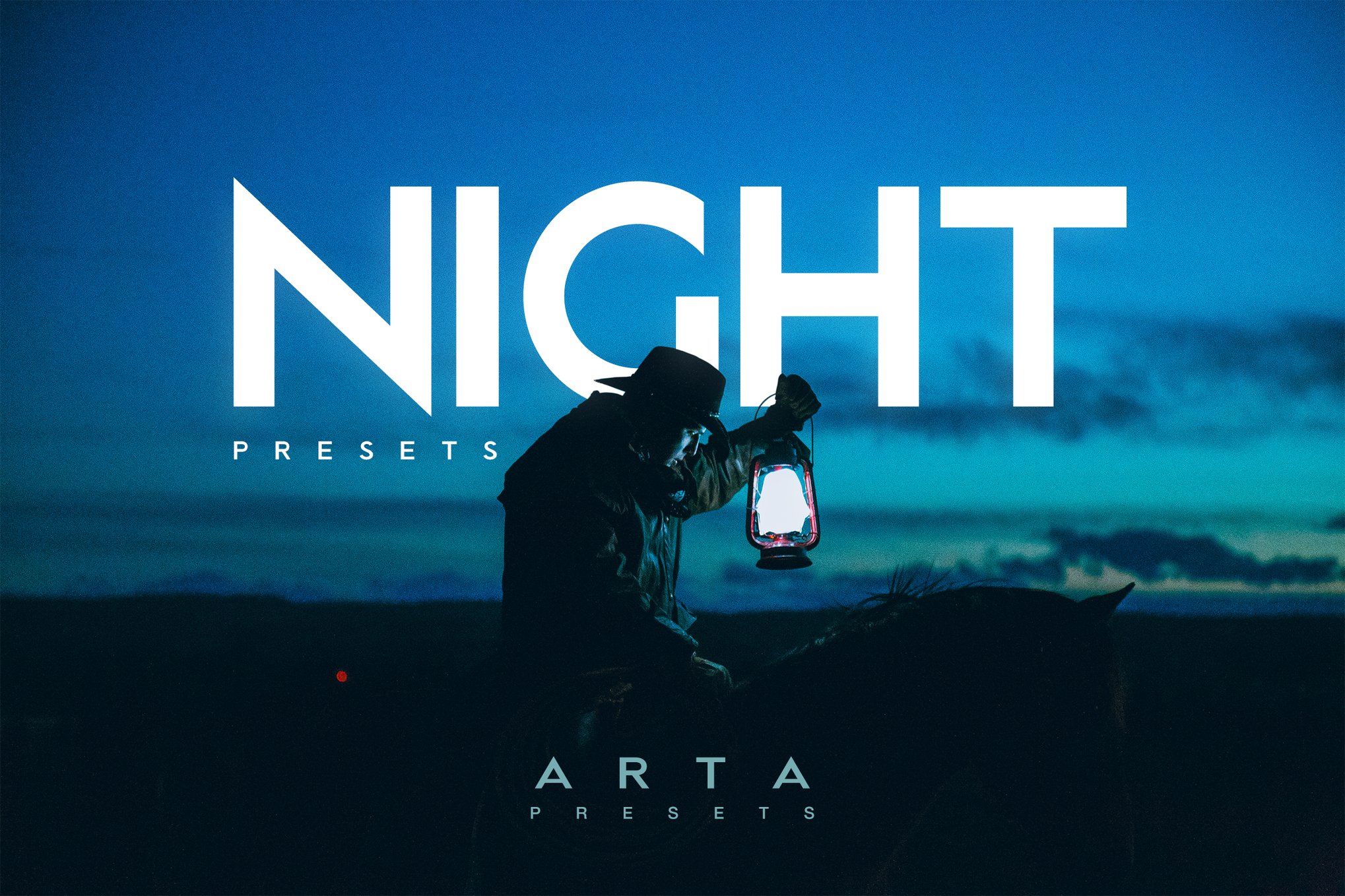
Elevate your night photography with this unique Lightroom preset bundle, designed for stunning Instagram feeds and artistic impact. Perfect for travel, fashion, and lifestyle bloggers, these presets work seamlessly on both mobile and desktop versions of Lightroom and come with a simple tutorial for easy installation.
Nightlife Presets for Lightroom & Photoshop
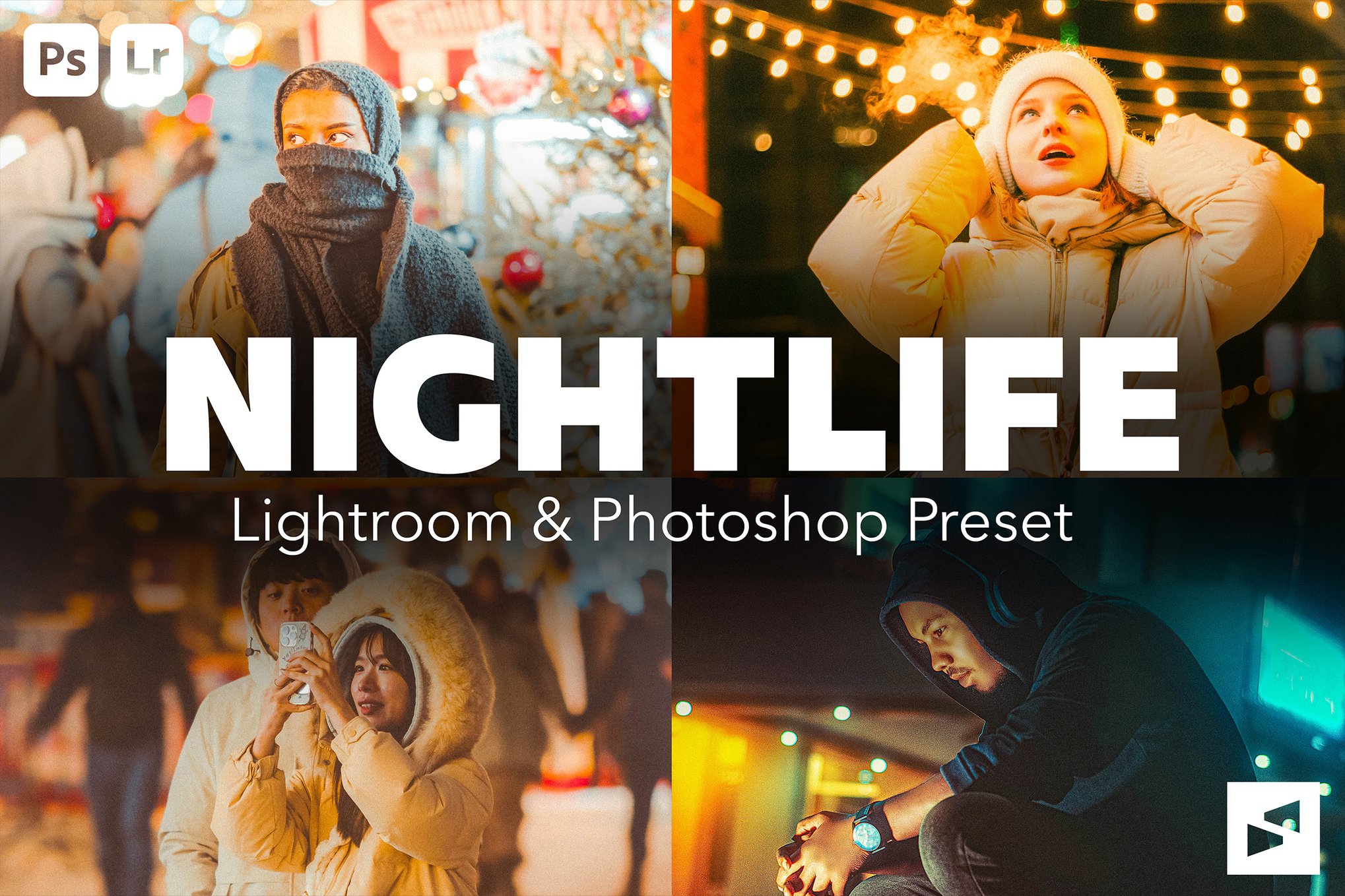
This bundle of Lightroom presets transforms night photography with vibrant neon hues, glowing skin, and cinematic contrast, ideal for urban portraits, street scenes, or travel shots. This pack includes five presets for both desktop and mobile, plus an easy installation guide, ensuring your low-light photos burst with color and modern flair.
6 Night Fall Lightroom & Photoshop Presets
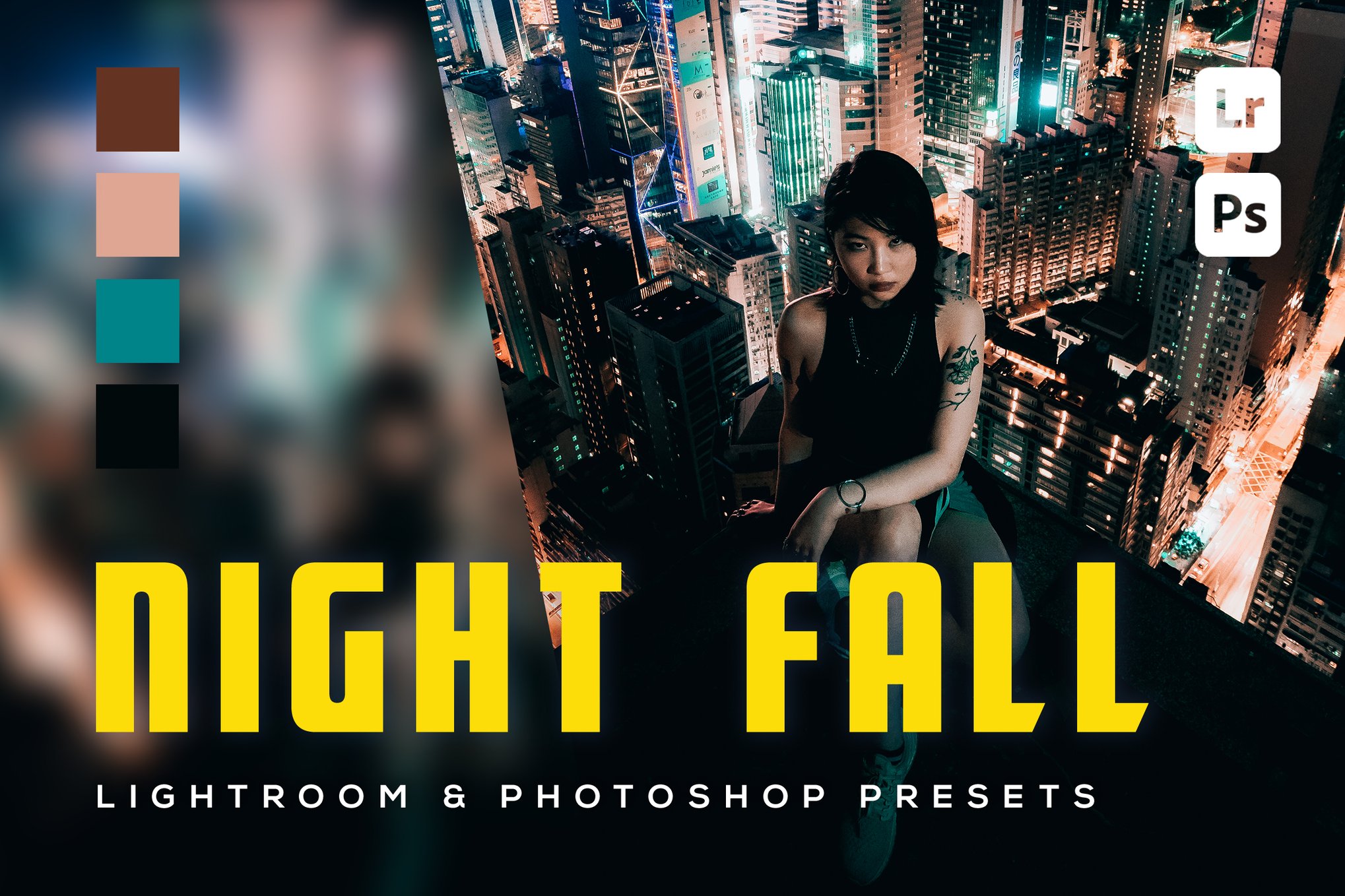
Designed for both amateur and professional photographers, this versatile Lightroom preset pack includes six presets each for mobile and desktop Lightroom, as well as Photoshop. Compatible across various devices, it comes with easy installation instructions. Create your own unique style effortlessly, whether shooting with a phone or a professional camera.
Night Moody Lightroom Presets
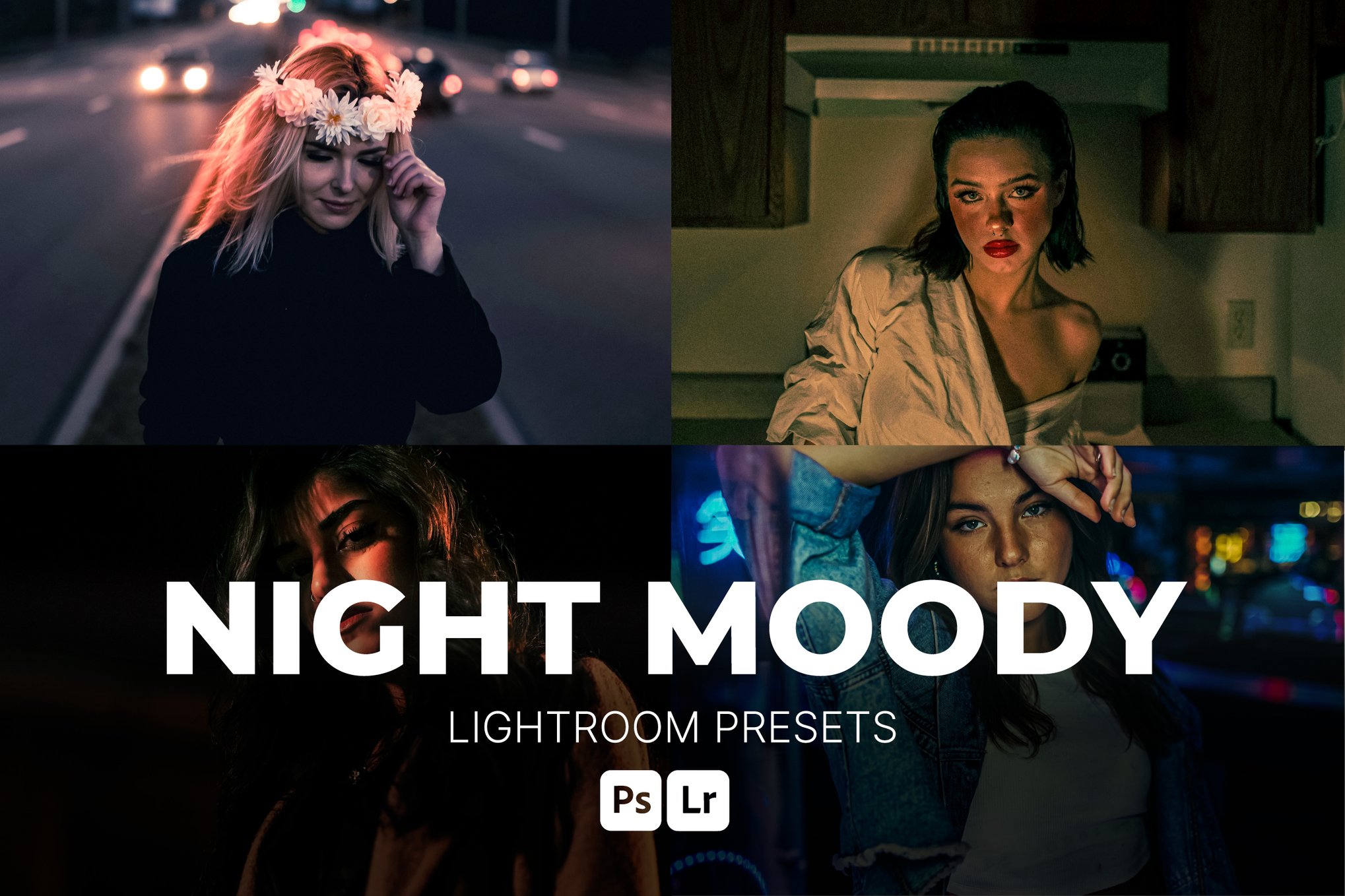
Tailored for low-light settings, these presets add depth, cinematic tones, and dramatic contrasts to portraits, street scenes, and creative projects. Compatible with Lightroom and Photoshop, they offer one-click transformations and are fully editable. The presets will ensure a seamless editing experience on both desktop and mobile.
Neon Nights Lightroom Presets Collection
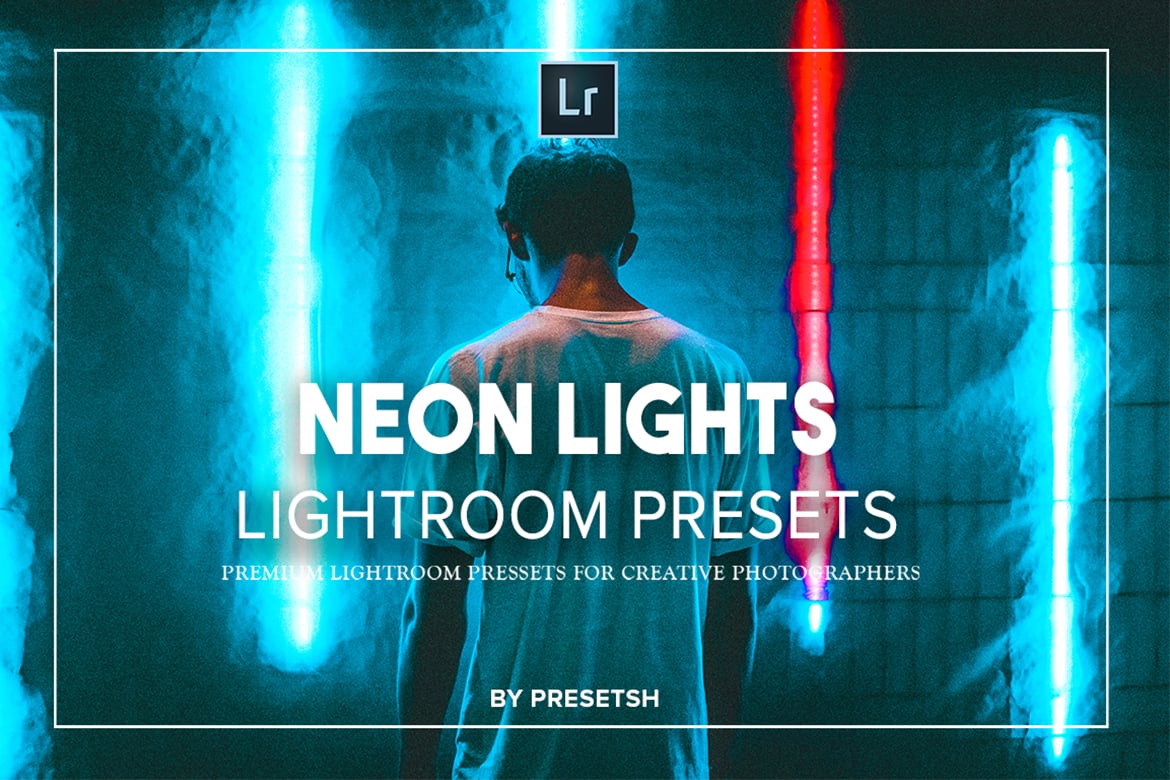
This Lightroom preset bundle offers 15 expertly crafted presets designed to elevate your night photography with vibrant neon tones. Ideal for graphic designers and photographers, these presets transform images with a single click, enhancing efficiency without sacrificing quality. The presets provide professional results quickly, making it perfect for portrait photographers.
Blue Night – Lightroom Presets & PS Action
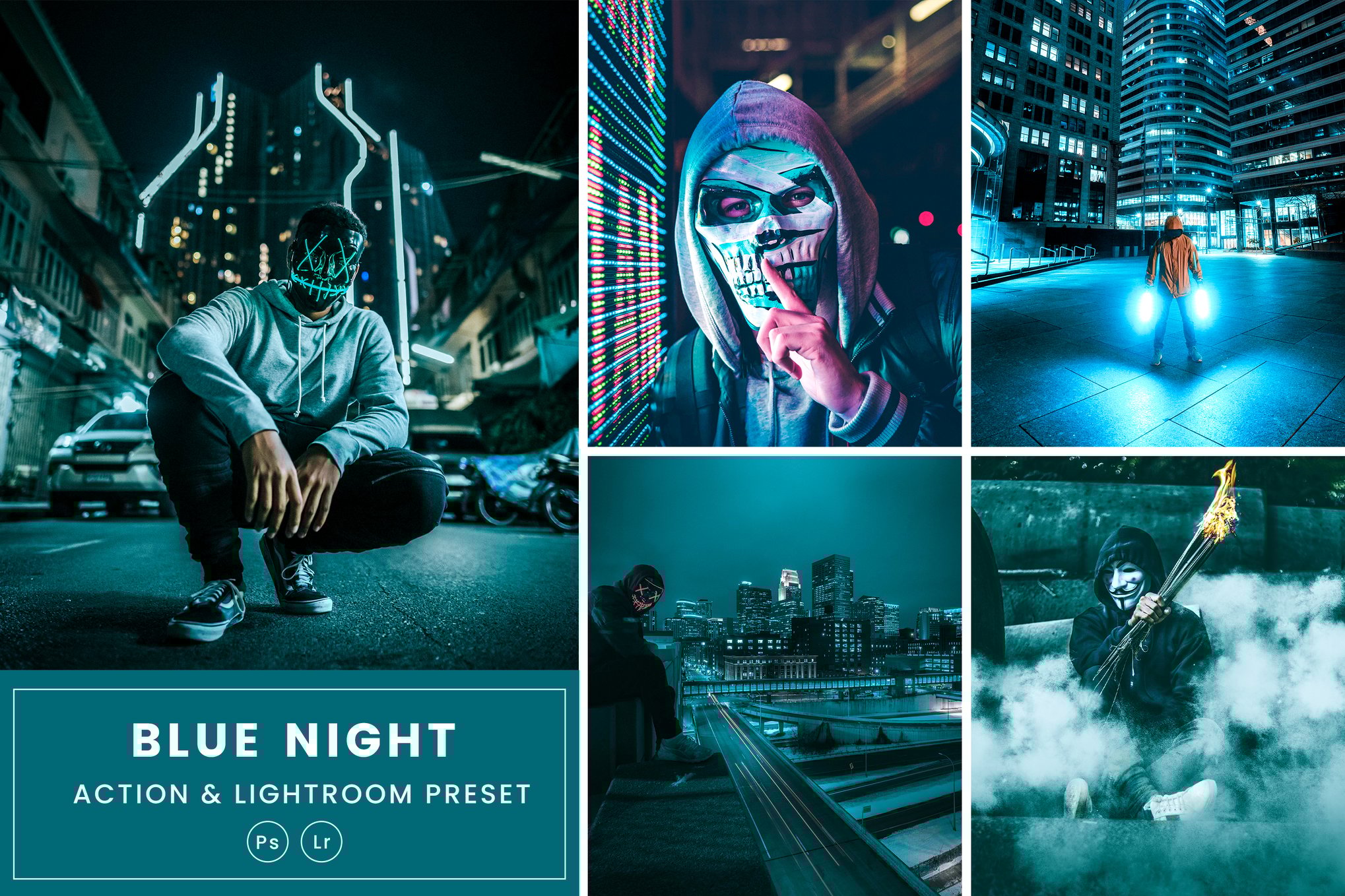
Enhance your night photography with this bundle of Lightroom presets. Designed for a standout, smooth style, these versatile filters adapt to various scenes from fashion to moody product shots. Simply install and access through the Lightroom Mobile App for effortless editing. Includes XMP and ATN files along with an easy-to-follow help guide.
Urban Night Lights Lightroom Presets
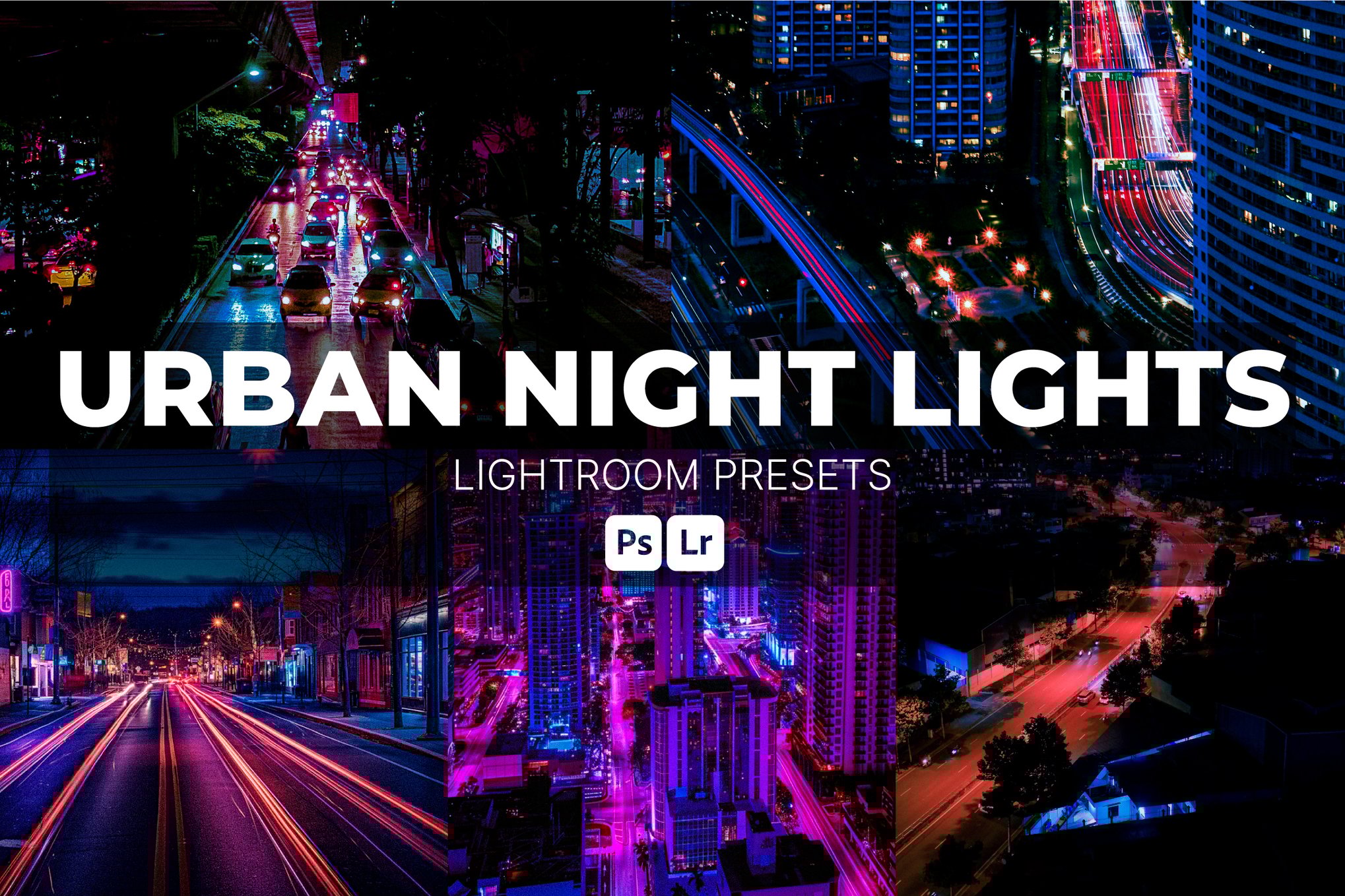
These Lightroom presets are perfect for enhancing your nighttime city photography with vibrant neon tones and cinematic contrast. Ideal for urban photographers and creatives, these presets highlight bold magenta and cyan hues, deep shadows, and glowing highlights. Compatible with both Lightroom Desktop and Mobile, they are easy to install and editable for a personalized, futuristic look.
Dark Neon Night Lightroom Presets
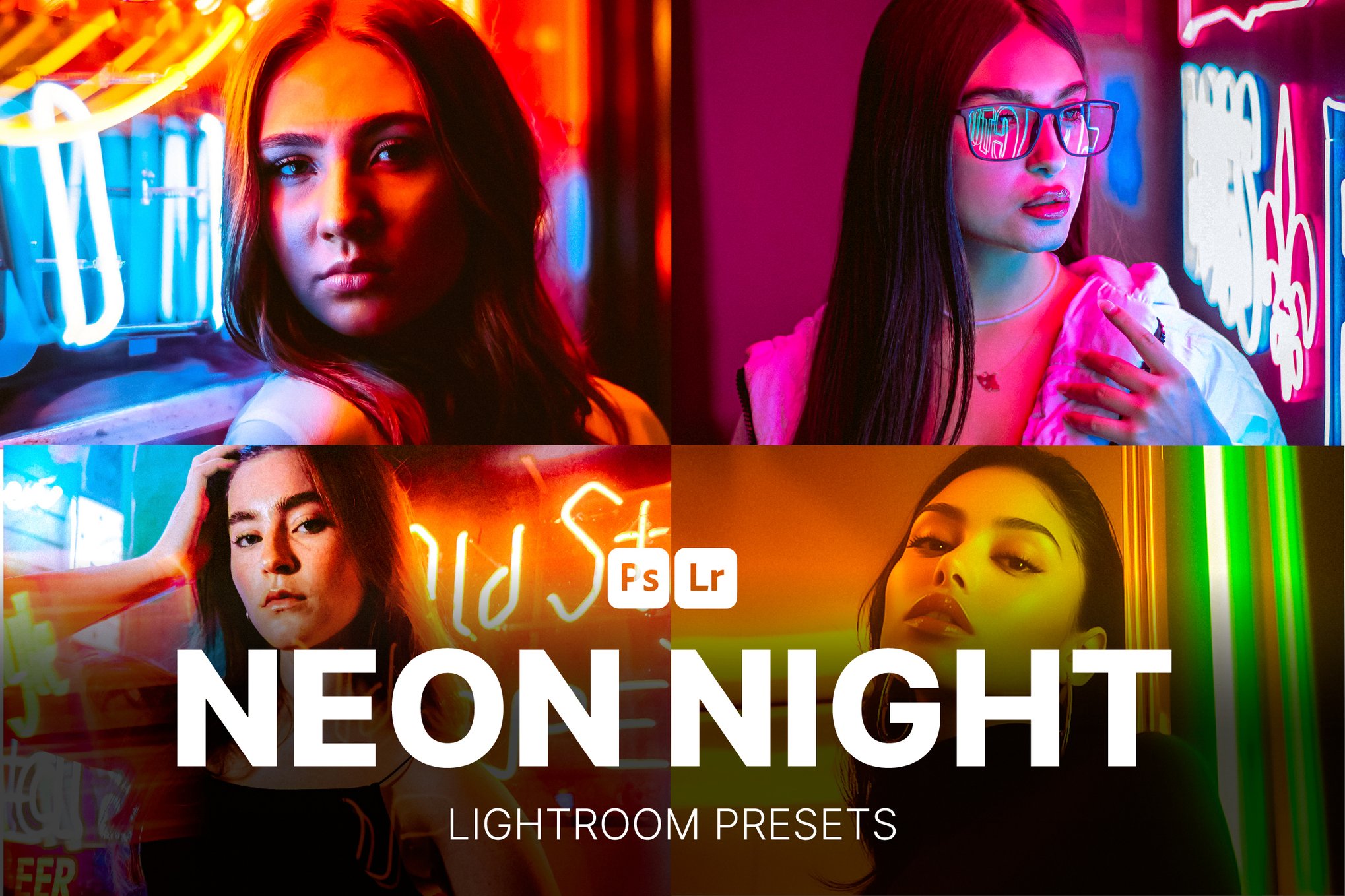
Transform your nighttime photography with this unique Lightroom preset pack, designed to infuse your images with vibrant neon hues and intense contrasts. Perfect for street and portrait photographers, these presets create a moody, cyberpunk-like atmosphere, enhancing urban scenes with remarkable style. Ideal for both desktop and mobile use, they’re your go-to for high-impact, edgy visuals.
6 Celestial Nights Lightroom & Photoshop Presets
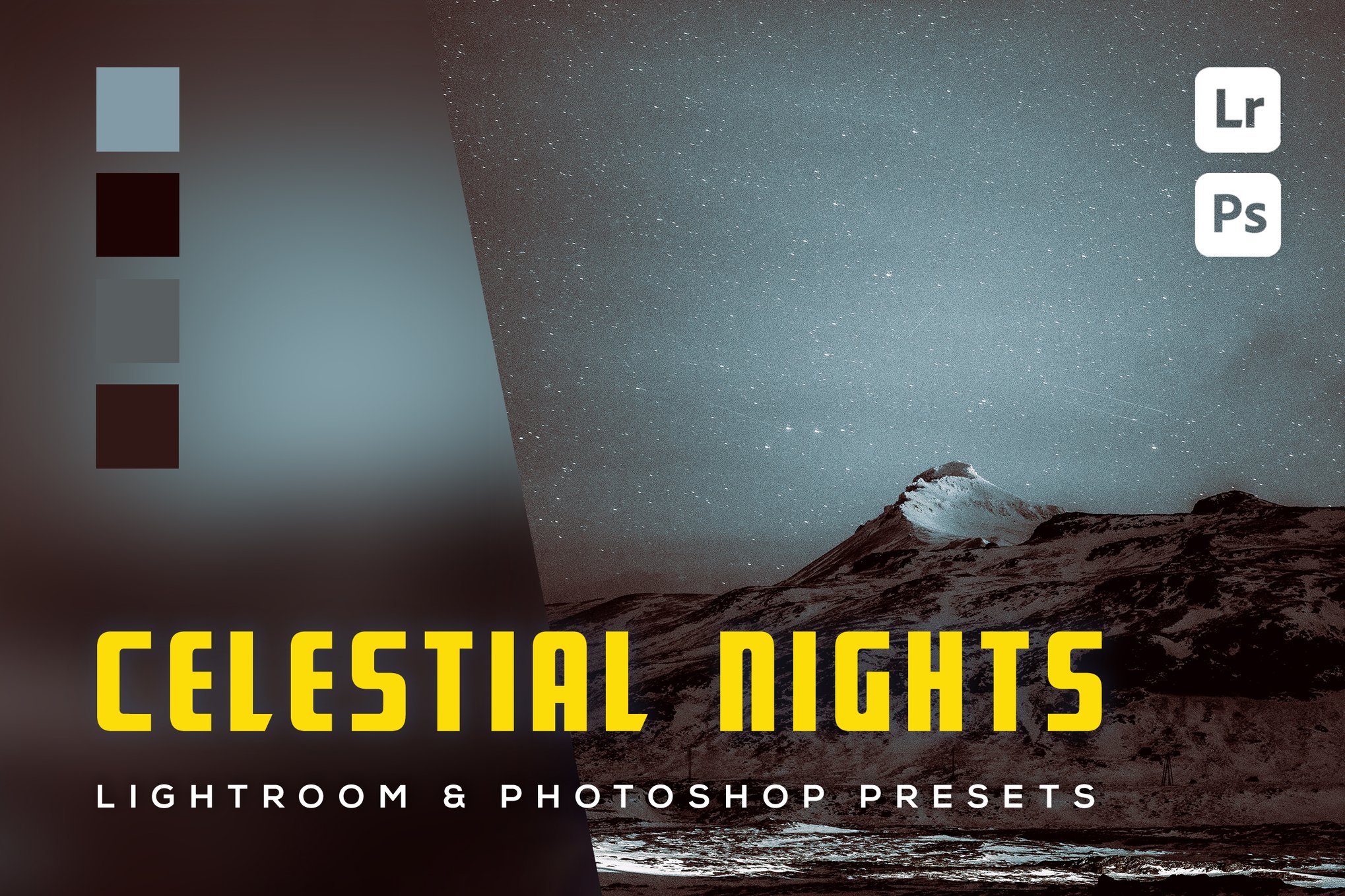
Add a stunning color transformation for your night photography using these Lightroom presets, adaptable for both phone and professional camera images. This versatile set includes 6 presets for mobile and desktop use, complete with easy-to-follow installation instructions. Compatible with Windows, macOS, iOS, and Android, it’s perfect for enhancing your creative projects.
6 Night Street Lightroom & Photoshop Presets
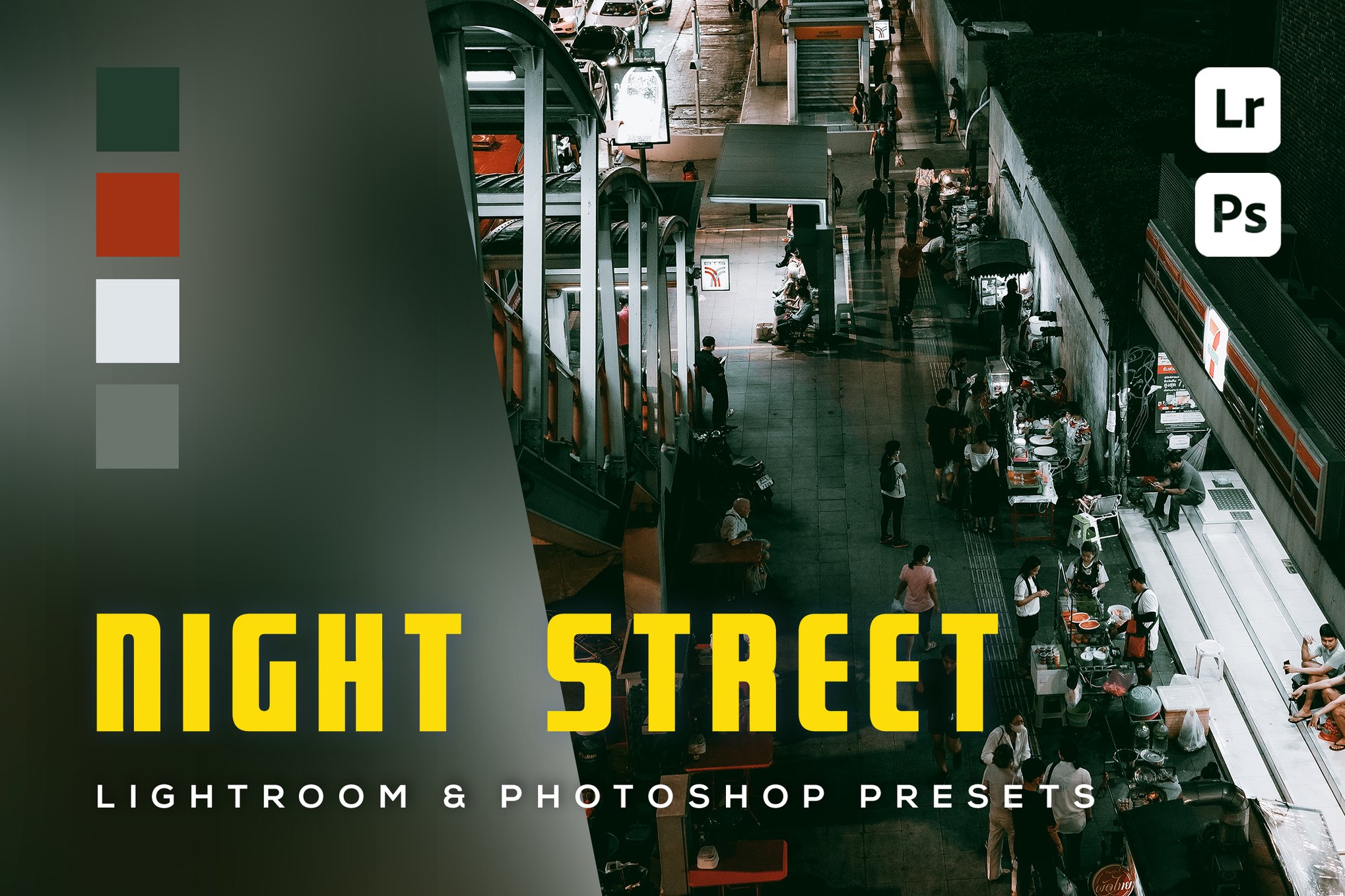
This Lightroom preset collection offers a stunning color grade for both mobile and professional camera images, featuring 6 presets each for Lightroom and Photoshop, compatible across Windows, MacOS, iOS, and Android. Installation guidance is included, ensuring easy setup and creative freedom.
Urban Night Lightroom Presets
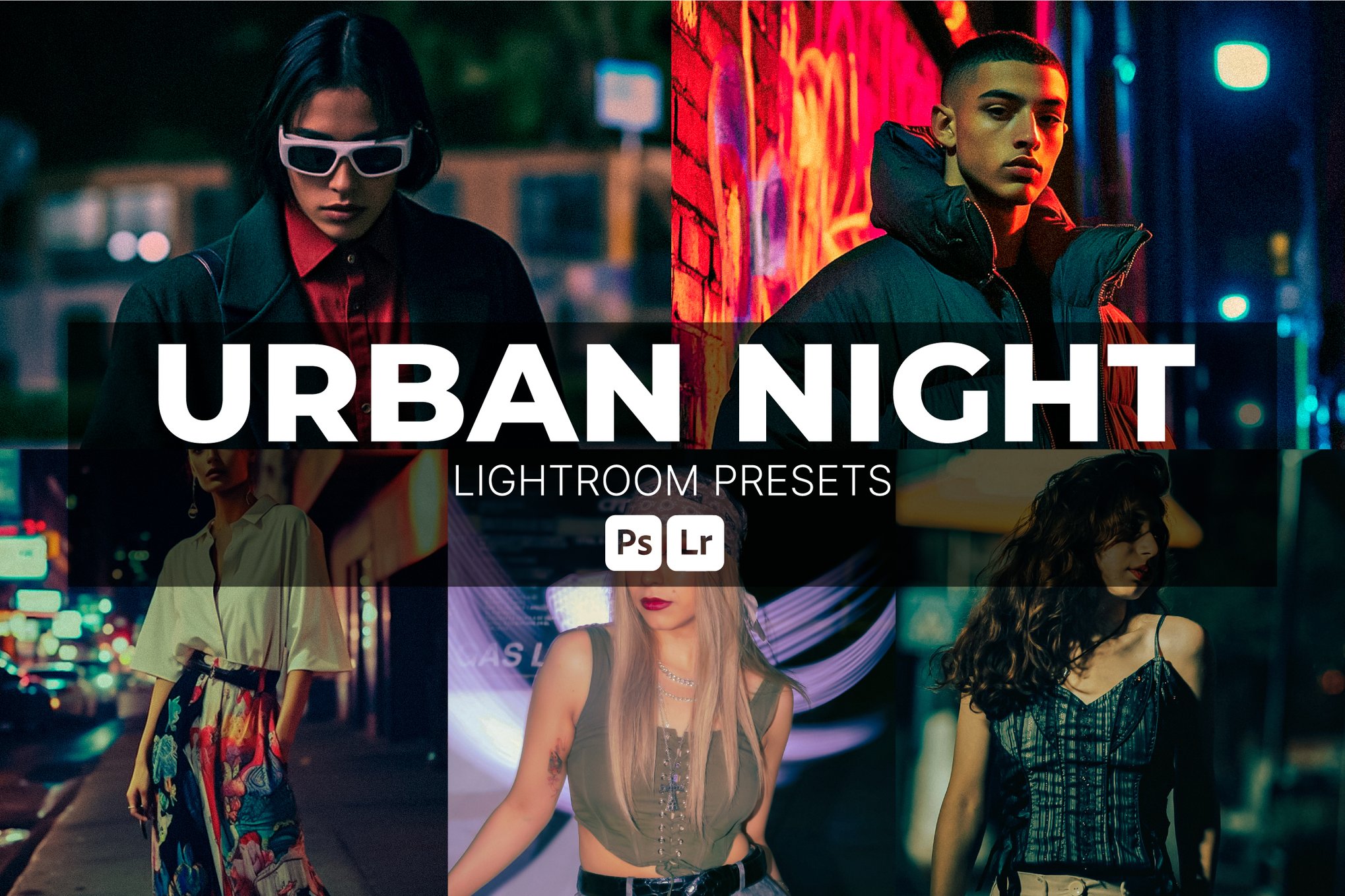
This Lightroom preset pack is perfect for capturing the vibrancy and mood of street and city lights. Tailored for night portraits, nightlife scenes, and urban landscapes, these presets offer rich contrasts and glowing highlights. Compatible with both Lightroom Desktop and Mobile, they are ideal for a cohesive look across your content.
Warm Night Lightroom Presets
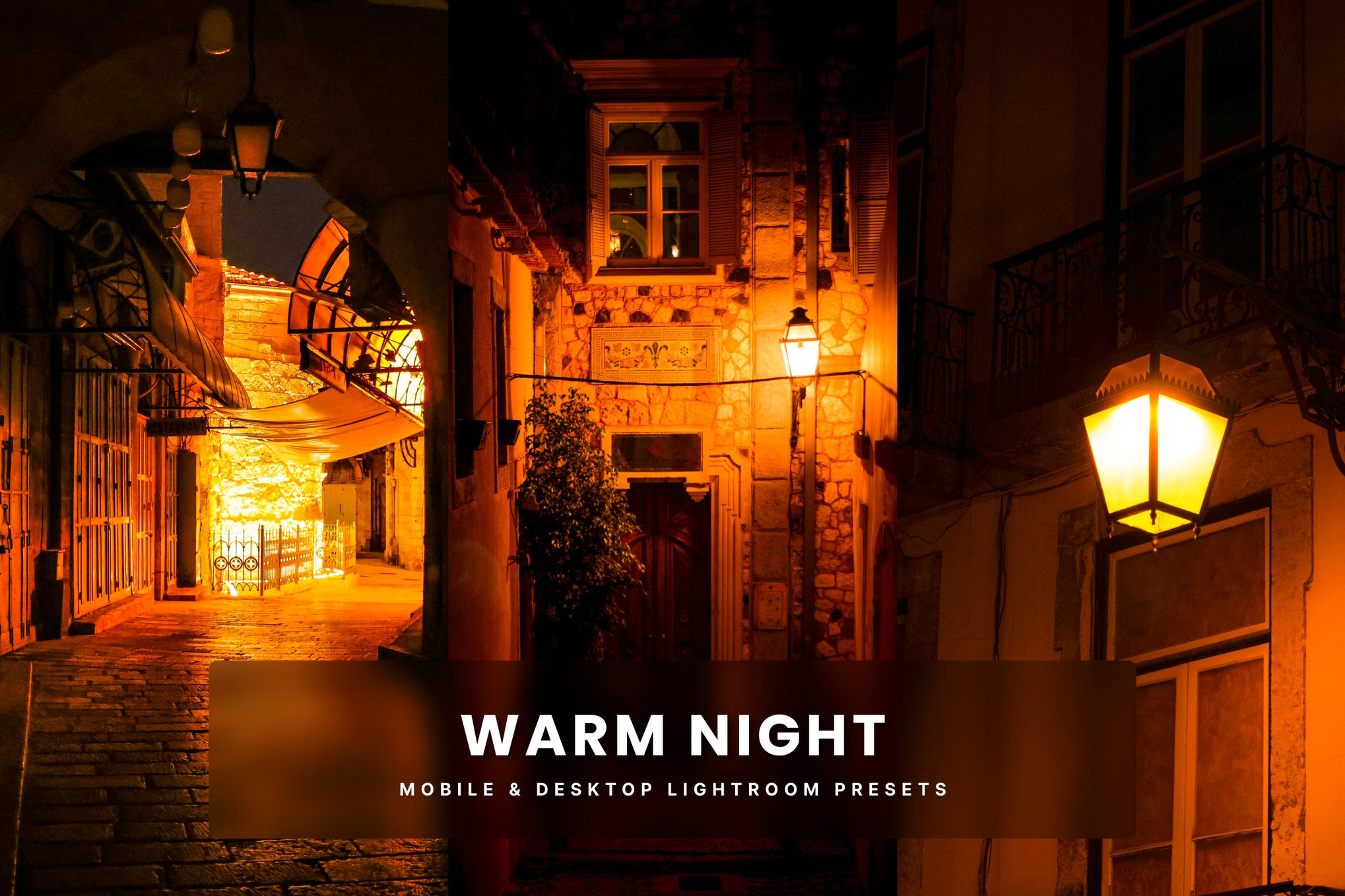
A simple yet professional way to enhance your night photography. With five versatile Lightroom presets for both desktop and mobile, these tools sharpen details and enrich natural tones, providing a cohesive style for photographers and influencers alike. Compatible with Adobe Lightroom and Photoshop, they’re perfect for creating polished photos effortlessly.
Night Sky Lightroom Presets
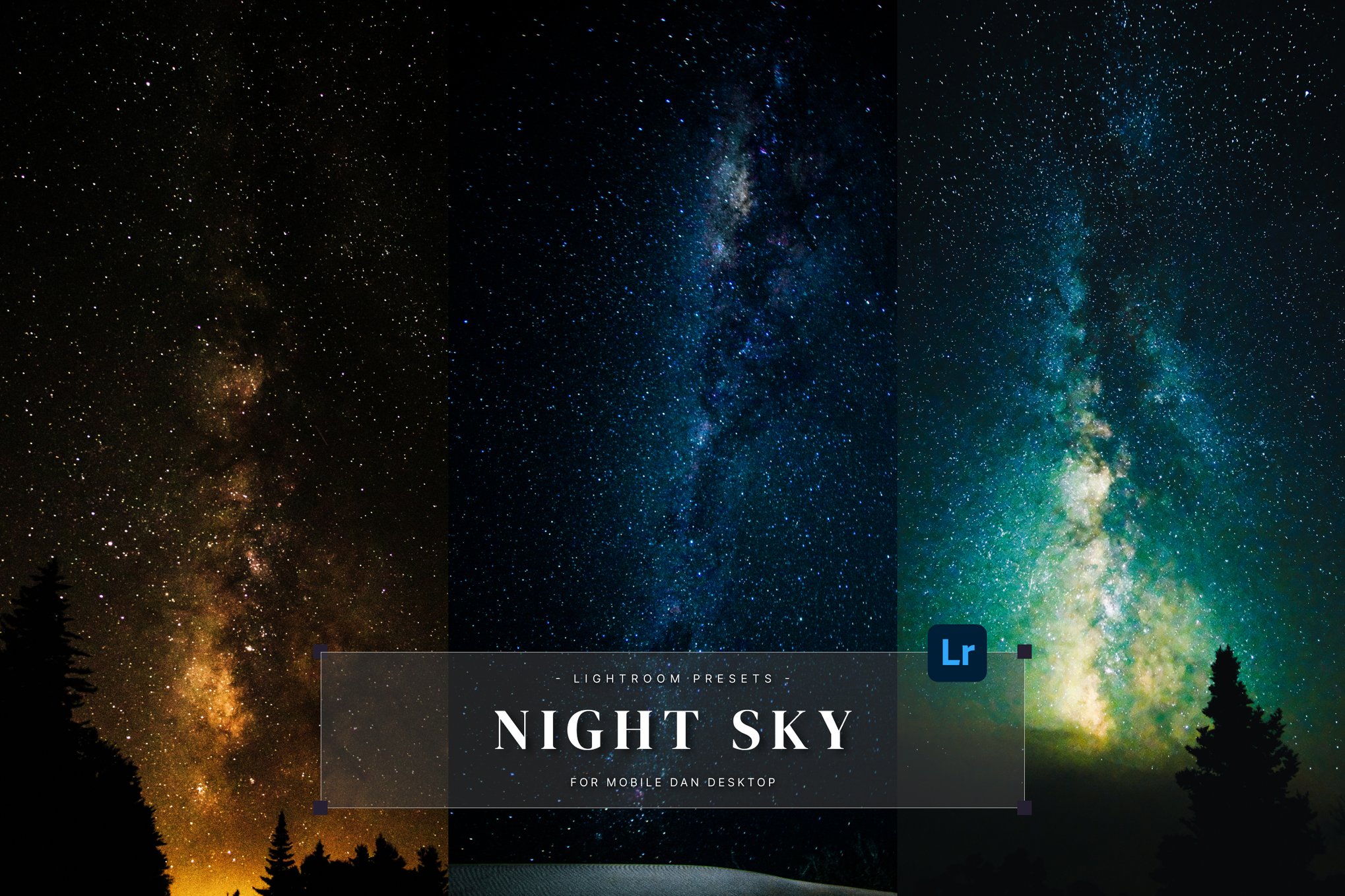
This Lightroom preset pack offers an enchanting touch to your astrophotography, enhancing the starry sky with golden Milky Way tones and deep cosmic contrast. Compatible with multiple platforms, this collection includes 10 presets that elevate nightscapes, revealing celestial details with HDR clarity. Ideal for photographers and adventurers, it transforms your long-exposure shots into breathtaking cosmic masterpieces.
Midnight Film – Night Lightroom Presets
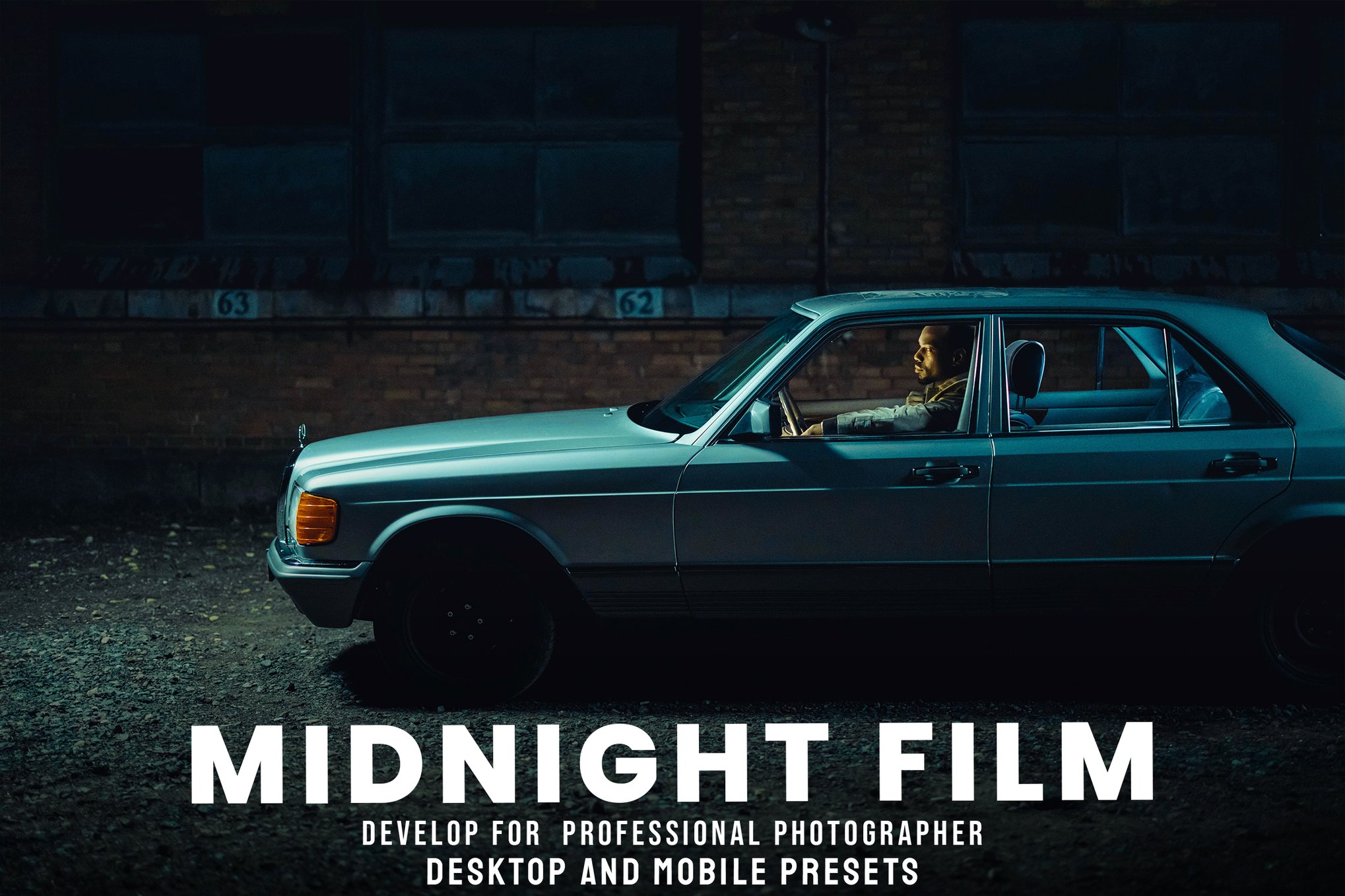
Midnight Film is a collection of Lightroom presets that elevate your night photography with ease. Ideal for animal, wild, and travel photos, this collection works beautifully with indoor and outdoor fashion shots too. It includes six presets compatible across various Lightroom and Photoshop versions, ensuring a seamless editing experience, complete with lifetime updates and detailed installation instructions.
Metro Night Lightroom Presets
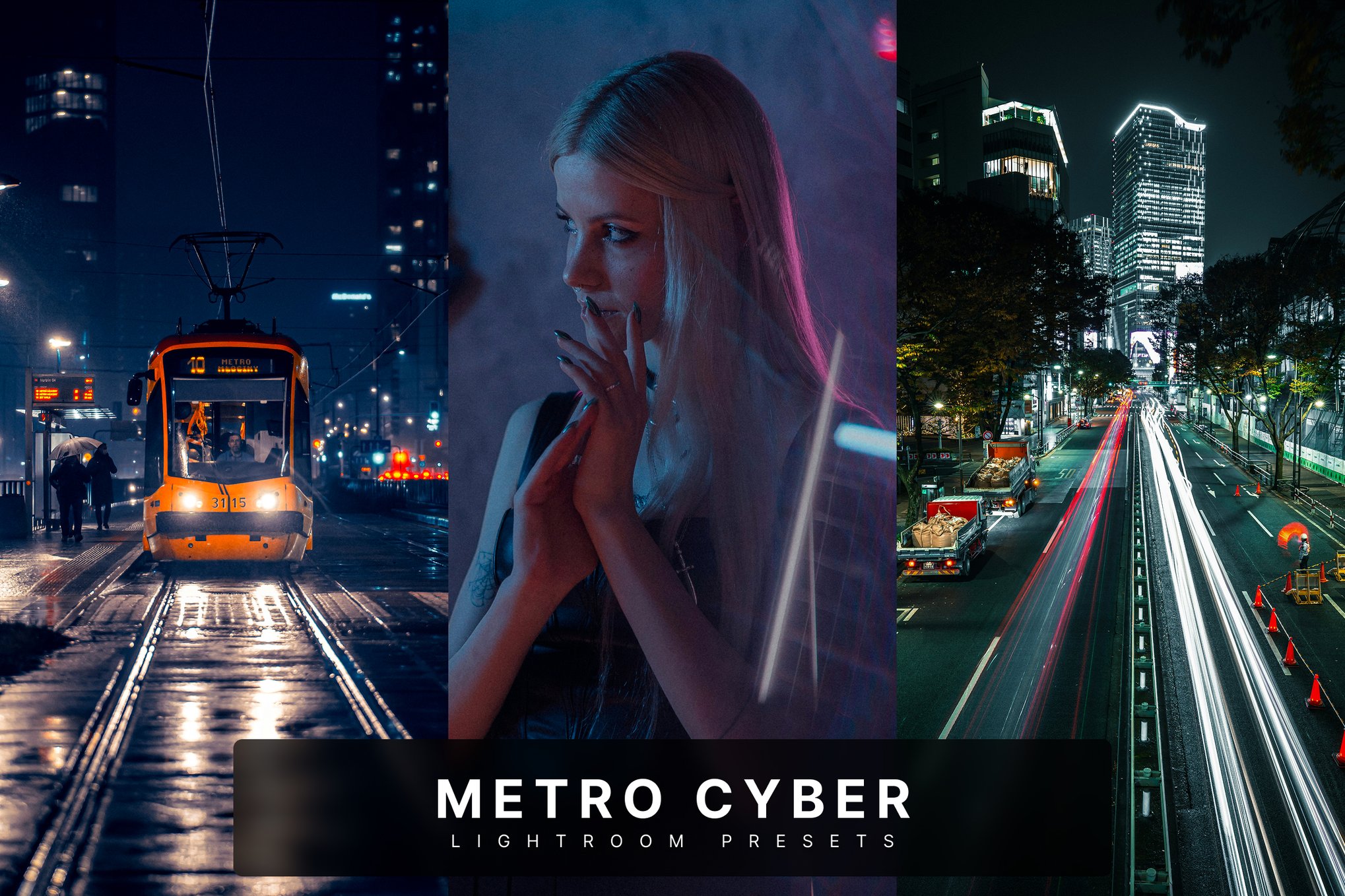
Infuse your night cityscapes with a cyberpunk flair, featuring bold neon highlights and deep shadows. Ideal for urban photography and moody street scenes, these presets add a futuristic, cinematic touch. Perfect for travelers and digital artists, they are easy to use on both desktop and mobile with included installation guides.
20 Night Pulse LUTs & Lightroom Presets
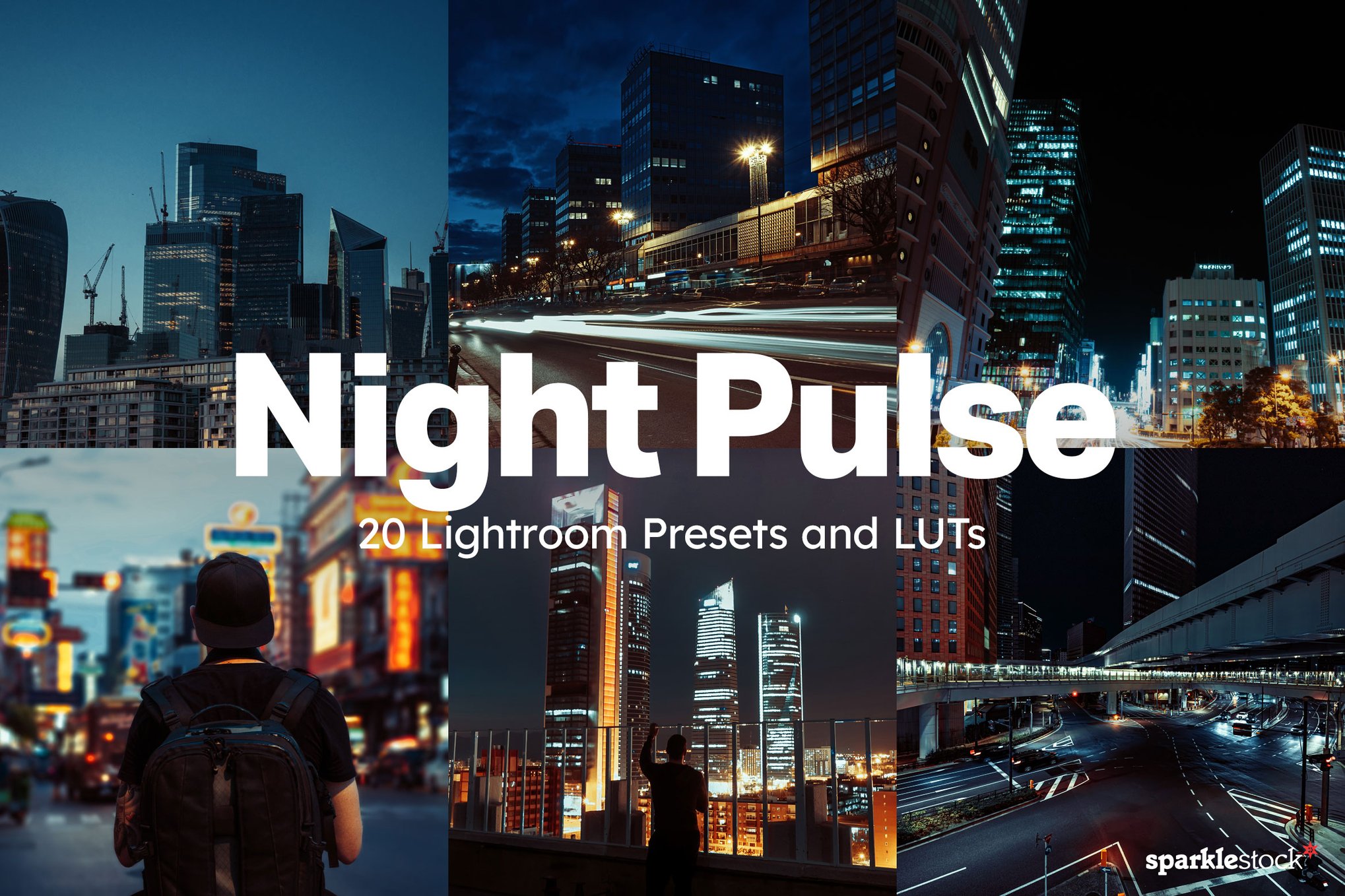
Transform your night photography with this collection of Lightroom presets, designed to enhance photos with deeper tones and striking contrast. Featuring the “Nocturne” preset, these tools enrich colors while maintaining natural skin tones. Compatible with leading photo and video editing software, these presets promise smooth transitions and greater mood versatility in your night scenes.
20 Night Rush Lightroom Presets and LUTs
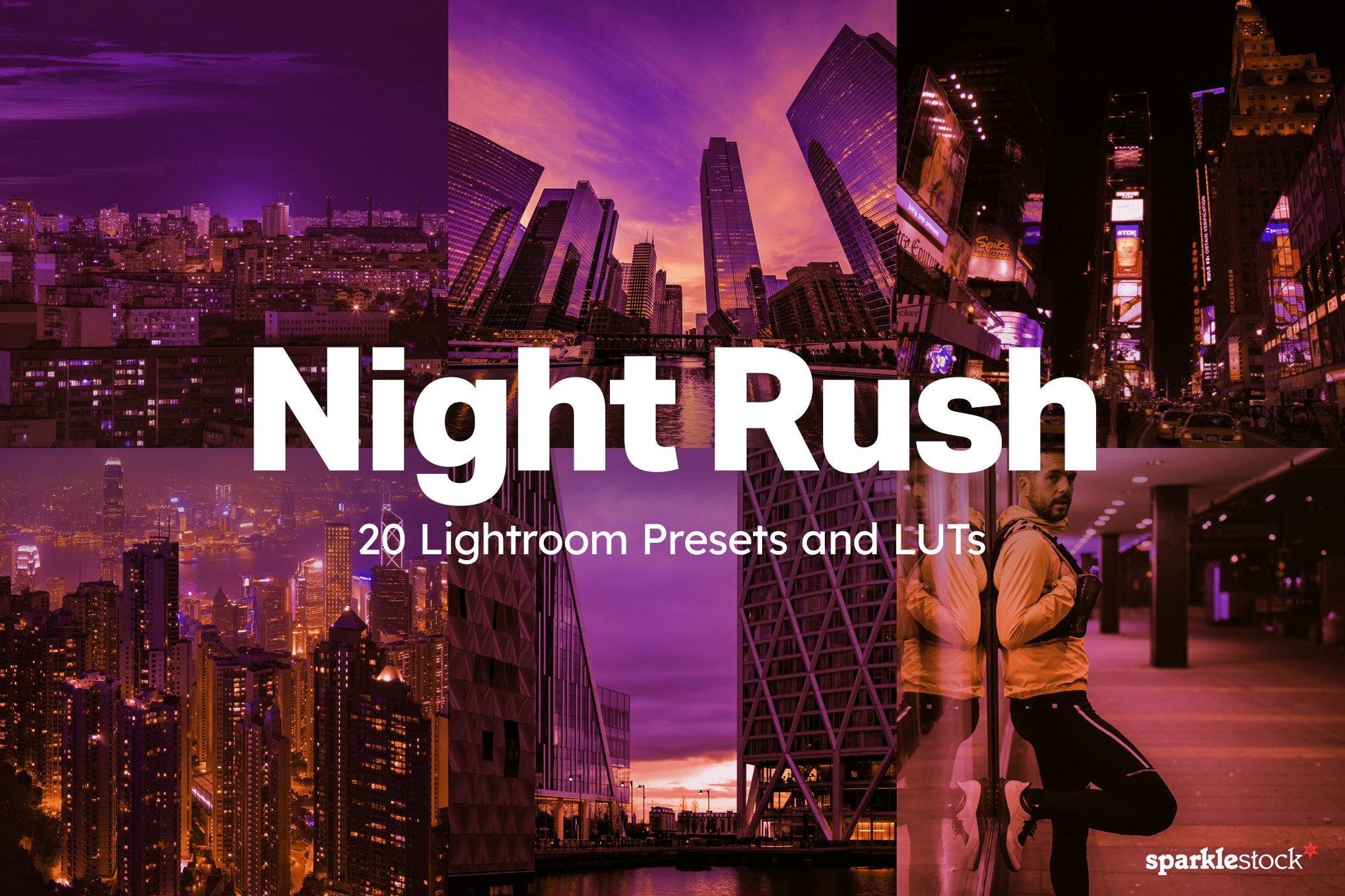
Designed to add vibrant, neon-inspired hues to your images, these Lightroom presets are perfect for cityscapes, music videos, and concerts. They enhance your photos with rich shades of blue, purple, green, and orange while preserving natural skin tones. Compatible with Lighroom and other popular editing software, they ensure smooth, dynamic results.
Best Free Night Photography Lightroom Presets
Fuji Night – Free Night Photography Lightroom Preset
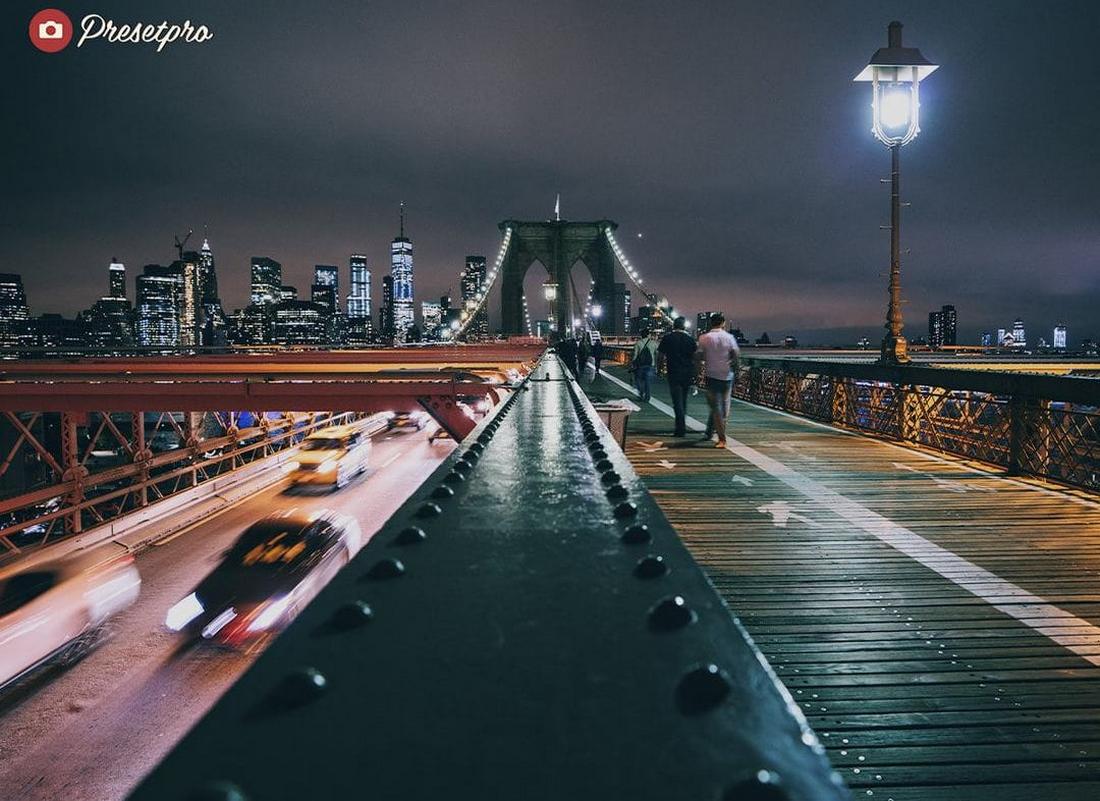
Fuji Night adds deep contrast and rich tones that make city lights and night skies pop while preserving shadow detail. It’s perfect for urban night scenes, street photography, or any after-dark shots with vibrant highlights.
Capri Night – Free Night Photography Lightroom Preset
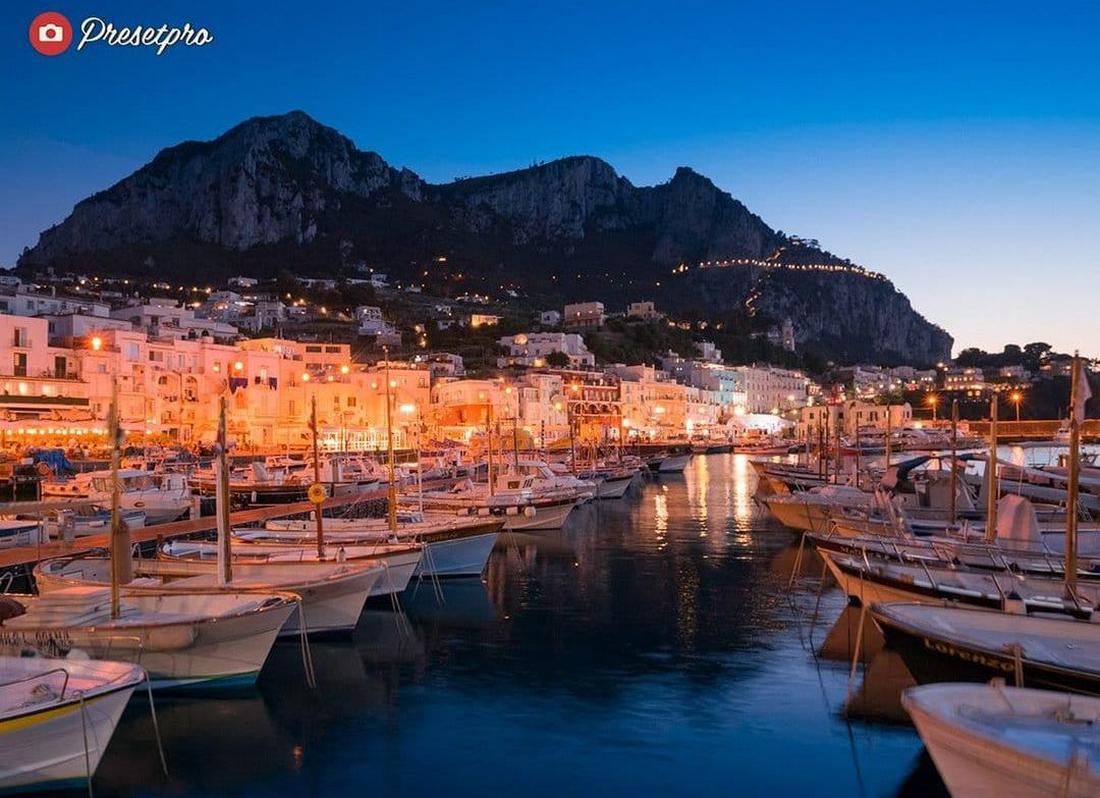
Capri Night brings cool tones and subtle color balance that emphasize moody evening atmospheres without washing out highlights. Use it on nightscapes, skyline photos, or low-light portraits to give them a cinematic edge.
Nightscape – Free Mobile Lightroom Preset
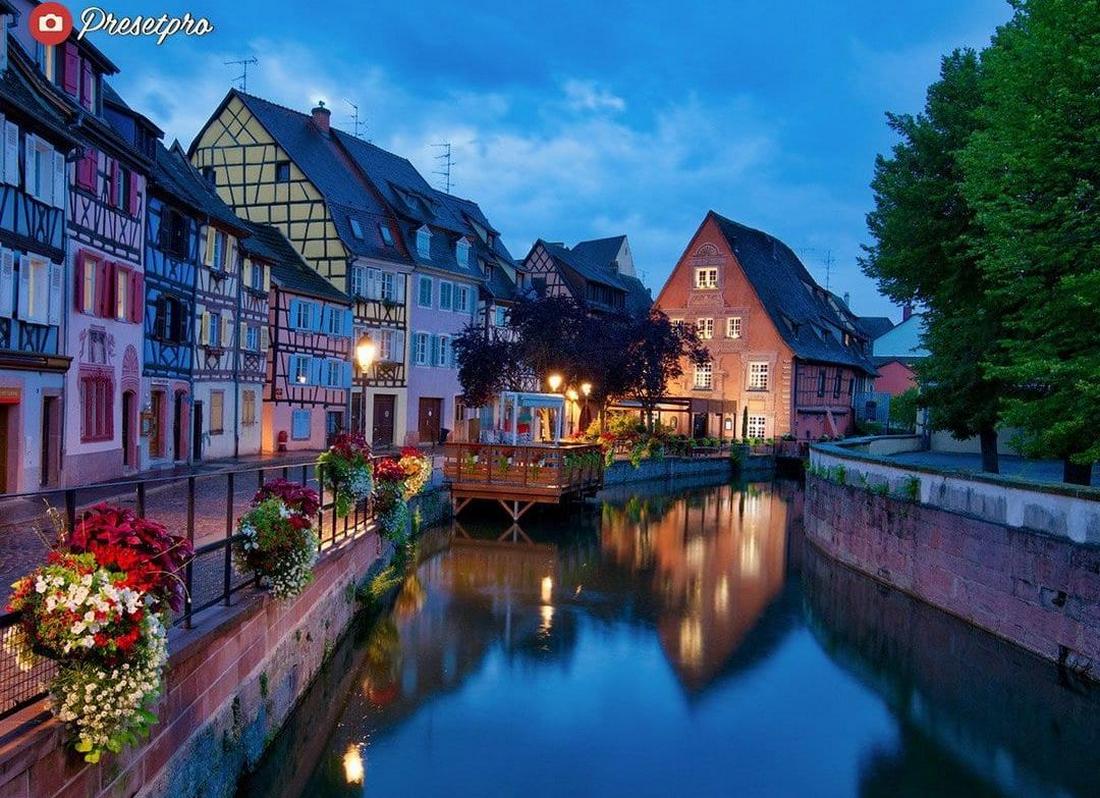
Nightscape enhances night shots on mobile with boosted clarity and defined light sources, helping stars, streetlights, and neon signs stand out. It’s ideal for travel snapshots or nocturnal landscapes captured on the go.
Teal Night – Free Night Photography Lightroom Preset
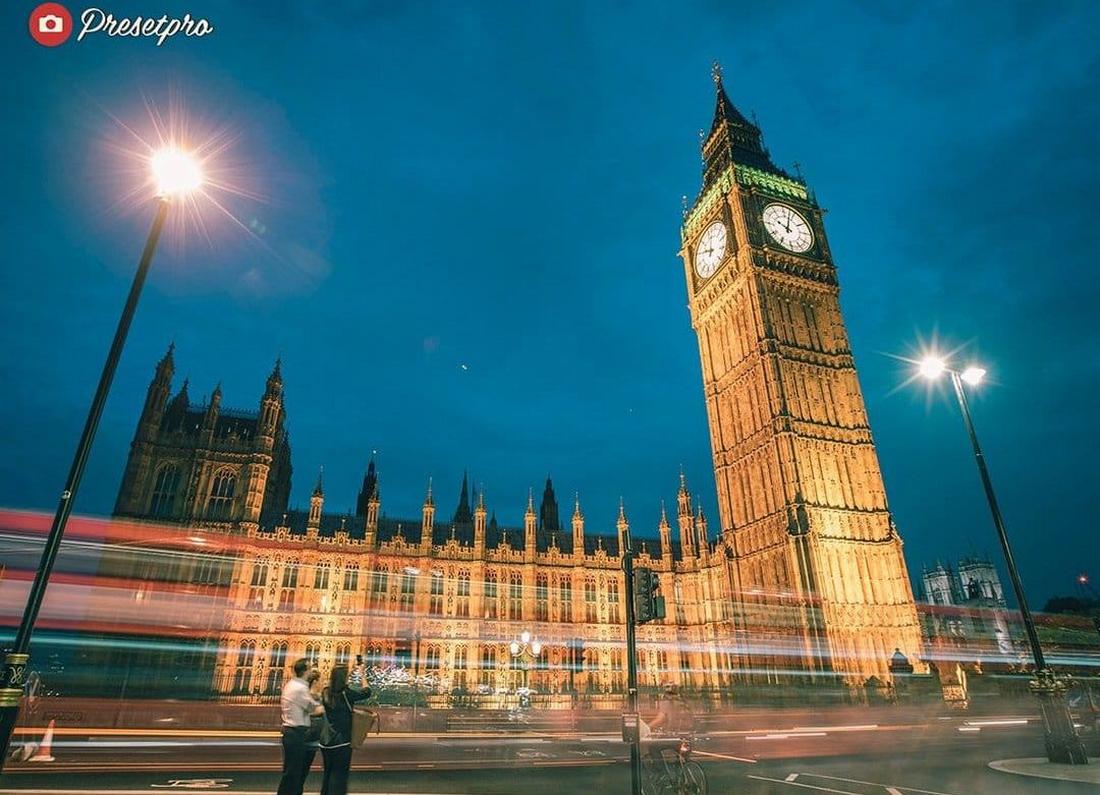
This free preset introduces a stylish teal-toned color shift with softened shadows that creates a modern, cinematic night look, especially striking on cityscapes and nightlife photos. Great for visuals with bold lighting.
10 Lightroom Tips for Enhancing Night Photography
1. Adjust Exposure Carefully
Night photos can look underexposed straight out of camera, but avoid pushing exposure too far. Increase it gradually while keeping the natural darkness of the scene intact. Night images should feel dark, not artificially bright.
2. Control Noise Early in the Process
Low light often introduces noise. Use the Noise Reduction sliders in the Detail panel, focusing on luminance first. Reduce noise just enough to smooth grain without losing important detail.
3. Lower Highlights to Recover Light Detail
Streetlights, neon signs, and car headlights can easily blow out. Lower the highlights to bring back structure in bright areas and maintain a more balanced image.
4. Lift Shadows With Care
Raising shadows can reveal hidden details, but too much can create flat, noisy results. Increase shadows subtly and monitor image quality as you go.
5. Refine White Balance for Mood
Night scenes often have mixed lighting sources like tungsten, LED, and neon. Adjust white balance to control the mood. A slightly cooler temperature can enhance cityscapes, while warmer tones may suit evening portraits.
6. Use the Tone Curve for Depth
The Tone Curve allows precise control over contrast. Add a gentle S-curve to deepen shadows and define highlights while keeping midtones smooth.
7. Enhance Specific Colors With HSL
City night photography often features strong colors. Use the HSL panel to fine tune individual hues like blues, oranges, or reds rather than increasing overall saturation.
8. Add Subtle Clarity and Texture
Clarity can enhance architectural details and reflections, but use it sparingly to avoid harsh edges. Apply selectively with local adjustments when possible.
9. Use Local Adjustments for Light Control
Brush tools and radial filters are helpful for emphasizing subjects or toning down bright areas. You can subtly brighten a subject while keeping the background dark for stronger focus.
10. Finish With Careful Sharpening
Night photos can lose crispness due to high ISO. Apply moderate sharpening and use masking to target edges only. This keeps the image sharp without enhancing noise in smooth areas.