20+ Exceptional Lightroom Presets for Editing Smartphone Photos
Lightroom presets are a game-changer for anyone looking to make their smartphone photos look professional with just a single tap.
They allow you to apply complex color grades and lighting adjustments instantly, saving you from the hassle of moving dozens of sliders manually.
In this collection, you will find a variety of smartphone Lightroom presets specifically designed to handle the unique lighting and colors of mobile photography.
These effects help you establish a consistent aesthetic for your social media feed, blog, or personal portfolio.
Level – Lightroom Presets for Mobile Photography
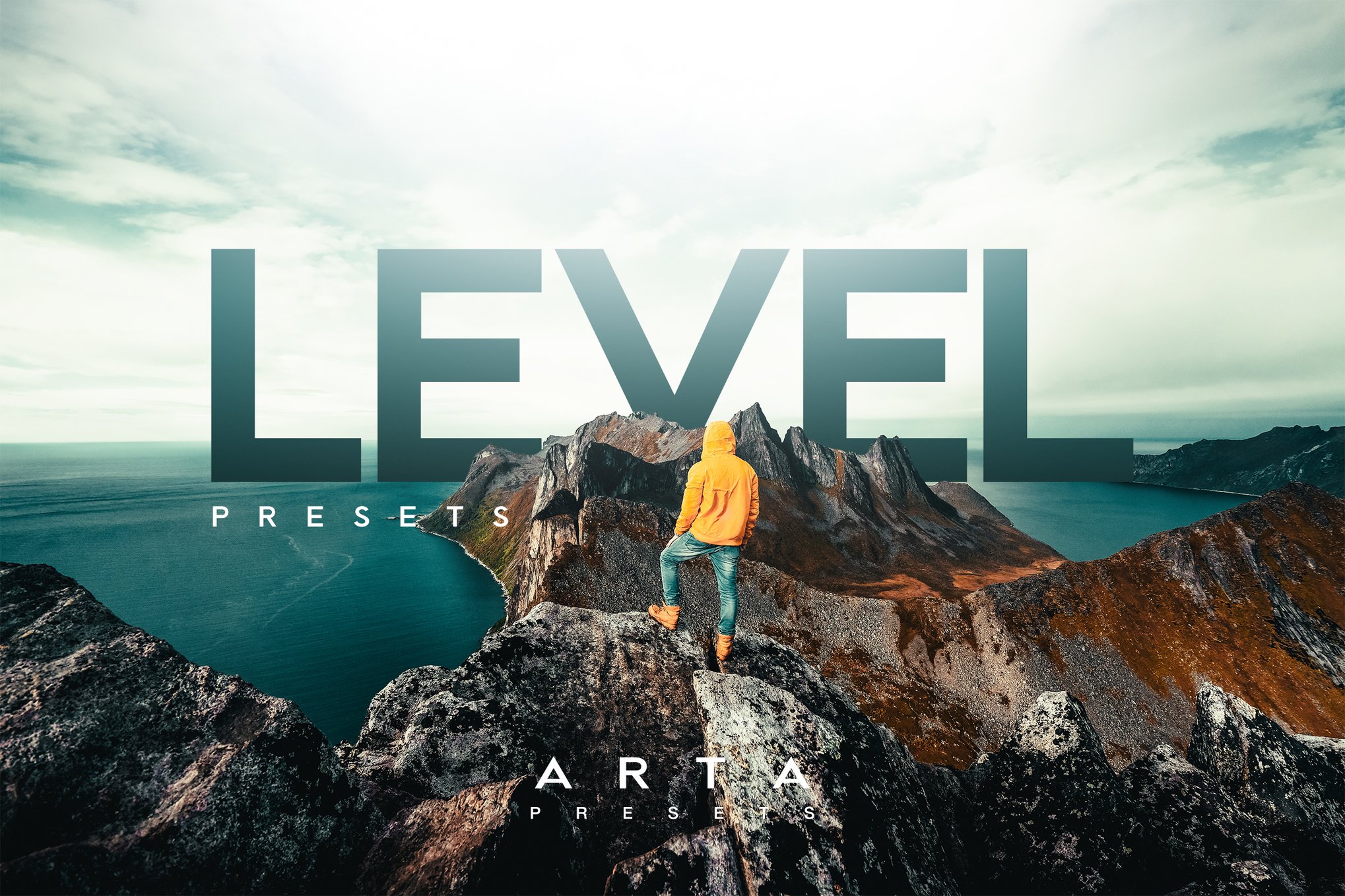
Level is a collection of Lightroom presets that offers a set of 7 presets designed to enhance your smartphone and DSLR photos with modern colors and a consistent style. Ideal for travel, fashion, or lifestyle photography, these easy-to-use presets work with both mobile and desktop Lightroom apps, and include a helpful installation tutorial.
Bouvardia – Smartphone Lightroom Presets
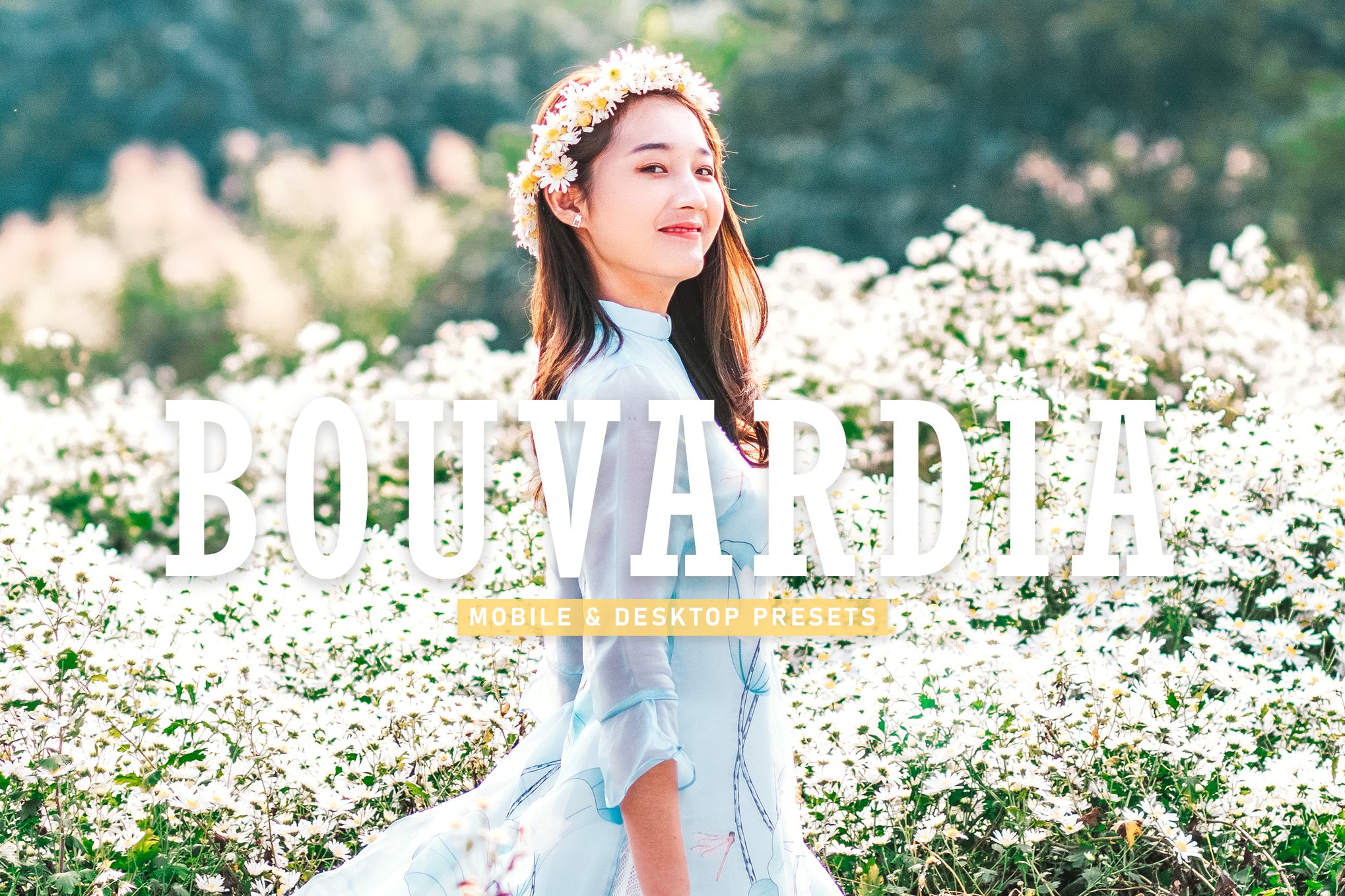
Bouvardia is another pack of Lightroom presets that offer a quick and easy way to enhance your photos with just one click. Perfect for a variety of photography styles, from portraits to landscapes, these 13 presets add a natural, eye-pleasing touch to your images. Compatible with both desktop and mobile, they ensure a non-destructive, easily editable workflow for consistently stunning results.
Makeup – Portrait Lightroom Mobile Presets
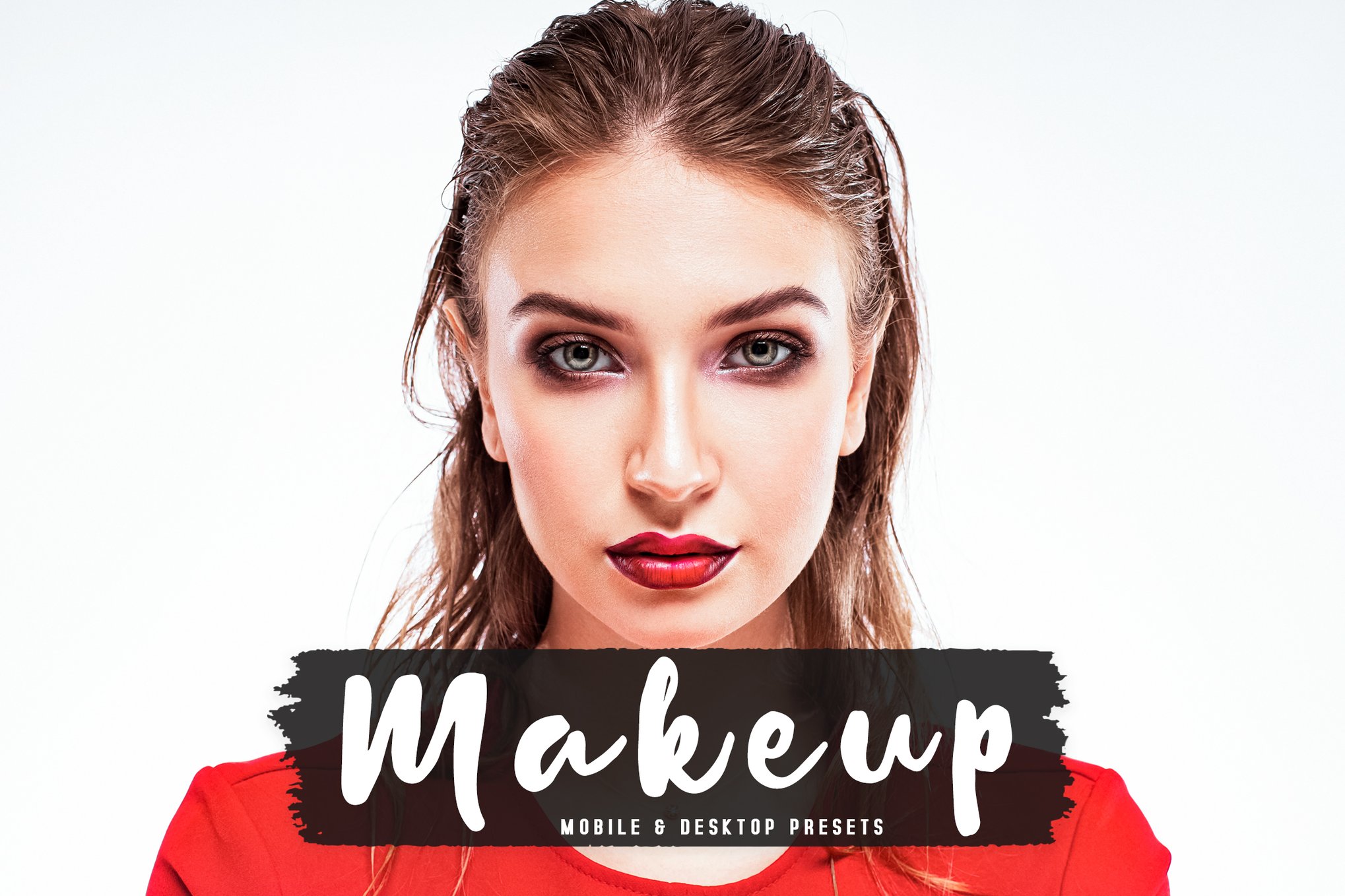
This set of Lightroom presets are designed to enhance smartphone photography with ease and style. With just one click, transform portraits and more across diverse settings like fashion, travel, and lifestyle. Compatible with both mobile and desktop, these presets ensure a high-quality, non-destructive workflow, offering consistency and beautiful mood enhancement for all your photos.
14 Pro Mobile Photography Lightroom Presets
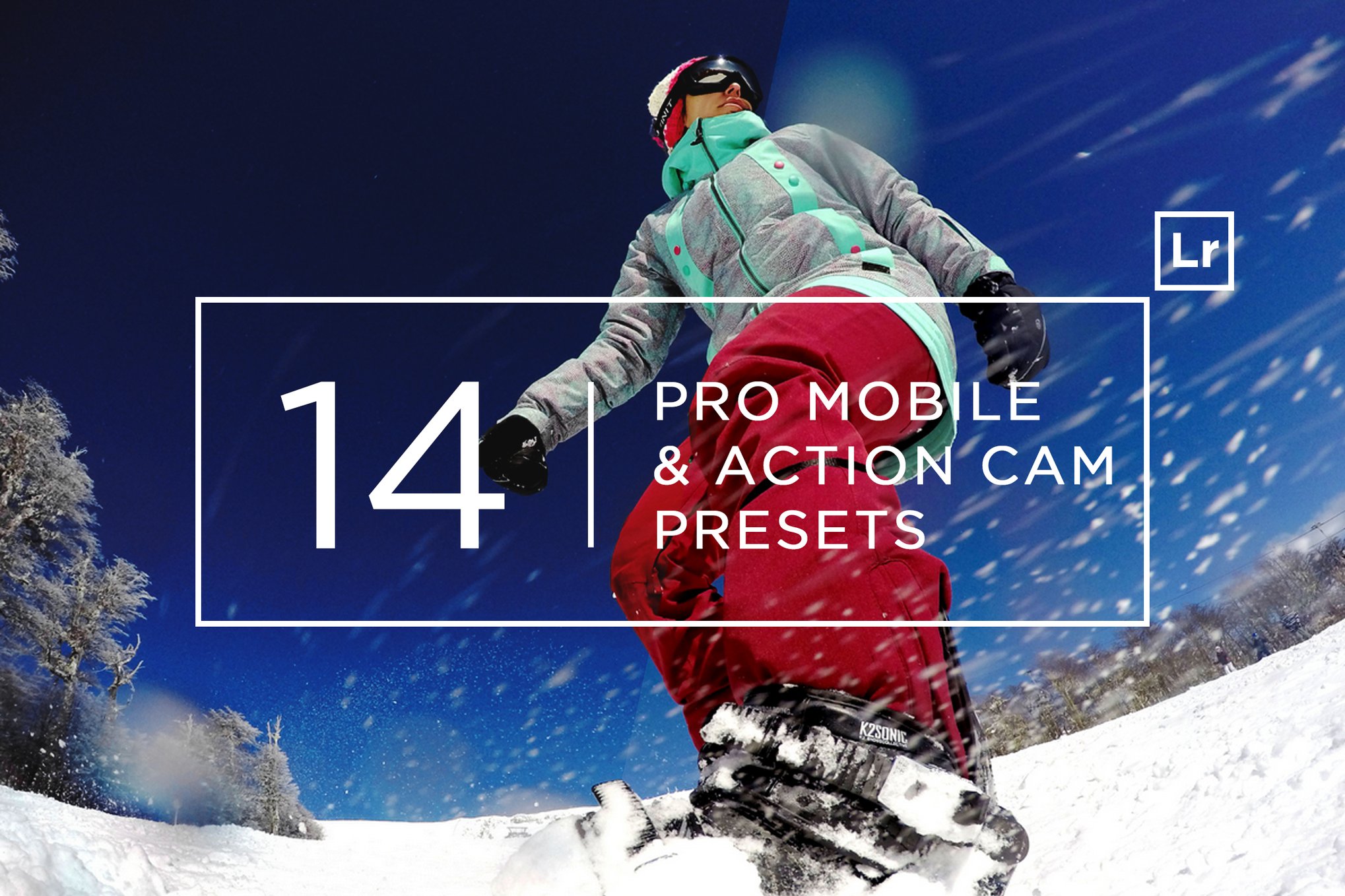
These Lightroom presets are designed to enhance smartphone photos with professional, one-click edits using Adobe Lightroom on desktop. Ideal for bloggers, photographers, and Instagram enthusiasts, these presets improve color, exposure, and contrast without altering the white balance. They’re easy to customize and supports a variety of photo formats.
30 VSCO Inspired Lightroom Presets
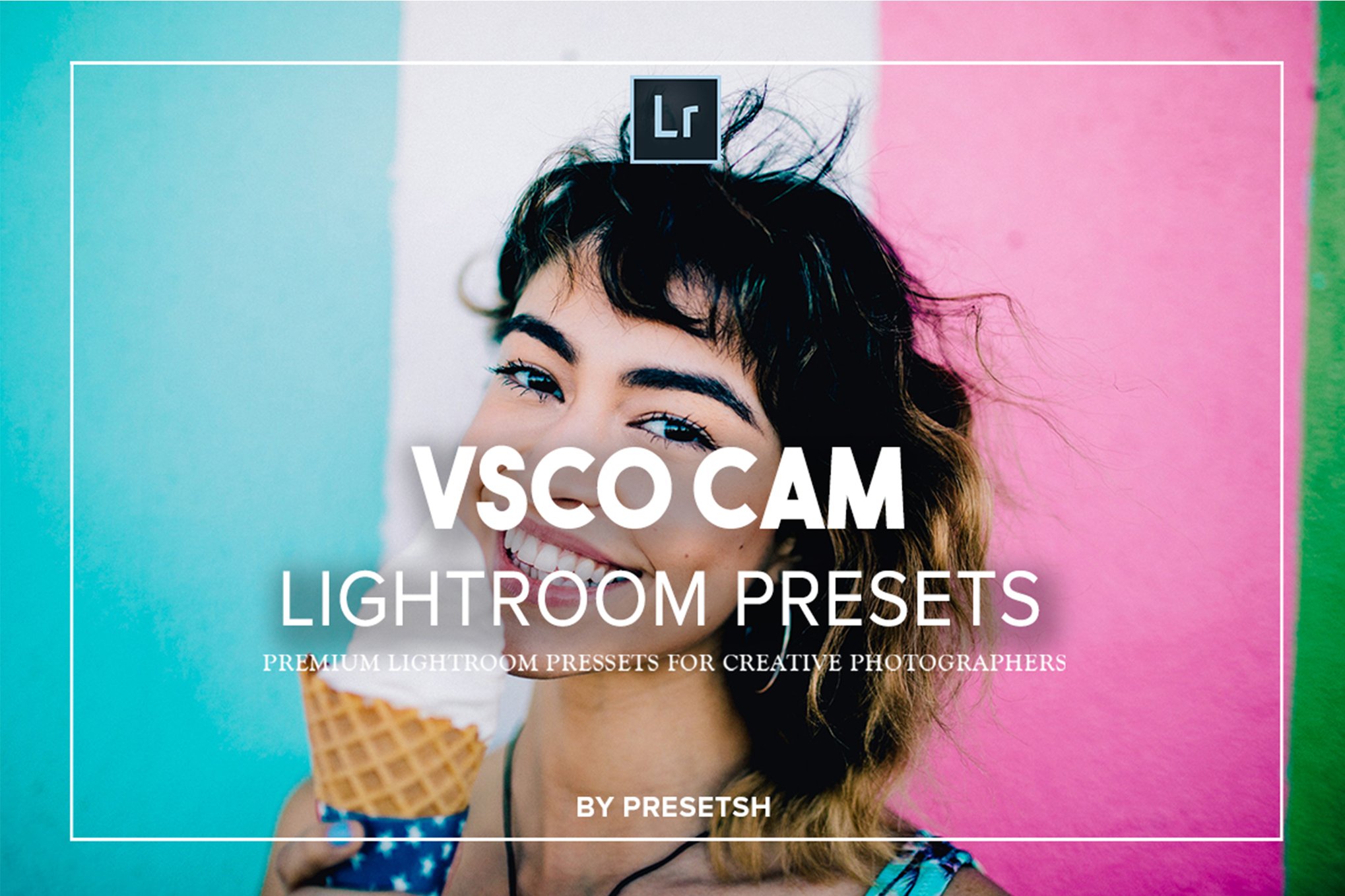
Enhance your smartphone photography with this set of smartphone Lightroom presets, designed to bring stylish, film-like aesthetics to your images. Compatible with both Mac and PC, these presets support various file formats, providing non-destructive editing with just one click. Ideal for portraits, landscapes, and more, they simplify your workflow in Adobe Lightroom.
Pensacola – Beach Photography Lightroom Presets
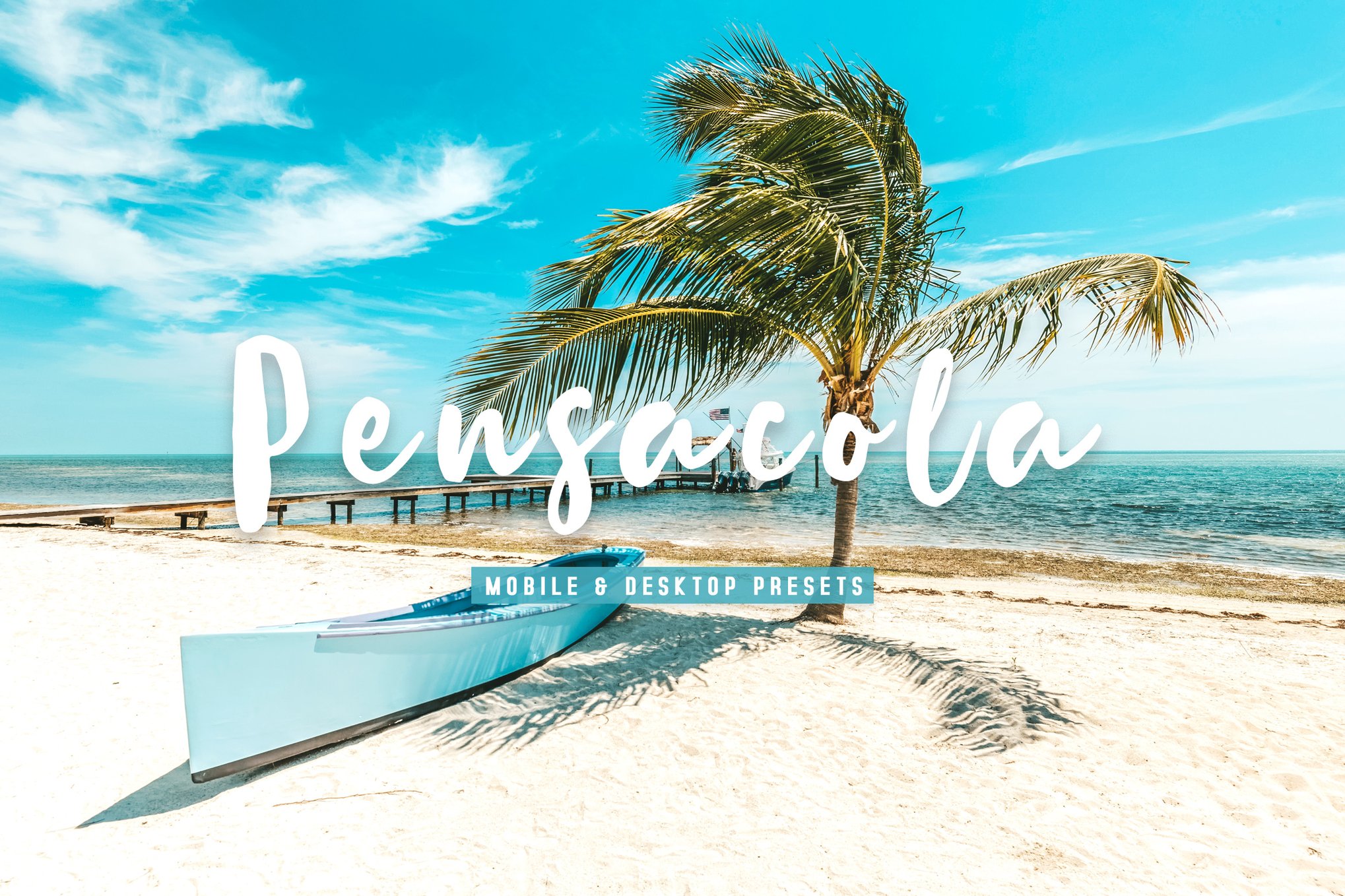
Pensacola is a bundle of Lightroom presets that comes with 13 presets compatible across devices, they provide a natural, balanced look for everything from travel to food photography. User-friendly and versatile, they ensure high-quality results while preserving your original images. A detailed guide is included for effortless setup.
Redwood – Bold Lightroom Mobile Presets
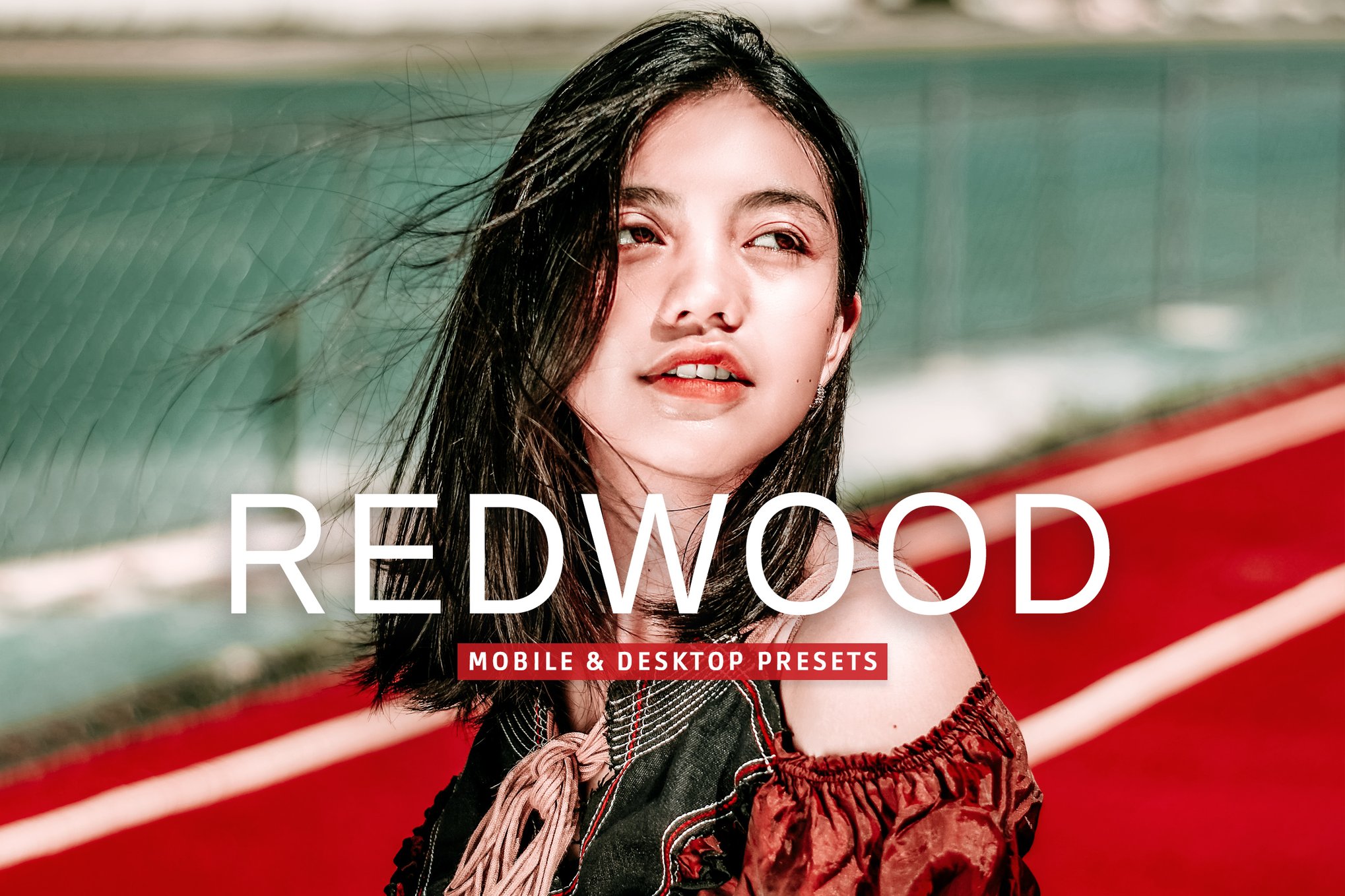
Redwood Lightroom presets pack enhance your smartphone photography with a single click, offering a natural, eye-catching style perfect for a wide range of settings. These high-quality, easily editable presets provide a non-destructive workflow for consistent, beautiful results in portraits, travel, fashion, and more, compatible with both Lightroom and Photoshop on any device.
Goldenrod – Fashion Lightroom Mobile Presets
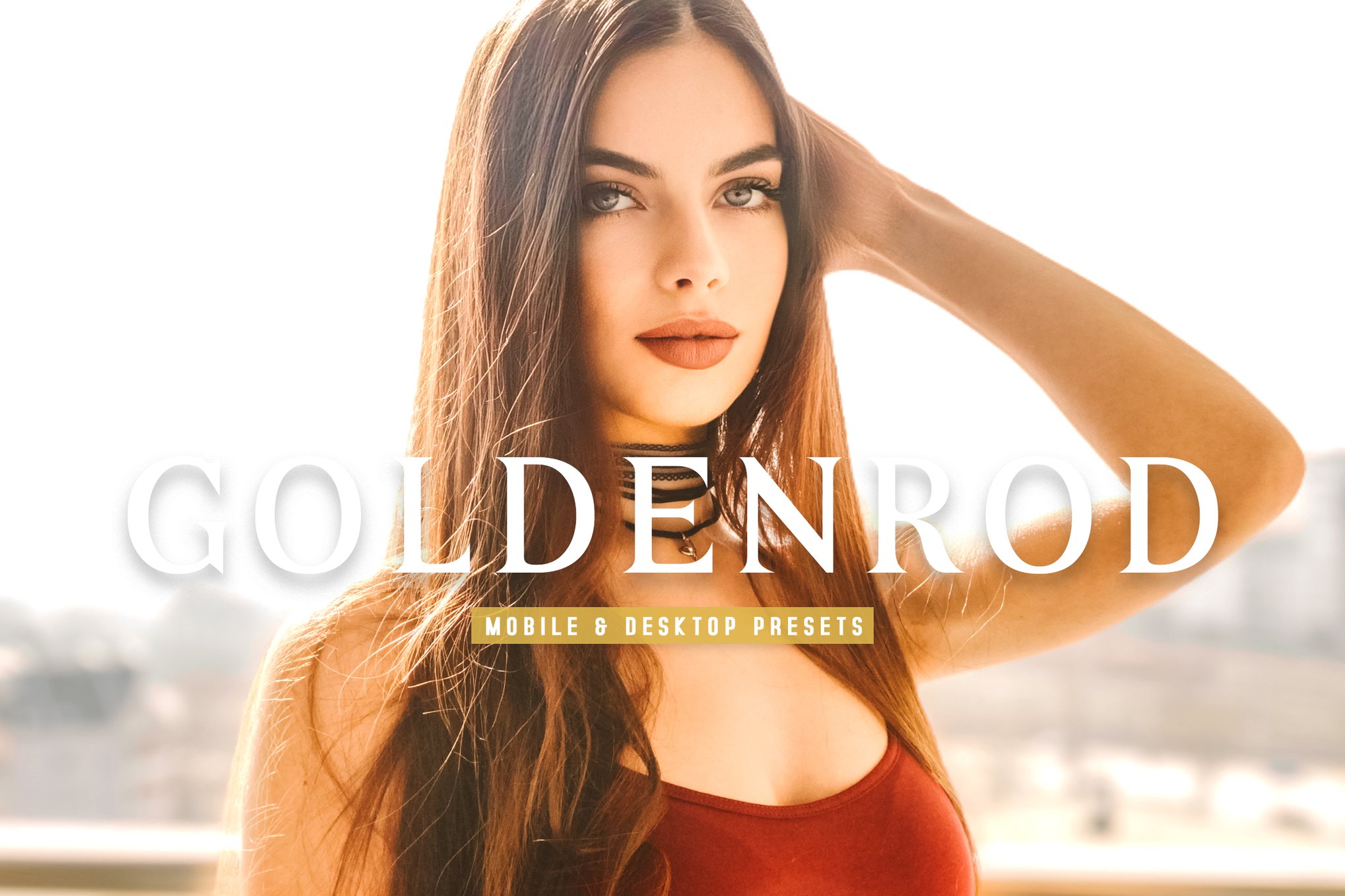
Goldenrod presets pack offer an effortless way to elevate your smartphone photography. Perfect for various settings, these presets provide consistency and a captivating style for everything from fashion shoots to travel snaps. With 13 versatile filters and easy, non-destructive edits, you can achieve stunning, balanced photos with just one click, whether on desktop or mobile.
Street Girl – Lightroom Mobile Presets
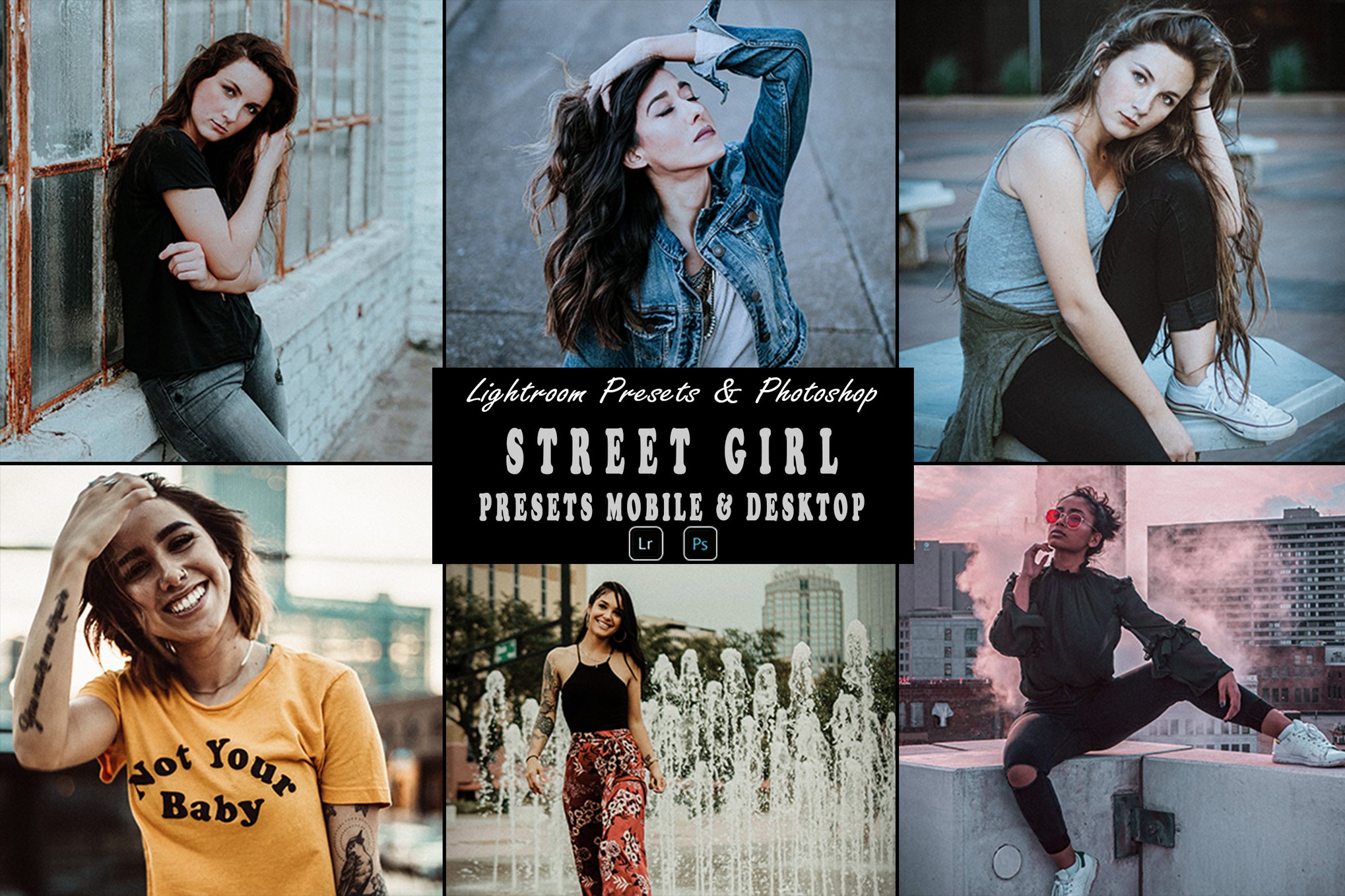
Street Girl Lightroom presets pack gives you a simple way to elevate your smartphone photography with a stunning aesthetic. Compatible with both Lightroom Mobile and Desktop, as well as Photoshop, this pack includes 6 mobile and 6 desktop presets, plus a Photoshop action. It’s perfect for bloggers and casual photographers alike.
Phone Photography Presets for Lightroom
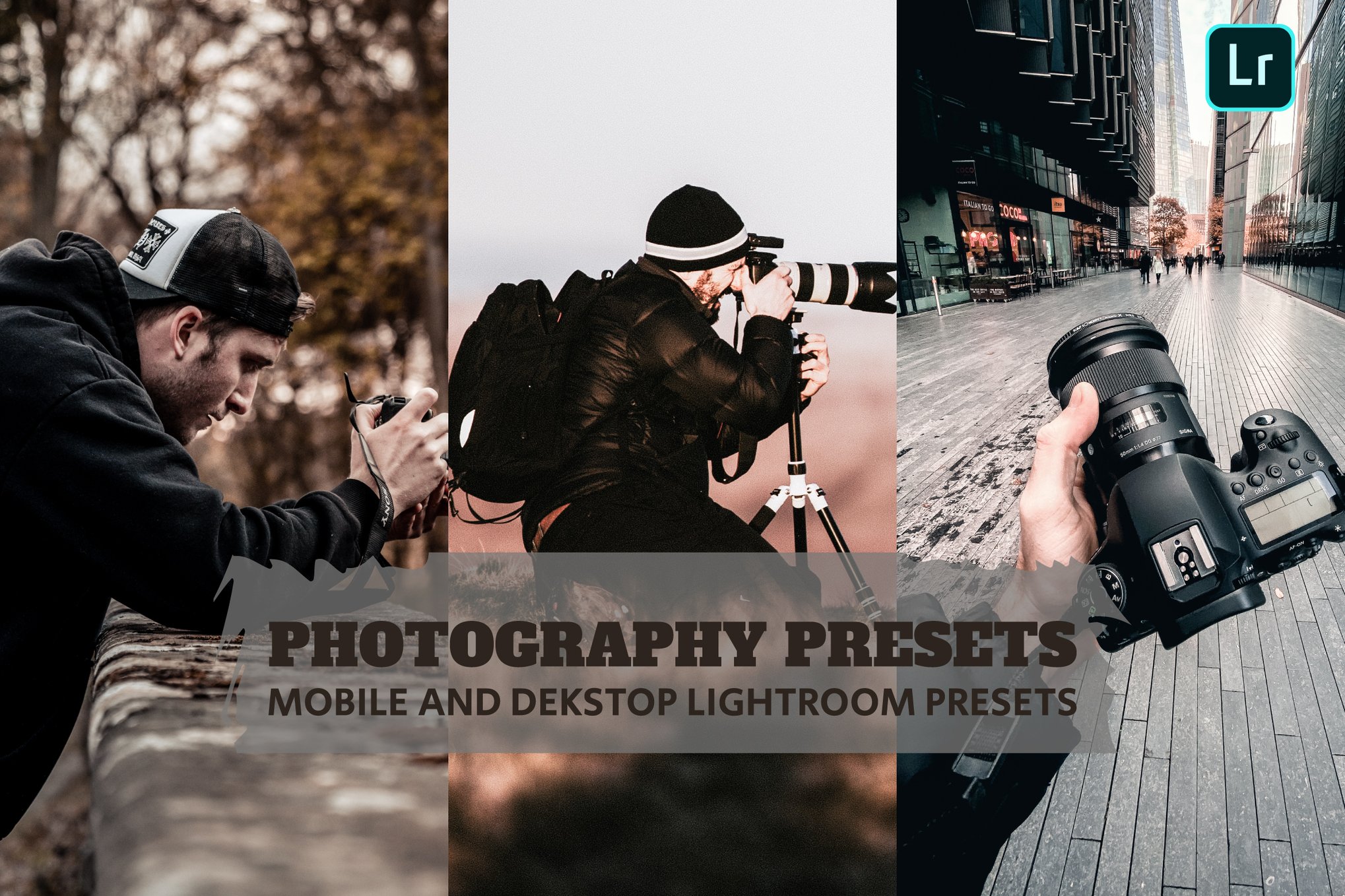
Enhance your smartphone photography with these creative Lightroom presets, perfect for bloggers and photography enthusiasts. This set includes seven professional presets in both DNG and XMP formats, along with two detailed PDFs for easy installation and use. Ideal for travel, lifestyle, and portrait photos, these presets bring your images to life with vibrant, polished edits.
VSCO Style Lightroom Mobile Presets
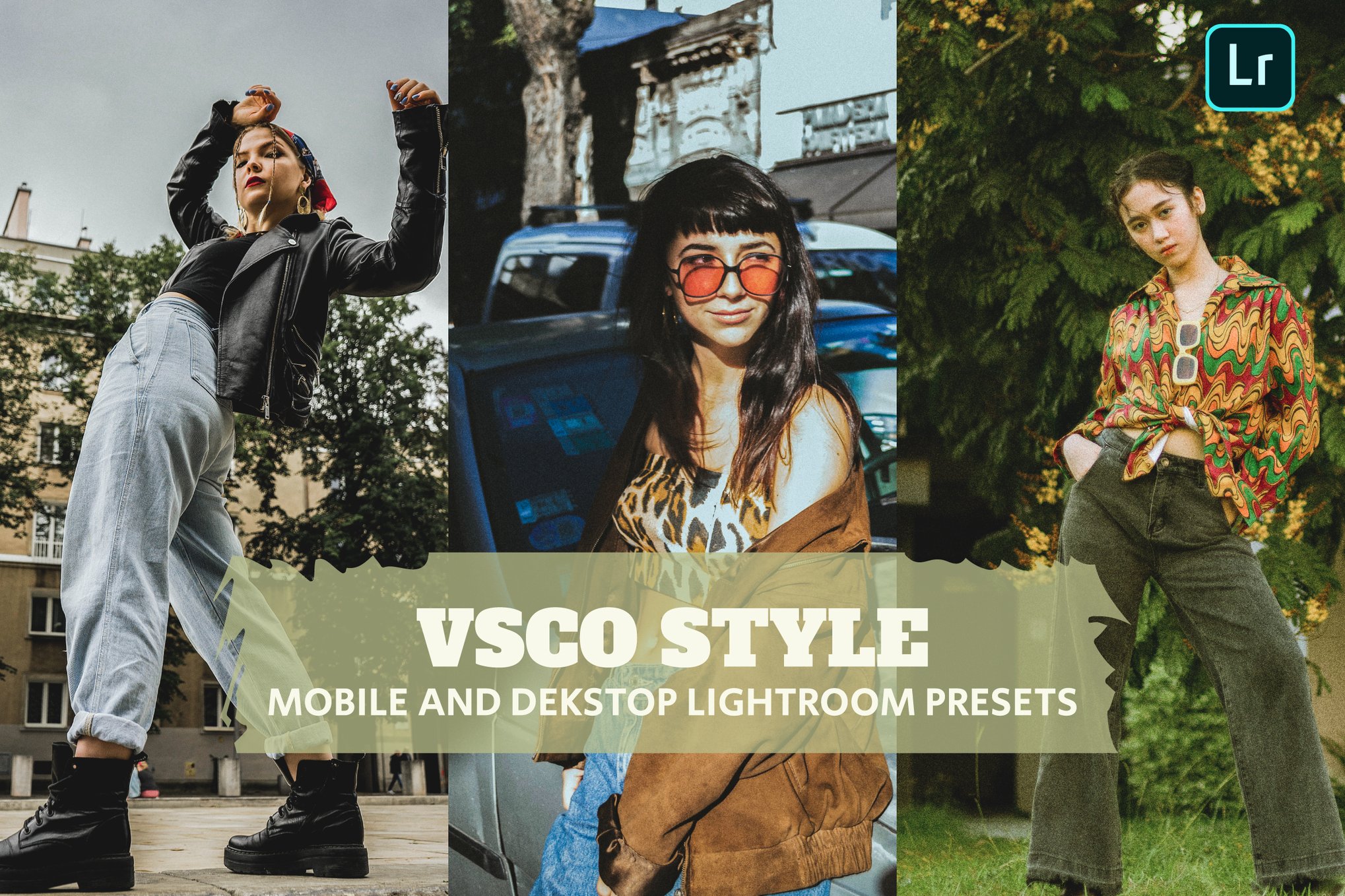
Experience the essence of VSCO style with these high-quality Lightroom Mobile Presets, ideal for bloggers and photography enthusiasts. The pack includes seven professional presets in both DNG and XMP formats, along with two PDFs guiding you through installation and usage. Transform your travel, lifestyle, and portrait photos effortlessly with these easy-to-use creative tools.
Royal – Elegant Smartphone Lightroom Presets
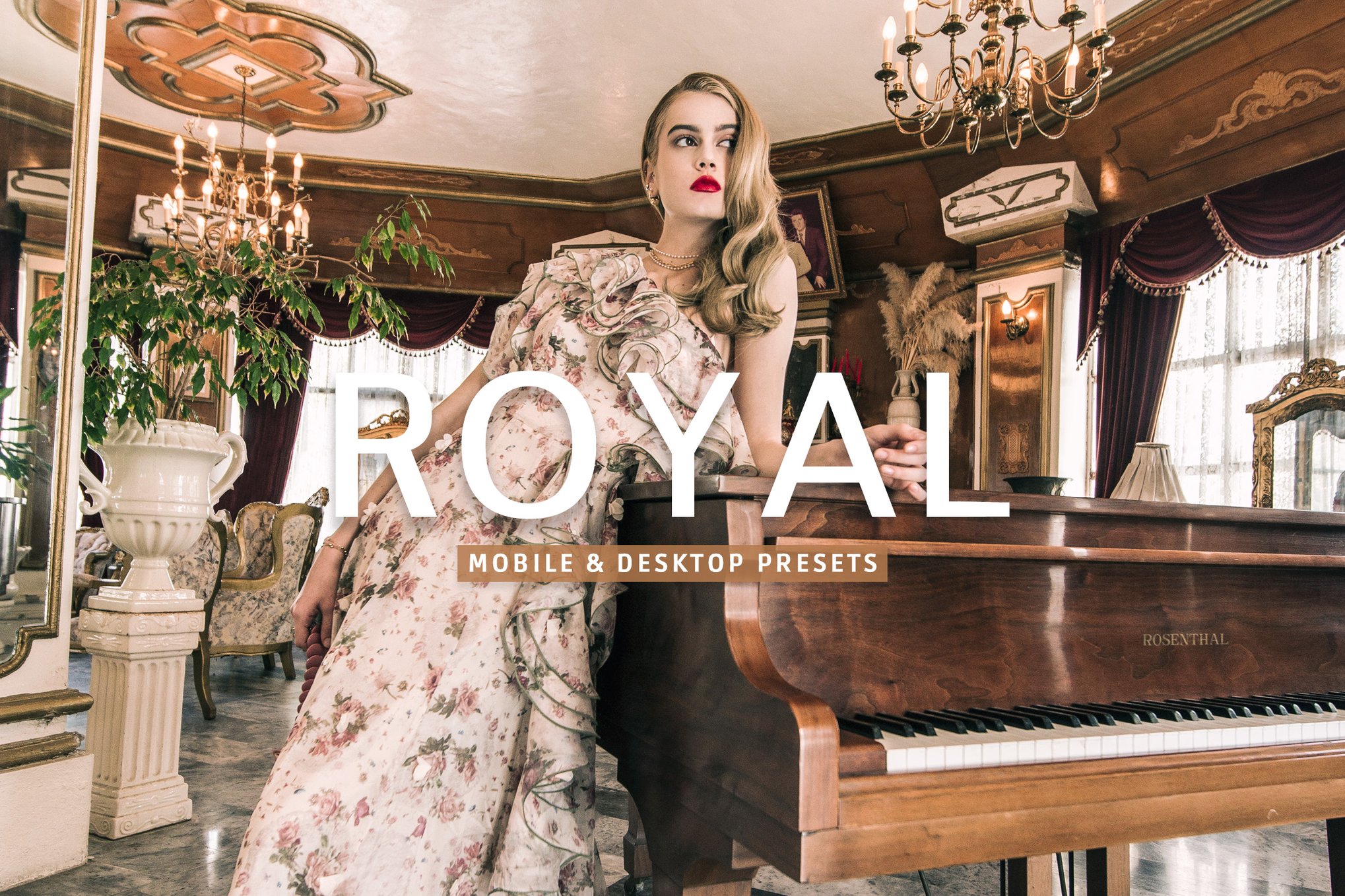
This set of Lightroom presets is designed to elevate smartphone photography effortlessly. With a single click, these filters enhance photos to achieve a natural, eye-catching style suitable for a variety of scenes, from weddings to travel. The collection includes 13 presets and supports both desktop and mobile use, ensuring compatibility and ease for every photographer.
New Tone – Mobile Presets for Lightroom
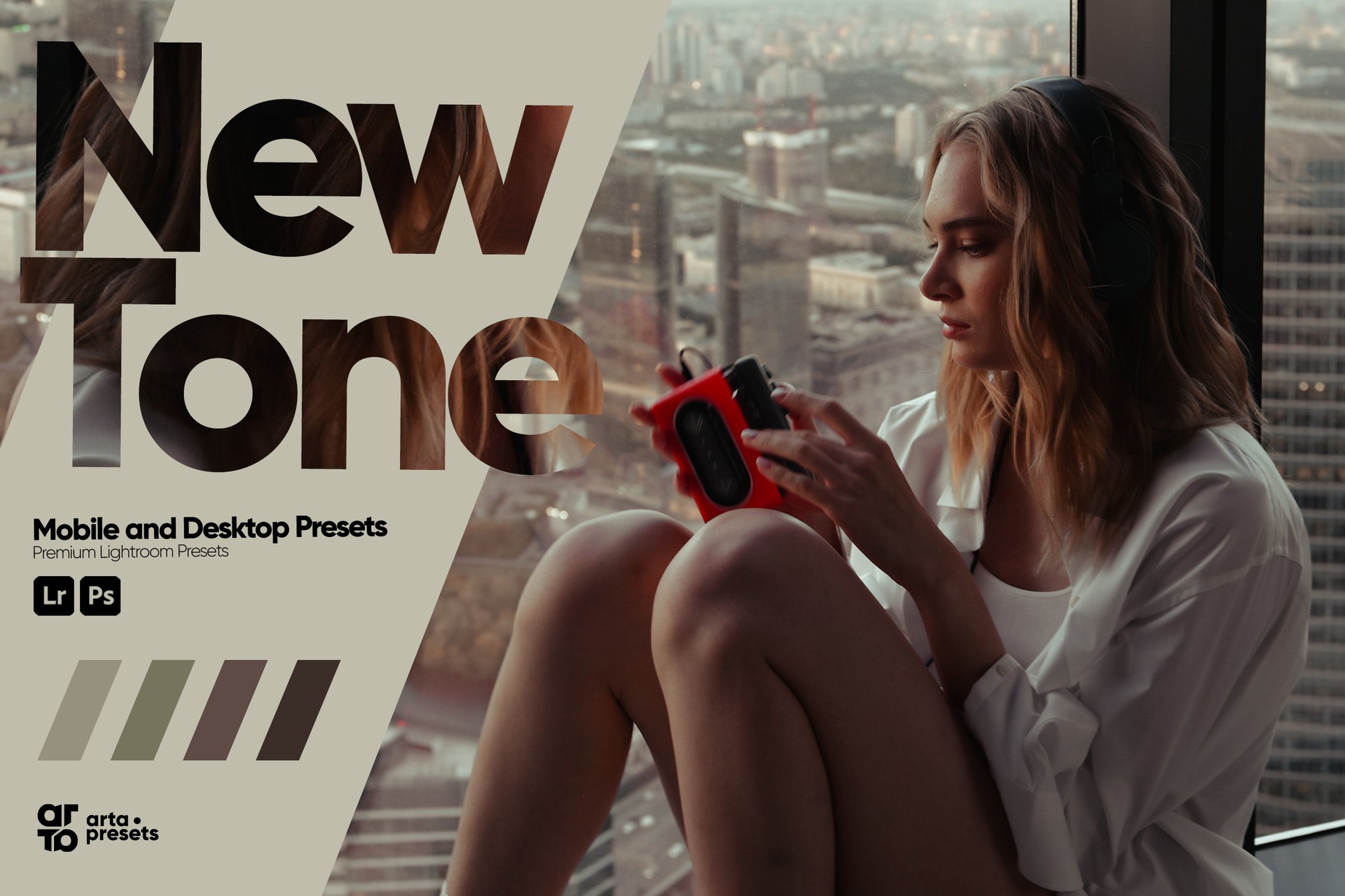
New Tone is a versatile pack of Lightroom presets designed to elevate your smartphone photography with modern, stylish colors. Ideal for travel, fashion, and lifestyle bloggers, these presets work seamlessly on both mobile and desktop Lightroom apps, requiring no subscription. Easy-to-follow instructions ensure effortless installation for capturing stunning Instagram-worthy images.
The Journey – Stylish Lightroom Mobile Presets
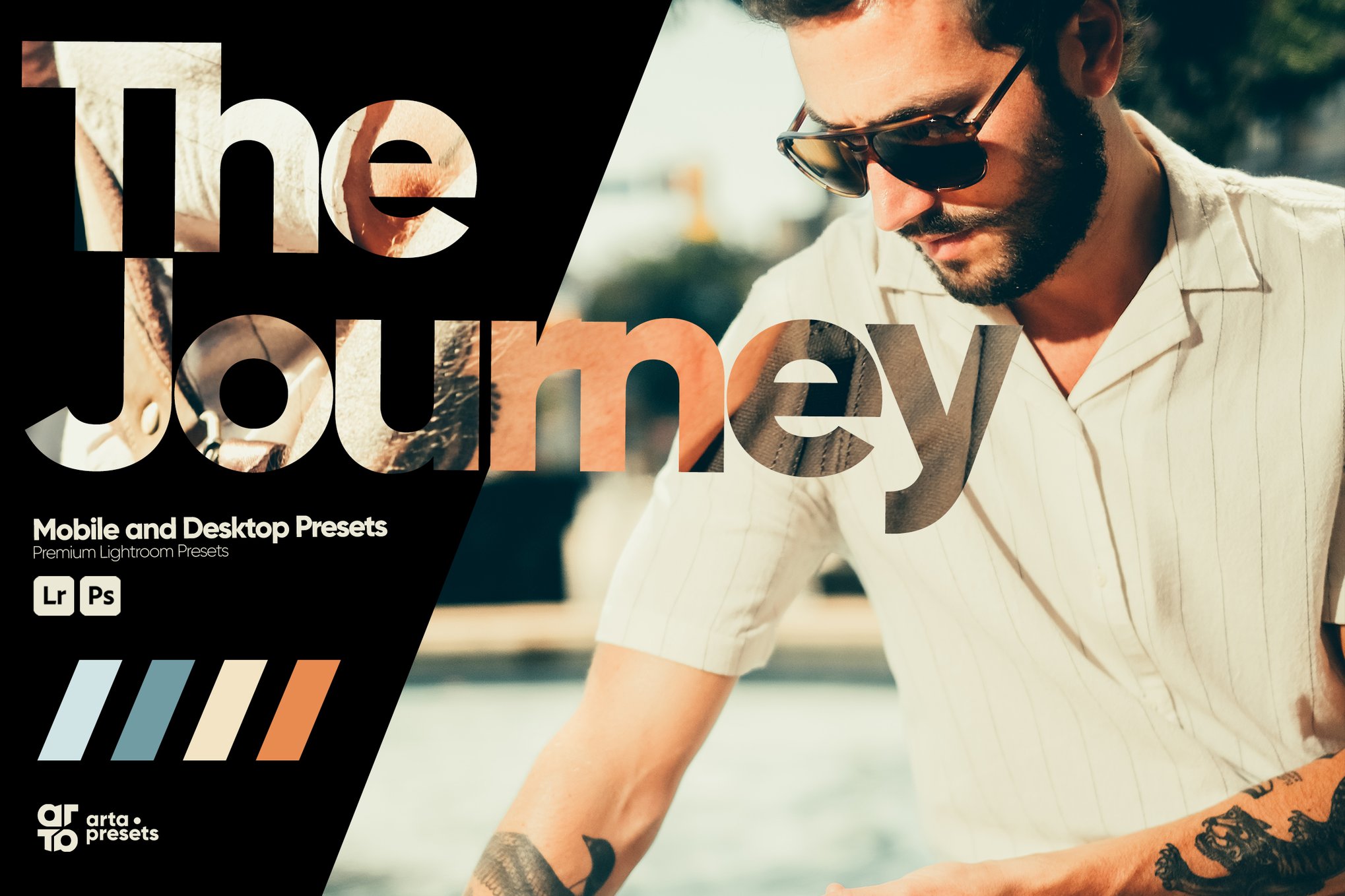
Another set of four expertly crafted presets ideal for enhancing smartphone photography. Designed for travel, fashion, and lifestyle imagery, these presets ensure vibrant, modern colors and compatibility with mobile and desktop Lightroom. A user-friendly tutorial is included, making it easy to elevate your photos, whether captured on a phone or DSLR.
Soft – Smartphone Lightroom Presets
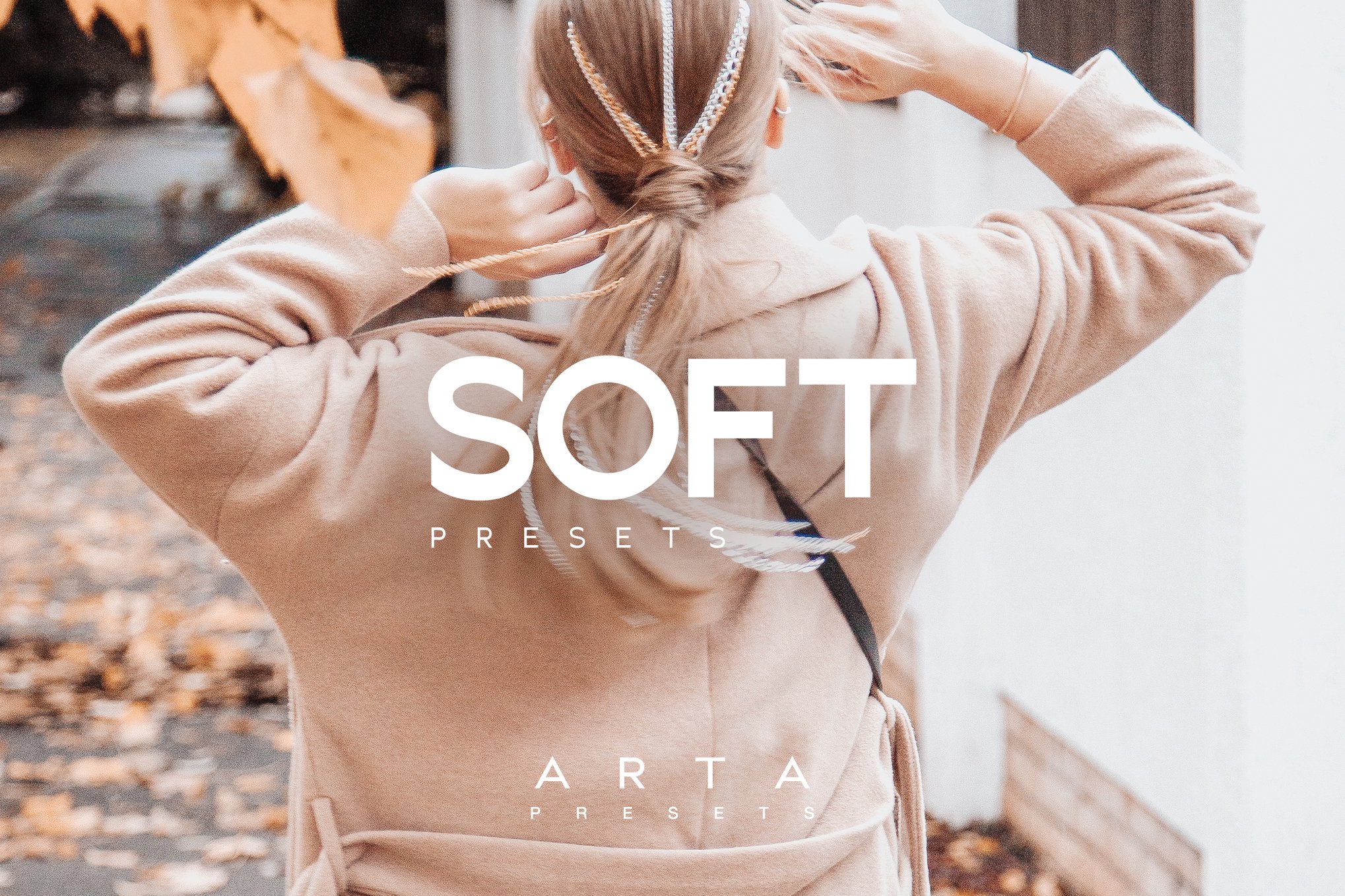
This bundle of Lightroom presets offers a creative and easy way to enhance your mobile photography with sleek, modern colors. Perfect for bloggers and photography enthusiasts, these presets are compatible with both mobile and desktop Lightroom versions. With a text-based installation guide, transform your images effortlessly on iOS, Android, or desktop with three versatile presets.
Home – Insta Style Smartphone Lightroom Presets

These Lightroom presets are ideal for enhancing your photos with modern, vibrant colors, perfect for maintaining a consistent Instagram aesthetic. Tested on both smartphones and DSLRs, these presets are easy to install and customize, thanks to a helpful text-based guide. Compatible with both mobile and desktop versions of Adobe Lightroom, they work effortlessly in the free app.
Ube – Vibrant Smartphone Lightroom Presets
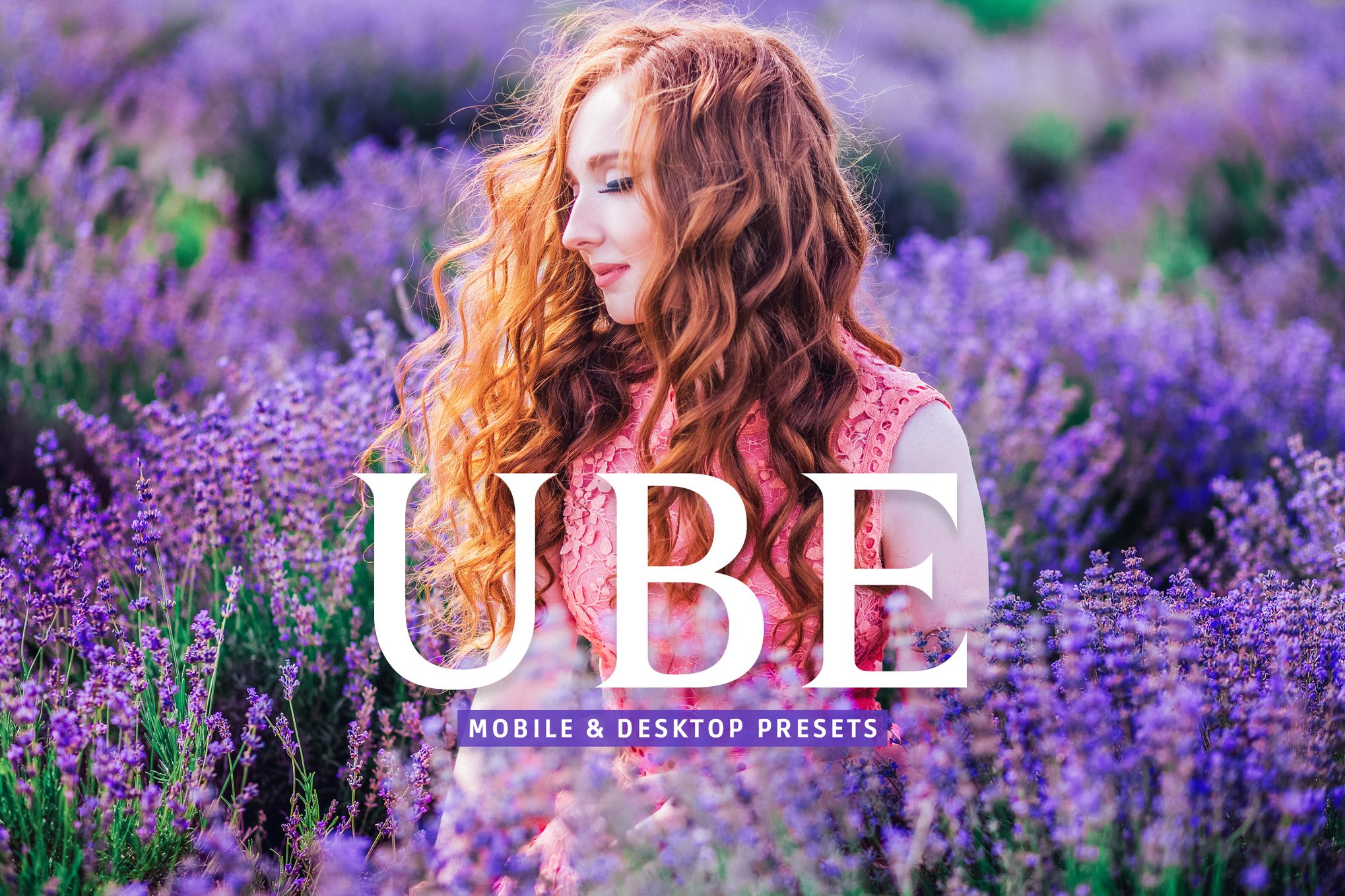
Ube is a unique collection of Lightroom presets. Perfect for a variety of scenes like portraits, travel, or food photography, these presets create a consistent and beautiful style. They’re compatible with multiple platforms and come with detailed instructions for a user-friendly experience.
Vivid – Pro Look Lightroom Mobile Presets
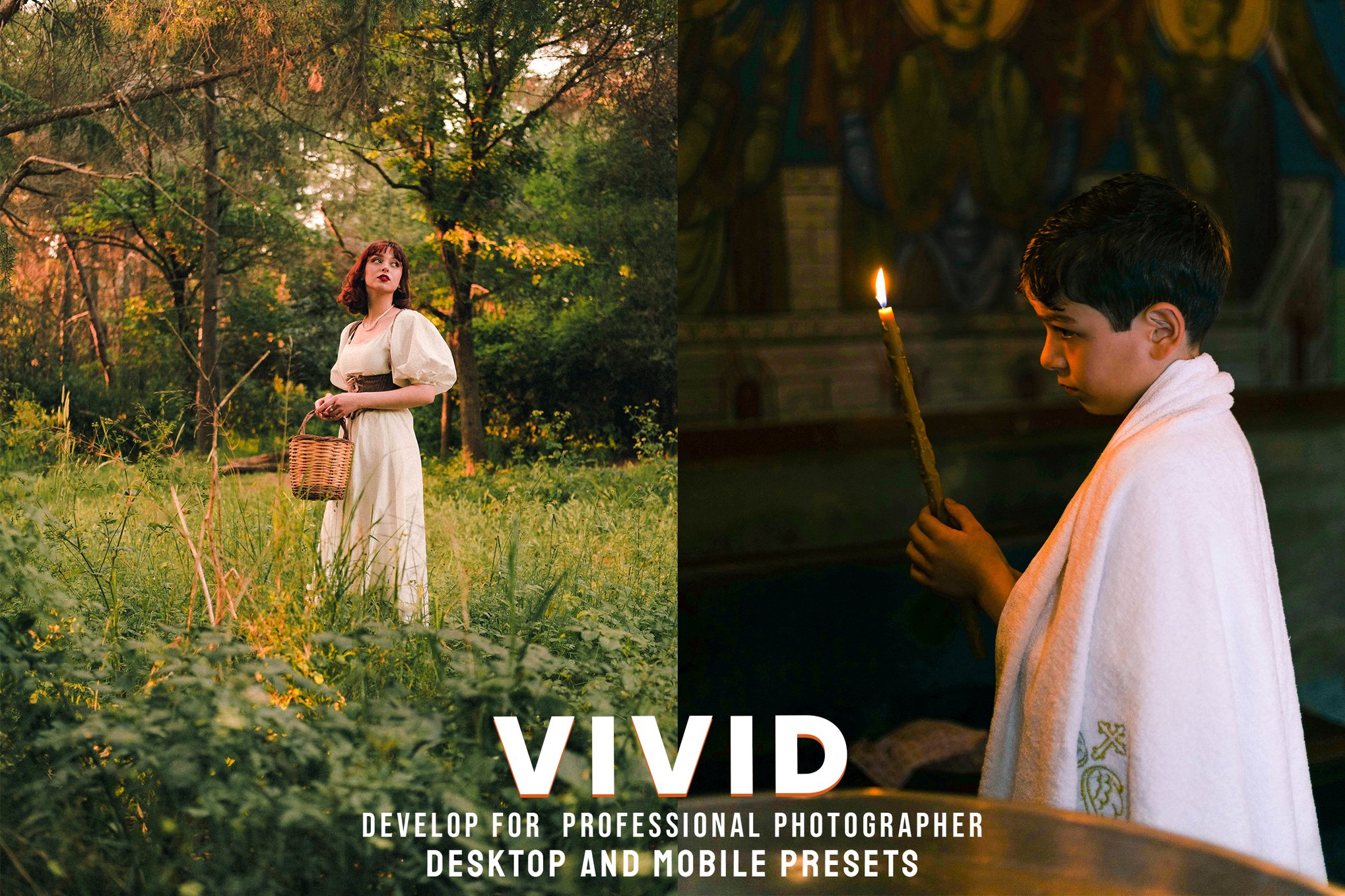
Elevate your smartphone photography with this collection of Lightroom presets. Crafted by expert photographers, these effects enhance portrait, lifestyle, travel, urban, and fashion shots, both indoors and outdoors. The package includes eight versatile presets compatible with various Lightroom versions and Photoshop Camera Raw.
Best Free Smartphone Lightroom Presets
Insta Film – Free Smartphone Lightroom Preset
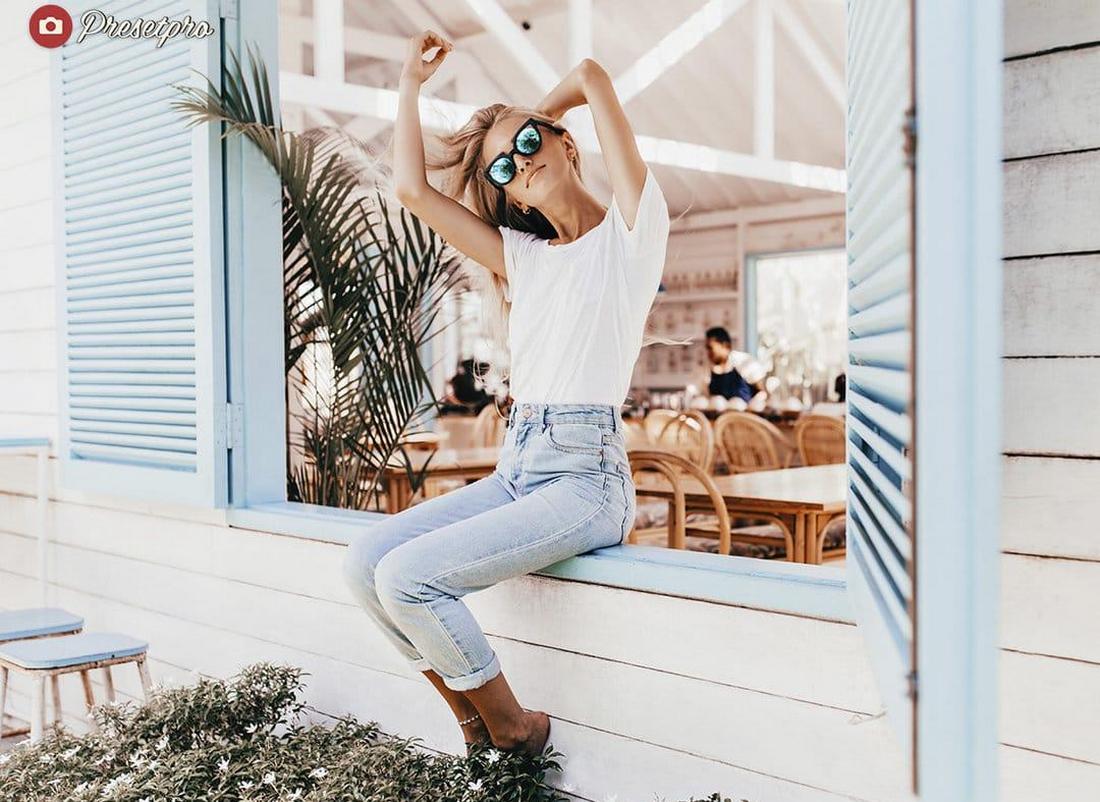
Insta Film adds vintage film-inspired tones and soft contrast to your smartphone photos, giving them a timeless, analog feel. It’s perfect for casual snapshots, travel posts, and social media feeds that benefit from a cohesive and stylish look.
Fuji 100 – Free Smartphone Lightroom Preset
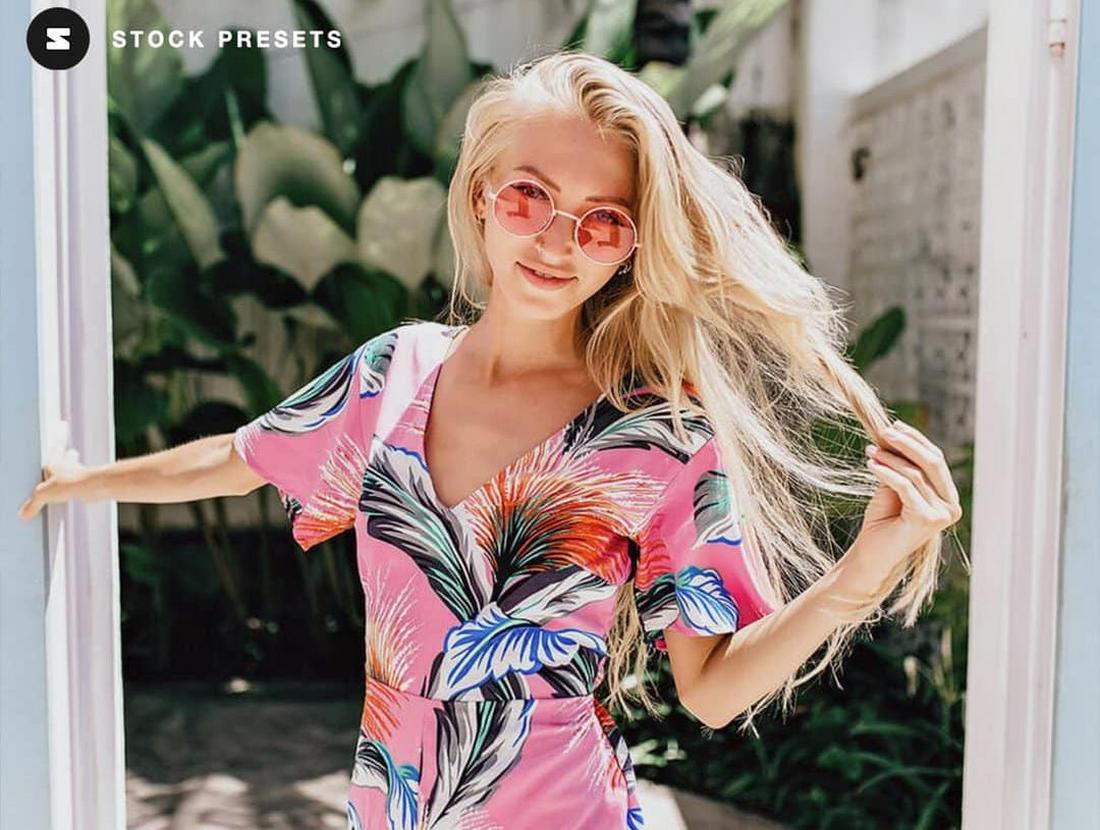
Fuji 100 presets bring bright yet balanced color with subtle grain that mimics classic film stocks — great for landscapes, portraits, and everyday mobile captures. This preset helps give your images a polished, nostalgic aesthetic without overprocessing.
35mm Color – Free Smartphone Lightroom Preset
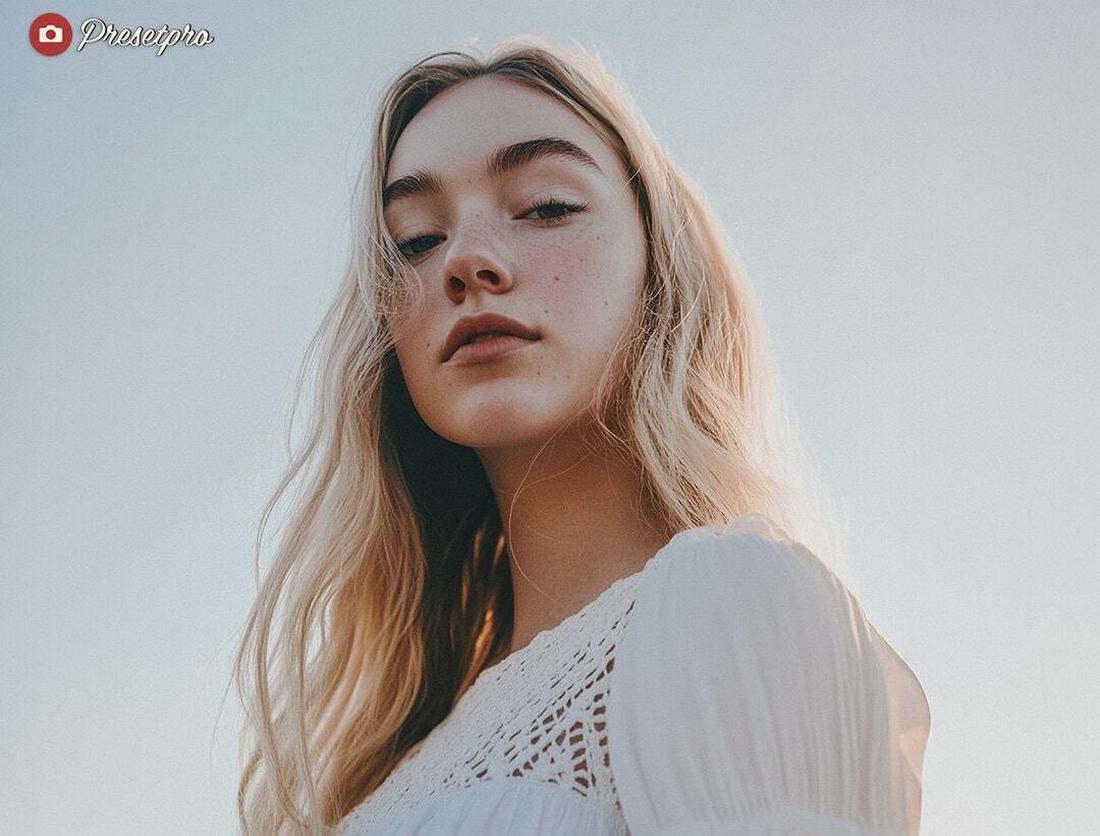
35mm Color enhances smartphone photos with warm, rich hues and natural contrast that reflect the look of classic 35 mm film. It’s ideal for urban photography, portraits, and lifestyle shots that need vivid color with a retro vibe.
Polaroid Color – Free Smartphone Lightroom Preset
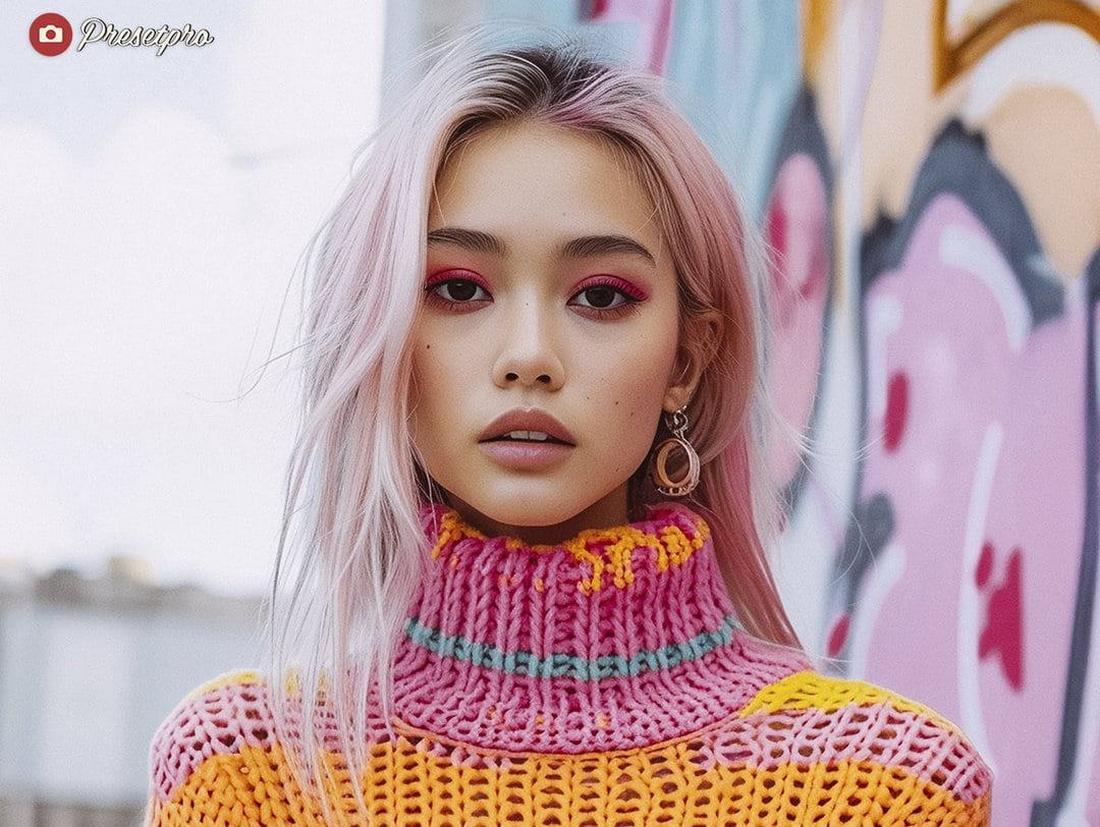
Polaroid Color introduces soft tones and pastel warmth reminiscent of instant film prints, making it great for portraits, street shots, and creative social posts. Its gentle color shifts help give mobile photography a whimsical, nostalgic charm.
10 Tips for Enhancing Smartphone Photos Using Lightroom
1. Correct Exposure First
Smartphone photos often look slightly flat or uneven in exposure. Adjust exposure carefully before touching other sliders. A small increase can brighten the image without washing out highlights.
2. Fix White Balance for Accurate Colors
Phone cameras sometimes add unwanted warmth or cool tones. Adjust temperature and tint to achieve natural skin tones and realistic colors as your starting point.
3. Recover Highlights and Lift Shadows
Smartphones tend to overexpose bright areas and crush shadows. Lower highlights to bring back sky or light detail, and gently lift shadows to reveal depth without creating noise.
4. Add Moderate Contrast for Depth
A slight boost in contrast can make smartphone images feel more dynamic. Avoid pushing it too far, as phone sensors can lose detail quickly.
5. Use Clarity Sparingly
Clarity can help define details, but too much will make images look harsh. Apply lightly, especially for portraits. For landscapes or architecture, you can use a bit more.
6. Reduce Noise When Necessary
Low light smartphone shots often show noticeable noise. Use luminance noise reduction carefully to smooth grain while preserving texture.
7. Enhance Colors Through the HSL Panel
Instead of increasing overall saturation, fine tune specific colors. Adjust blues for skies, greens for foliage, or reds for clothing to create a balanced and natural look.
8. Straighten and Crop for Better Composition
Smartphone photos are often taken quickly. Use the crop tool to improve framing, straighten horizons, and remove distractions from edges.
9. Use Selective Adjustments for Focus
Radial and brush tools can help brighten a subject or subtly darken the background. This adds depth and directs attention without heavy editing.
10. Create a Consistent Style With Presets
If editing multiple smartphone photos, create or apply a preset to maintain a cohesive look. Consistency makes casual phone shots feel more intentional and polished.