20+ Awesome Fonts for Captions That Grab Attention
Captions play a crucial role in communication, especially in today’s digital age where grabbing attention is key.
To make your text stand out, choosing the best font for captions is essential.
Whether you’re crafting eye-catching social media posts, designing engaging video content, or curating compelling presentations, the right font can make all the difference.
In this post, we’ve curated a collection of professional caption fonts that are perfect for all types of projects.
You’ll find a mix of both premium and free fonts, offering a variety of styles to suit your unique aesthetic needs. From bold and striking to elegant and understated, each font has been selected to help your captions leave a lasting impression.
Dive in to discover the perfect typeface that speaks to your audience and elevates your creative projects.
Prohead – Modern Condensed Caption Font
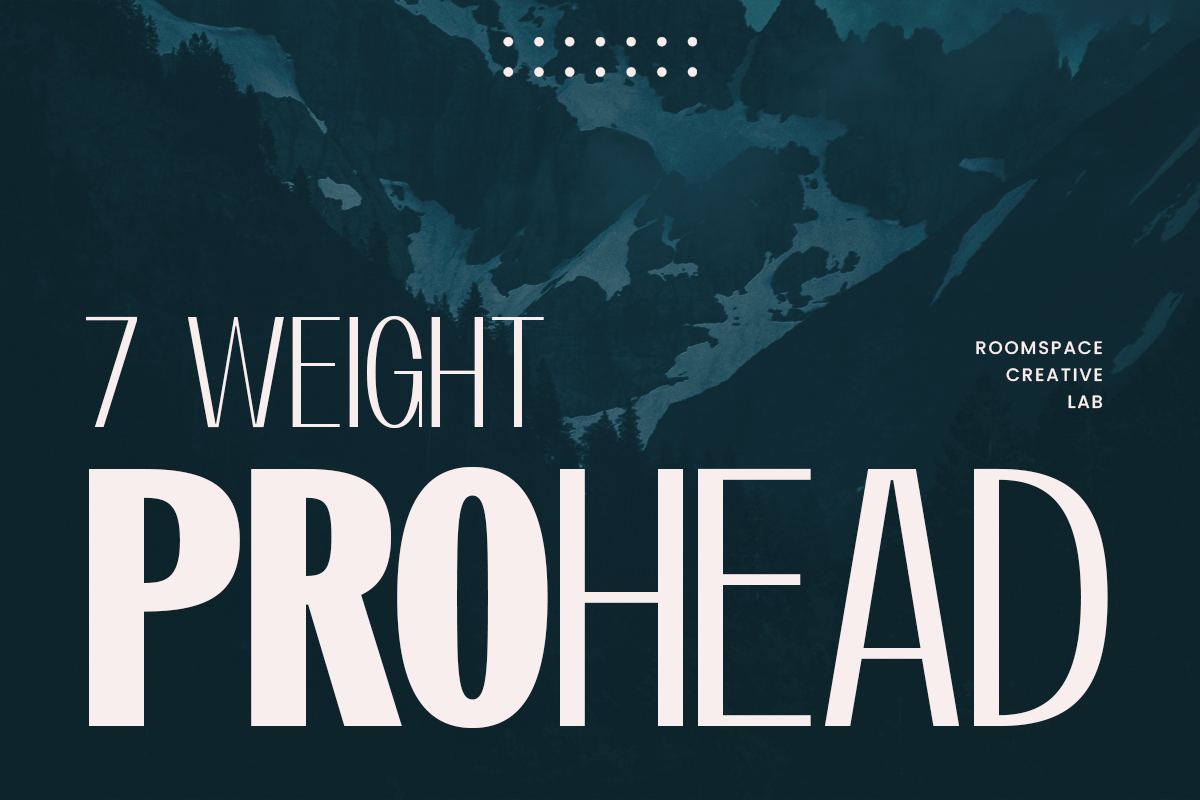
Prohead is a modern sans-serif condensed font offering seven versatile weights, perfect for captions and subheadings. With a blend of vintage elegance and contemporary style, it suits logos, branding, and web design. Its clean, professional look and multilingual support make it a go-to choice for creating bold headlines or refined text, seamlessly adapting to any design style.
Sunday Afternoon – Clean Font for Captions
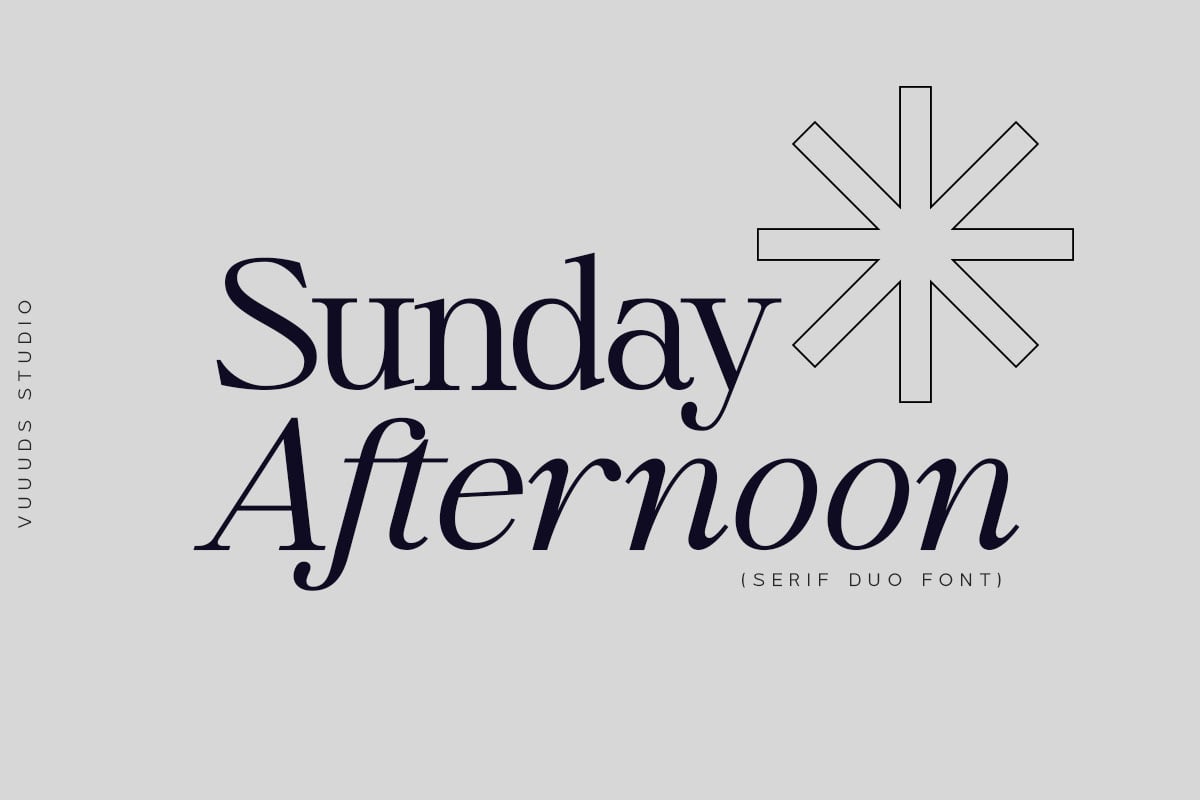
Sunday Afternoon is a modern serif font perfect for captions and subheadings, available in both regular and italic styles. Each letter is thoughtfully crafted, offering gorgeous alternate glyphs accessible through Font Book or Windows Character Map. Supporting a wide range of foreign languages, this versatile font package includes OTF and WOFF formats, making it an excellent choice for enhancing your creative projects.
Agatha – Bold Font for Captions
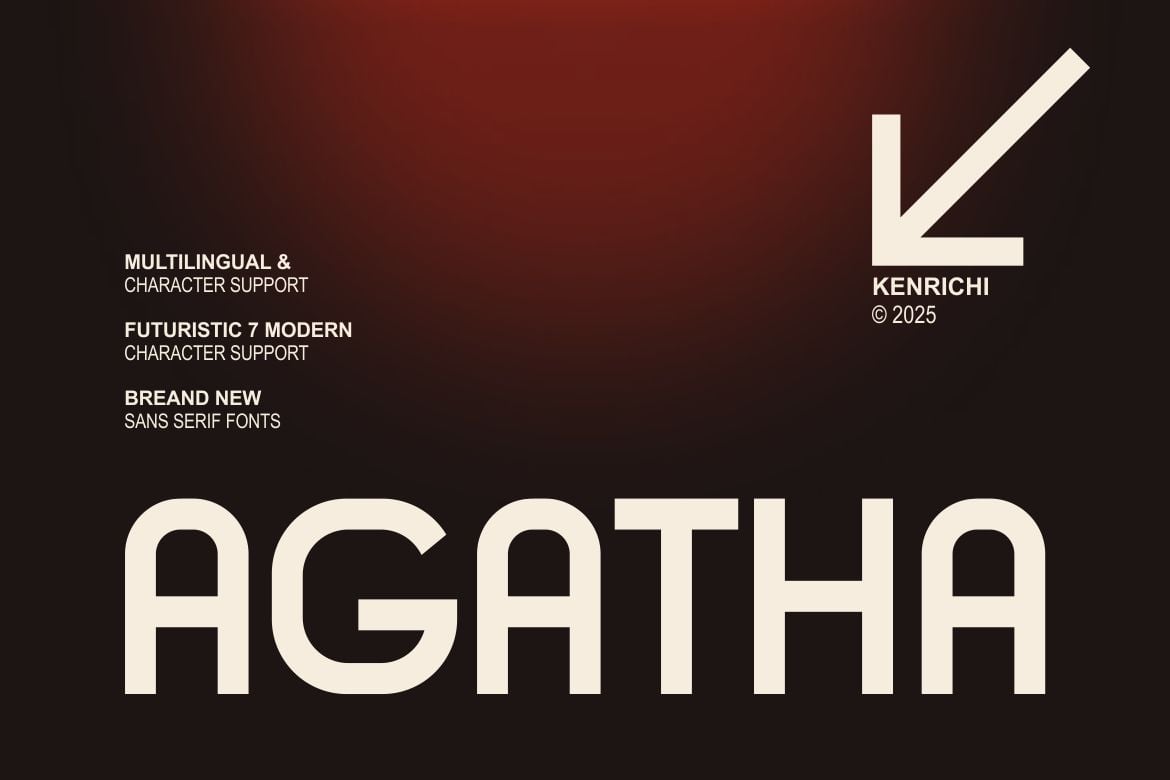
Agatha is a modern and authentic typeface perfect for enhancing captions and branding. Whether used in logos, quotes, invitations, or posters, Agatha’s versatility shines across various projects and mediums. Included are multiple file formats like OTF, TTF, and WOFF, along with italic versions to suit all your creative needs.
Gulams Condensed – Font for Captions
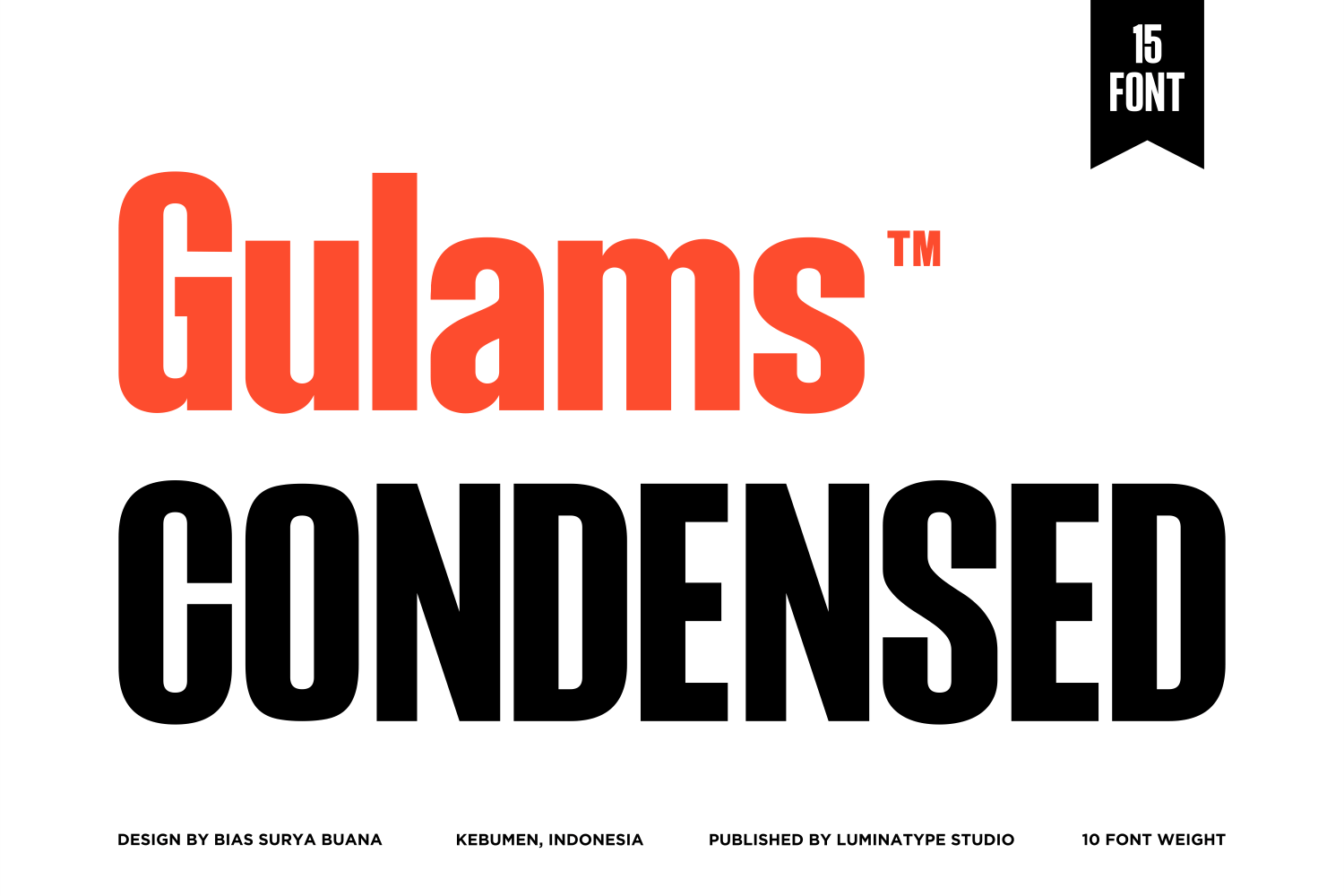
Gulams Condensed is a modern, versatile font perfect for captions, offering a comprehensive range of 15 weights and 5 slant styles. With its bold and stylish design, it enhances readability while adding a contemporary flair to any project. Ideal for both print and digital designs, it supports over 300 glyphs and multiple languages, ensuring broad usability across creative platforms.
Sideware – Bold Font for Captions
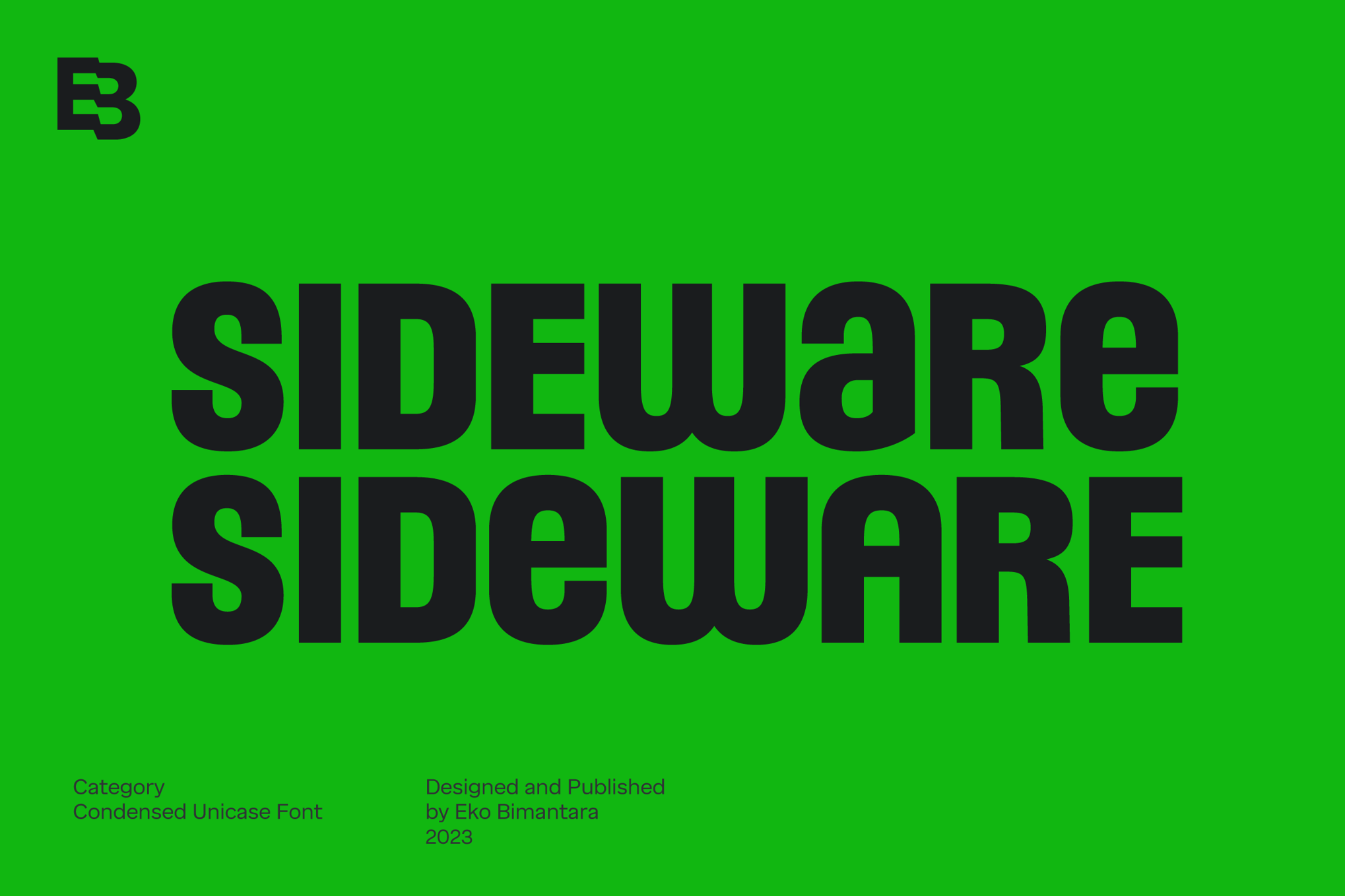
Sideware is a bold, modern condensed display font ideal for captions and subheadings. Its unique unicase design offers a clean and versatile aesthetic that enhances any project. Perfect for eye-catching displays, logos, and website headers, Sideware elevates layouts with its sleek style. Available in multiple formats like otf, ttf, and woff, it’s a great addition to any creative toolkit.
Rodman – Condensed Font for Captions
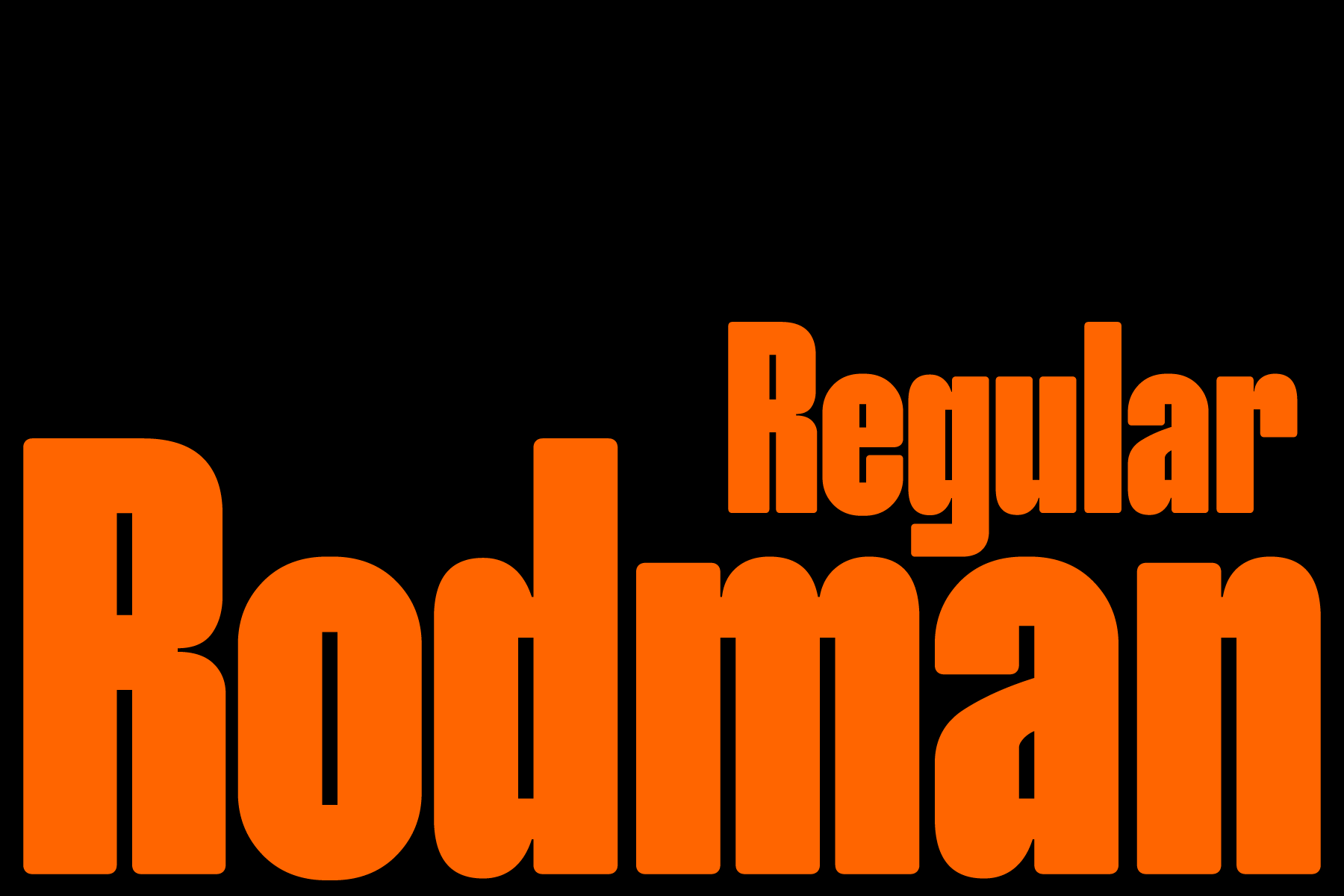
Rodman is a bold typeface designed to make an impact. With its clean, modern aesthetic, it’s ideal for headlines and posters. This versatile font supports 269 languages and includes 419 glyphs, offering extensive multilingual compatibility. Available in OTF and TTF formats, Rodman includes both uppercase and lowercase letters, numbers, and punctuation.
Tallstance – Professional Font for Captions
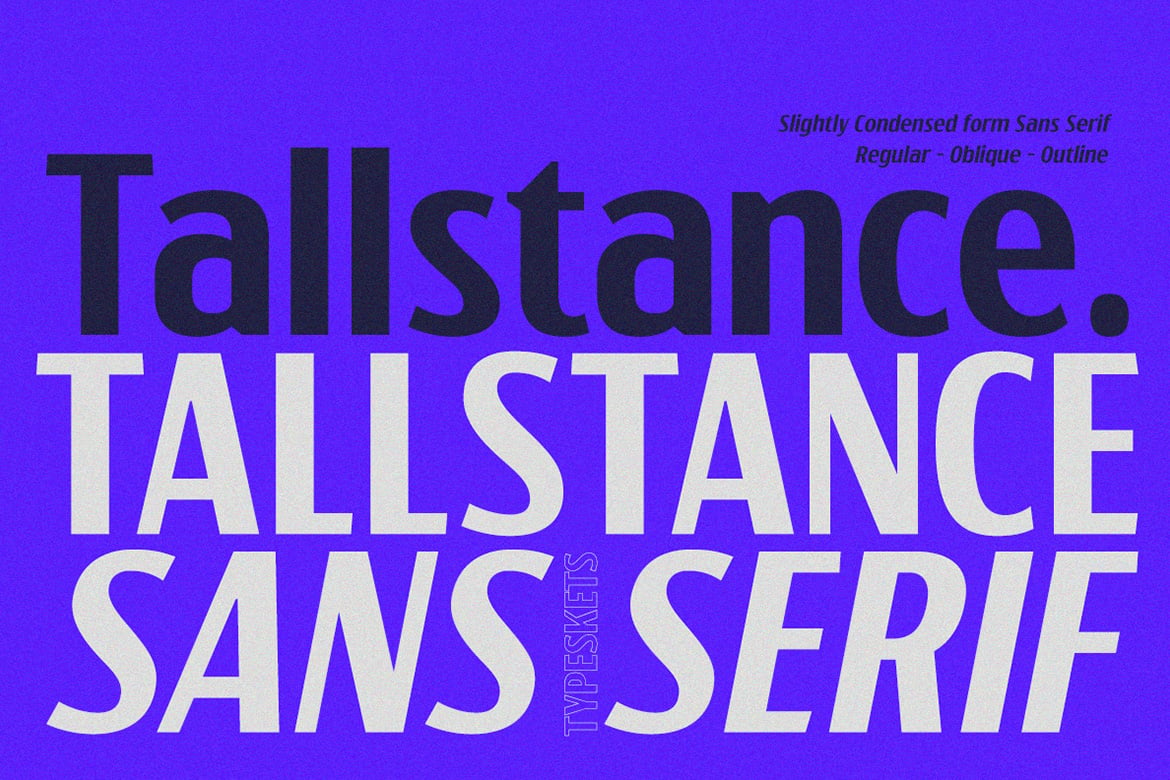
Tallstance is a sleek, condensed sans-serif font ideal for captions and subheadings, offering a bold, modern feel. Its tall letterforms and clean lines create a striking vertical presence, perfect for enhancing headlines, logos, and branding. Available in Regular, Oblique, and Outline styles, it supports multilingual use and includes both uppercase and lowercase alphabets.
Subhigh – Techno Style Font for Captions
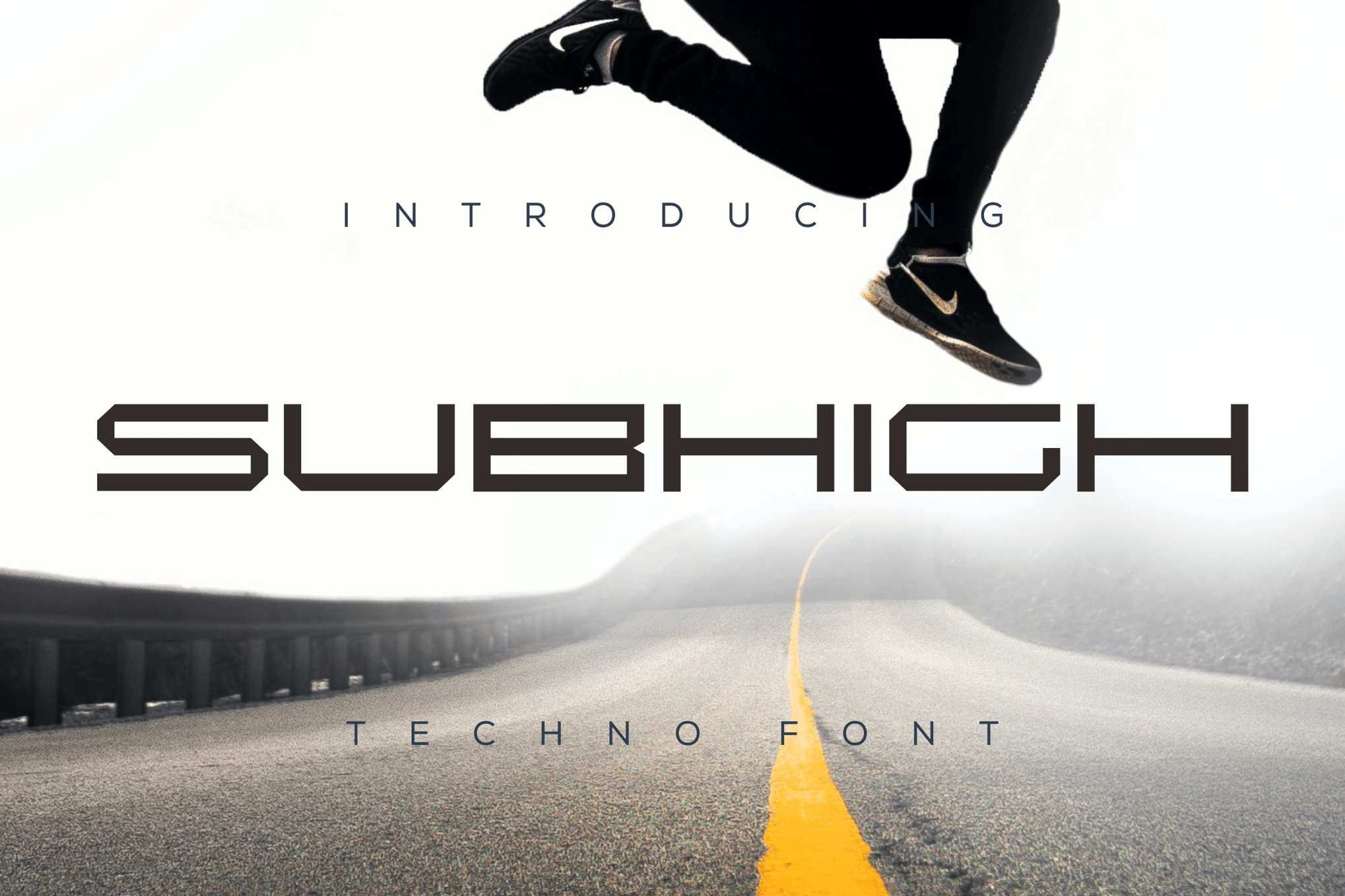
Subhigh is a modern and versatile font that is perfect for enhancing your branding projects, from logos and blog headers to posters and invitations. With its authentic design, Subhigh adds a unique touch to any context. Available in OTF and TTF formats with uppercase characters, it’s ideal for various professional and creative needs.
ChairoNeue – Modern Font for Captions
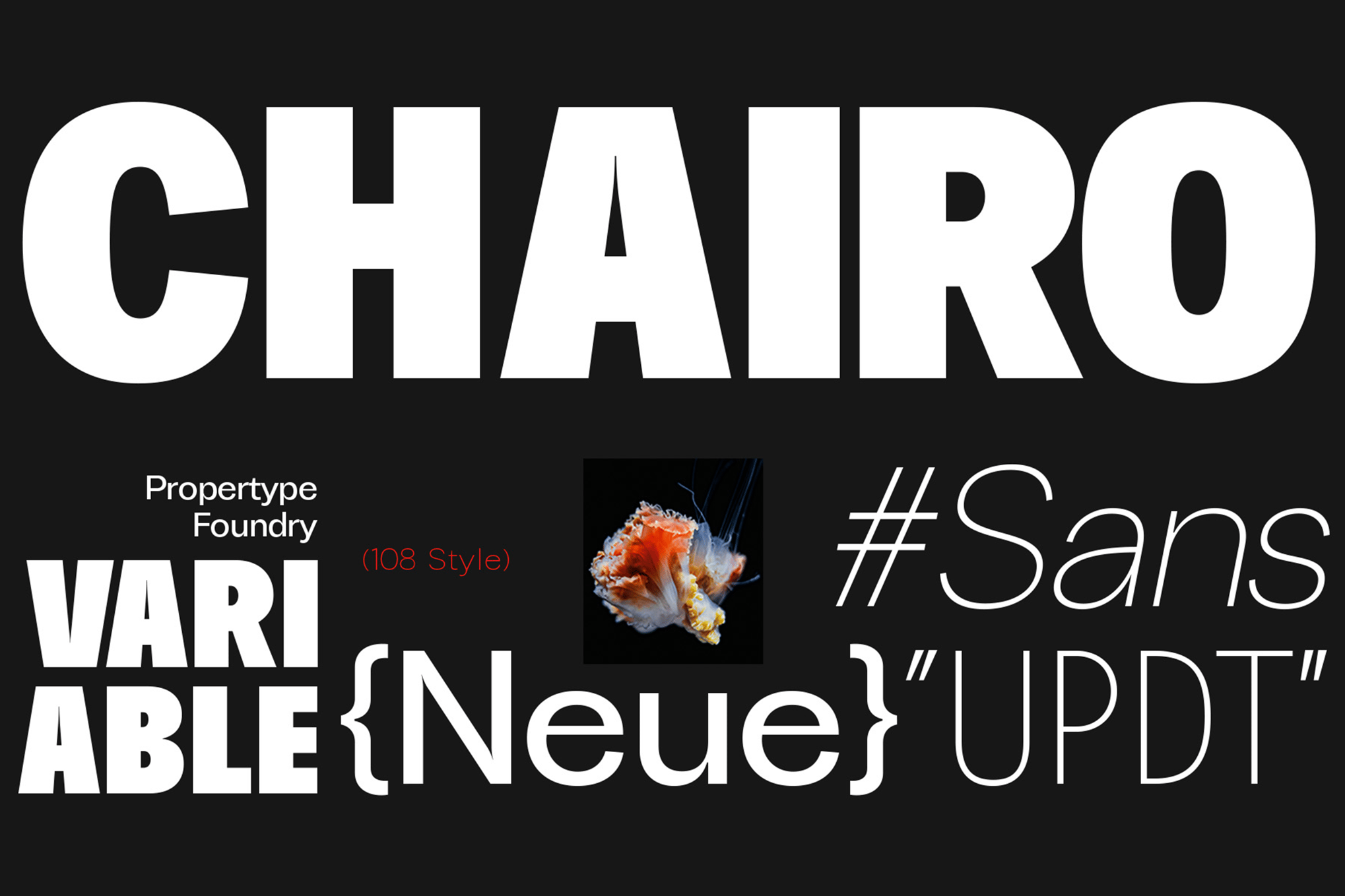
ChairoNeue is a sleek and modern sans serif font family perfect for captions, offering 109 styles with both upright and italic options across seven weights. Ideal for logos, advertisements, and more, its elegance and readability enhance any project. With multilingual support, ChairoNeue comes in OTF and TTF formats, featuring complete character sets, numbers, and ligatures.
Cobrale – Grotesk Font for Captions
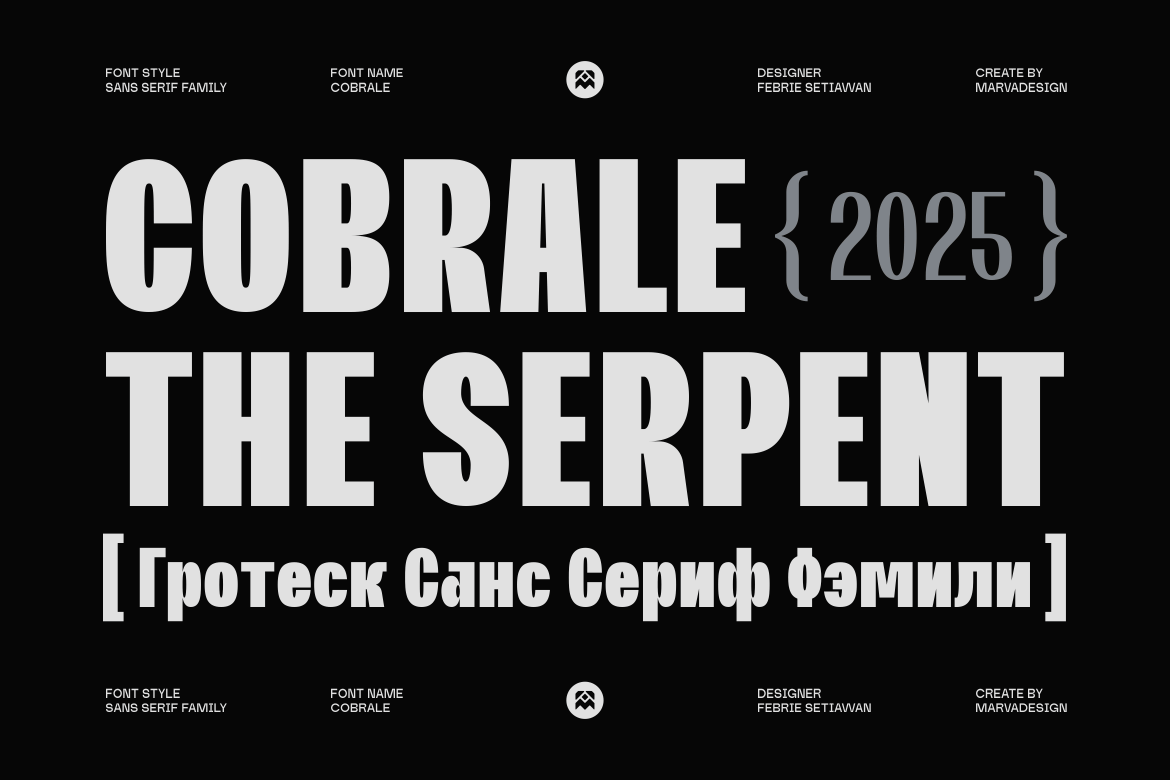
Cobrale is a versatile sans-serif typeface featuring Regular, Medium, and Bold styles, designed for global usability with support for both Latin and Cyrillic scripts. Its clean geometric proportions and subtle curves offer a modern aesthetic, making it ideal for branding, digital interfaces, and more. Available in OTF, TTF, WOFF, and WOFF2 formats.
Devant Horgen – Tall Font for Captions
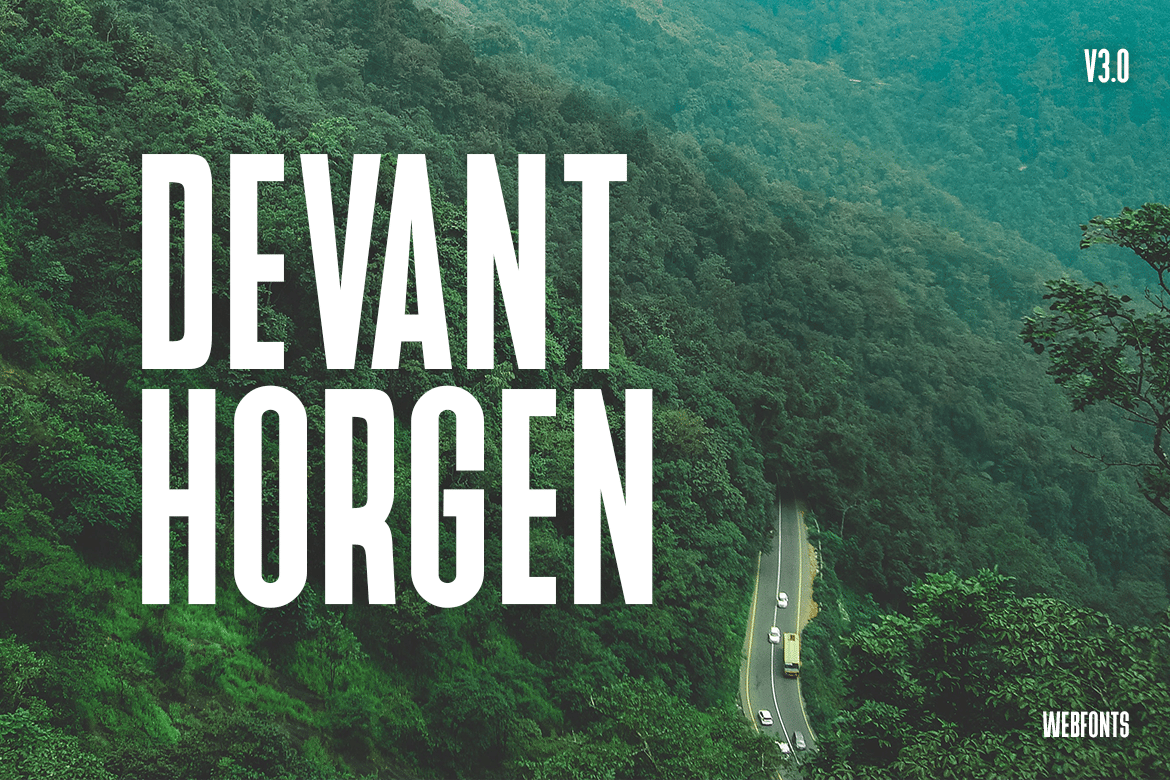
Devant Horgen is a versatile, modern Sans Serif typeface perfect for film posters, logos, and big banners. With two font styles and multilingual support, it includes upper and lowercase glyphs. Available in OTF, TTF, and web formats, this font offers free updates, making it an ideal choice for classic and decorative web designs.
WARDRUM – Expanded Font for Captions
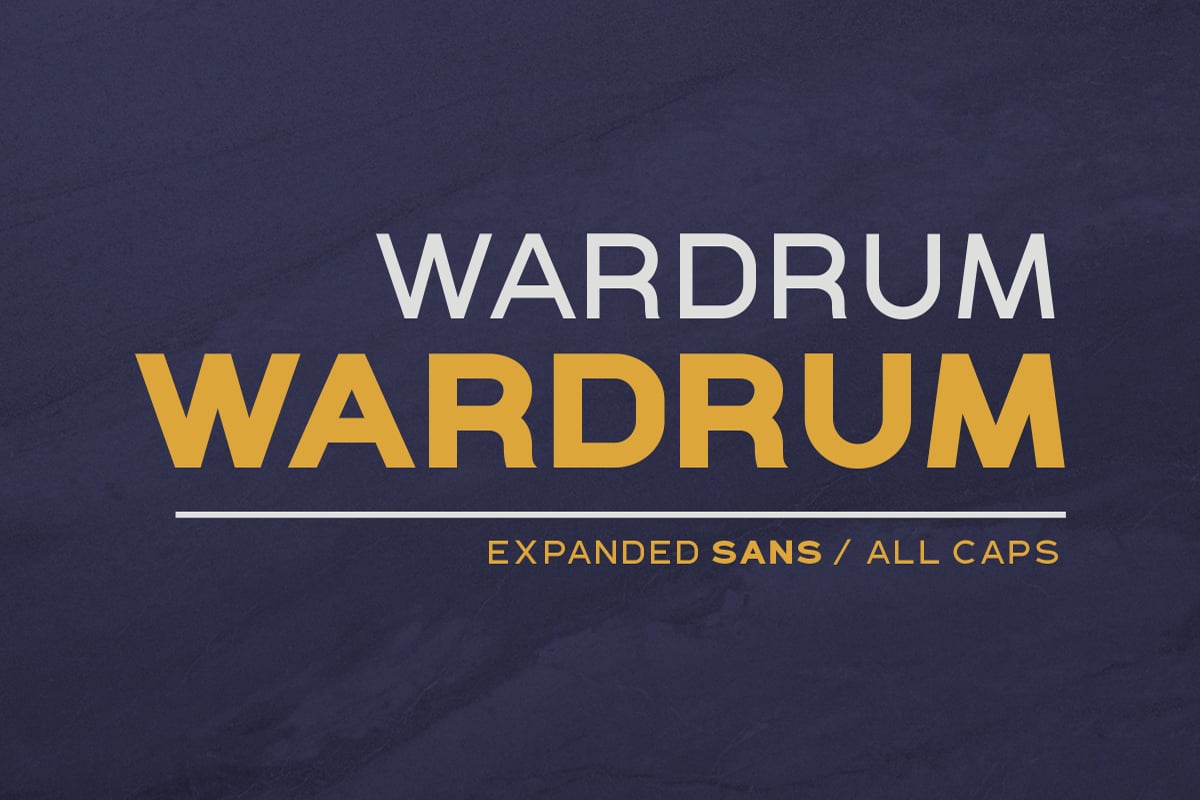
WARDRUM is a versatile expanded sans-serif font ideal for captions and subheadings. This font comes in four styles and supports uppercase letters, numbers, symbols, and multiple languages. Perfect for branding, posters, and headlines, WARDRUM adds a bold, clear touch to any project, ensuring your message stands out.
Chemian Rounded – Font for Captions
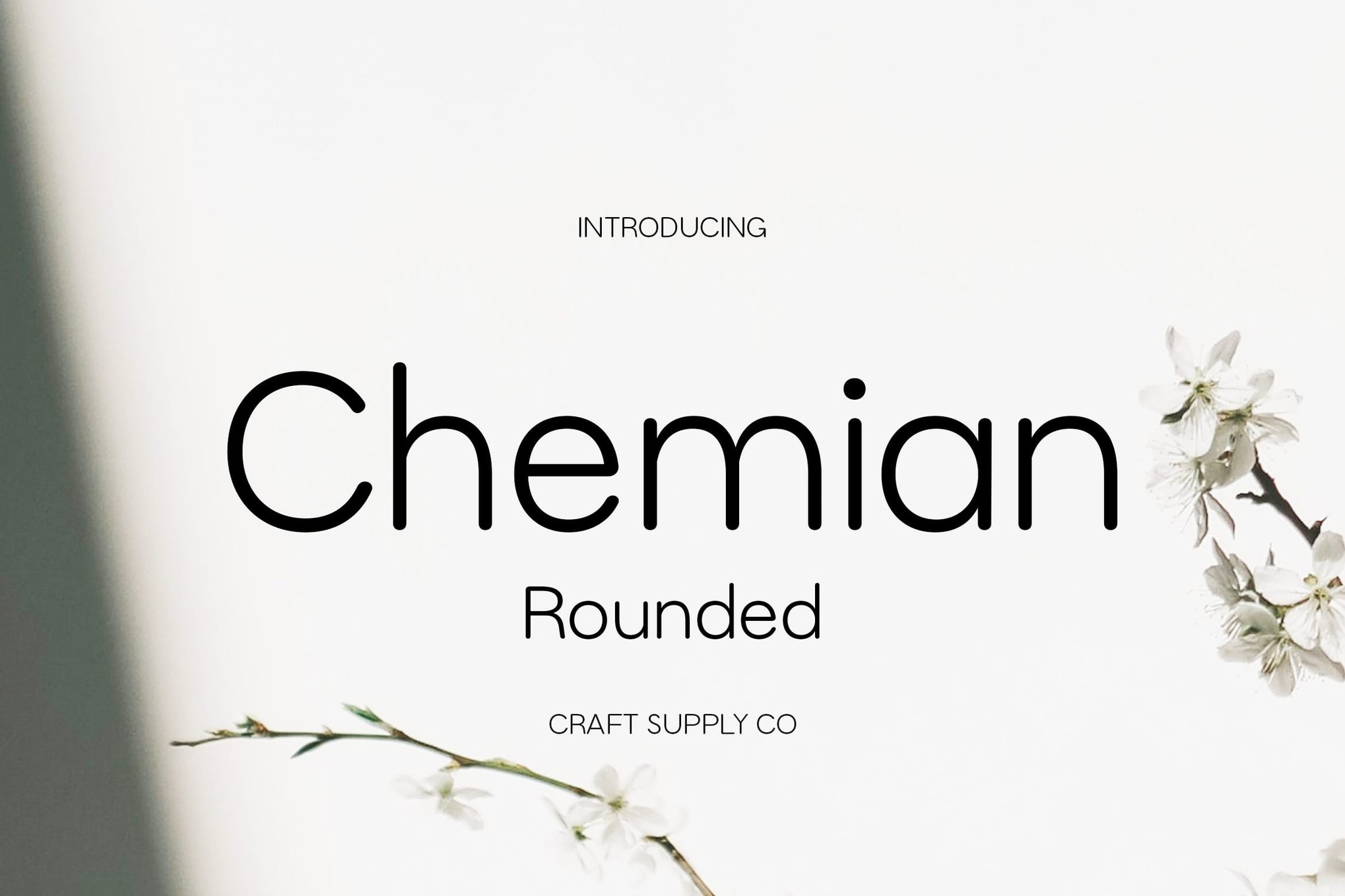
Chemian Rounded is a modern sans-serif font that blends geometric shapes with soft, rounded edges for a clean and approachable style. Ideal for captions, its professional yet friendly design enhances readability in both print and digital formats. With full character support and available in Regular and Italic forms, it’s perfect for versatile and stylish contemporary design projects.
Raftwork Rounded – Font for Captions
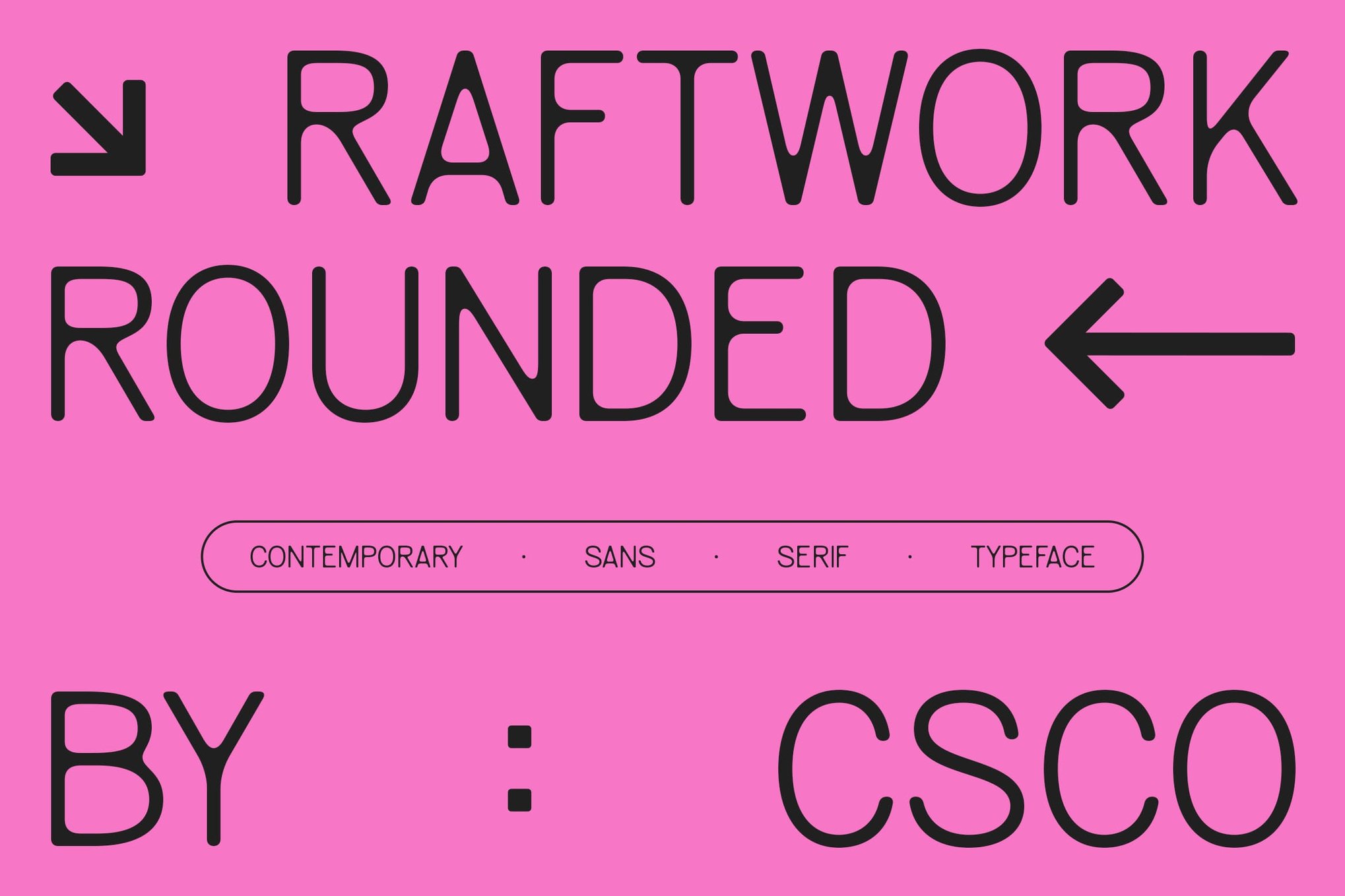
Raftwork Rounded is a modern sans serif font perfect for captions and subheadings, combining sleek lines with soft, rounded terminals for a friendly yet professional appeal. Highly readable and versatile, it works well in both digital and print media, fitting various design needs—from professional projects to playful applications.
Adriatic – Modern Font for Captions
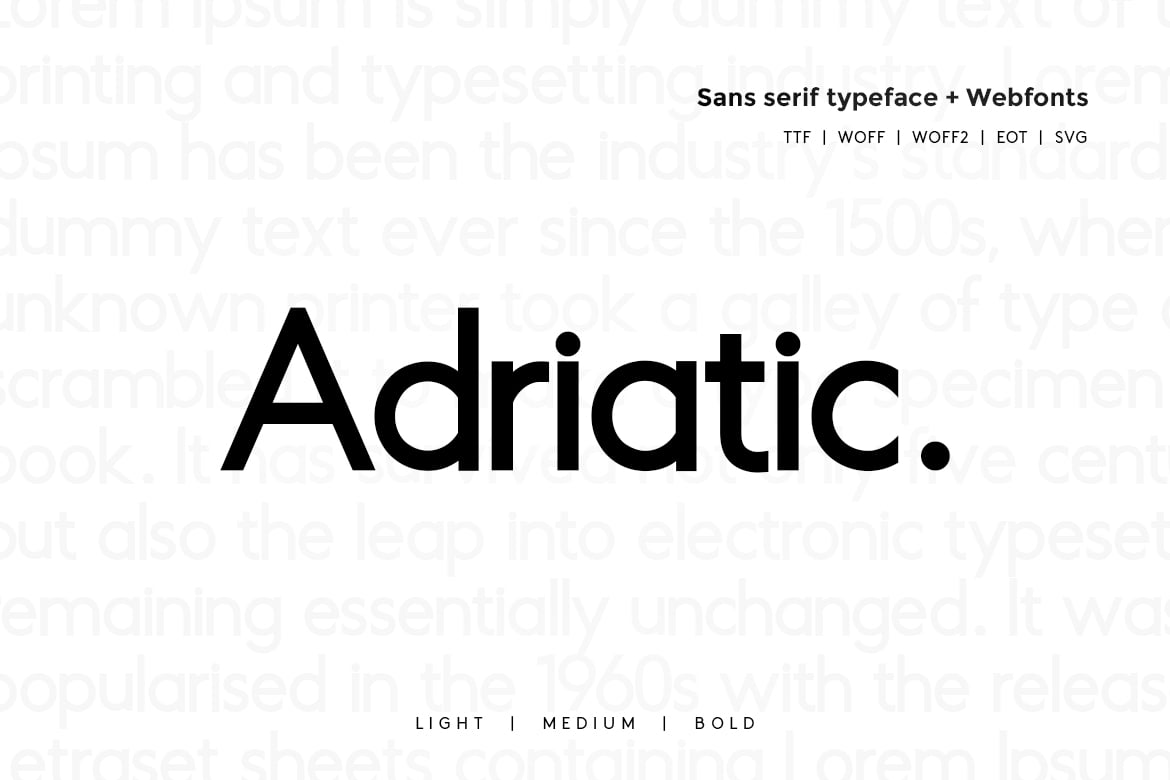
Adriatic is a sleek and versatile sans-serif typeface perfect for captions and subheadings. Designed by James Marlin and distributed by Webhance Studio, this typeface offers three different weights and includes a range of formats like OTF, TTF, and web fonts. HTML webfont demos are also included to help you seamlessly integrate them into your projects.
Neohead – Condensed Font for Captions
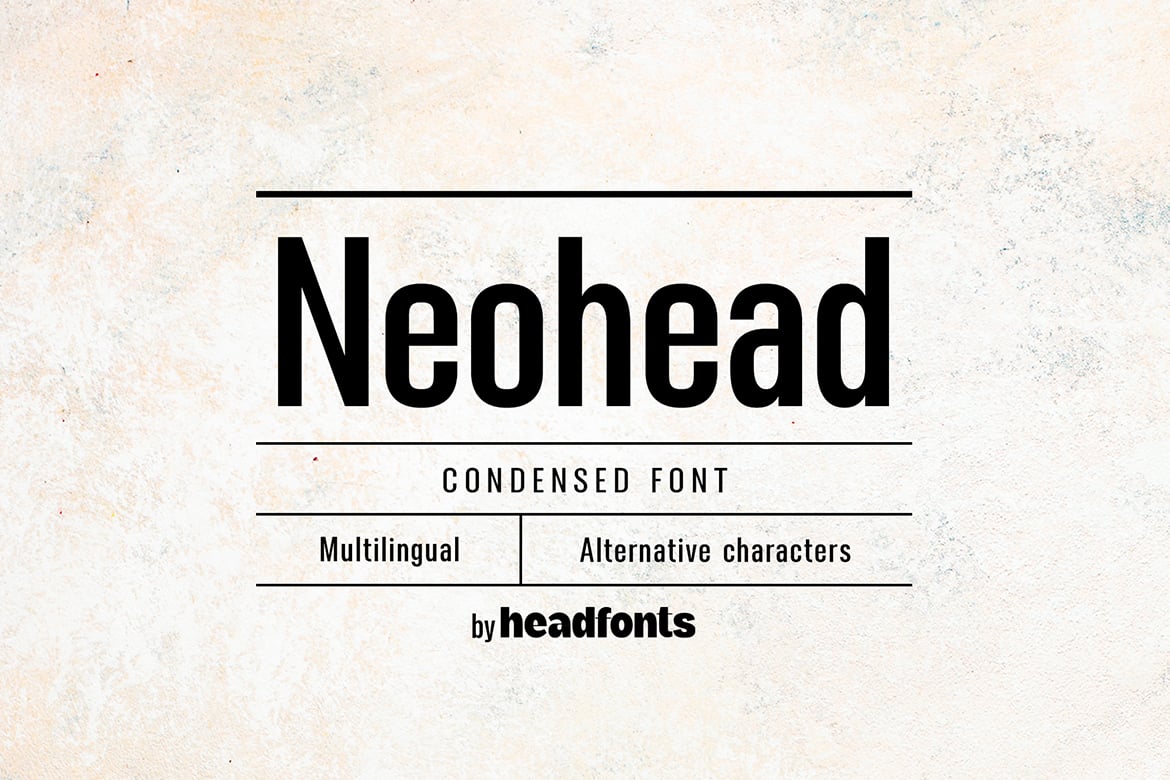
Neohead is a modern, minimalist condensed font ideal for captions, offering a clean, legible design suited for both titles and body text. With 249 glyphs, including an alternative “a” and extensive Latin script support, its smart, neutral appearance fits various applications like web design, branding, and editorials. Available in OTF format, it ensures long-term versatility.
Modista Pro – Variable Font for Captions
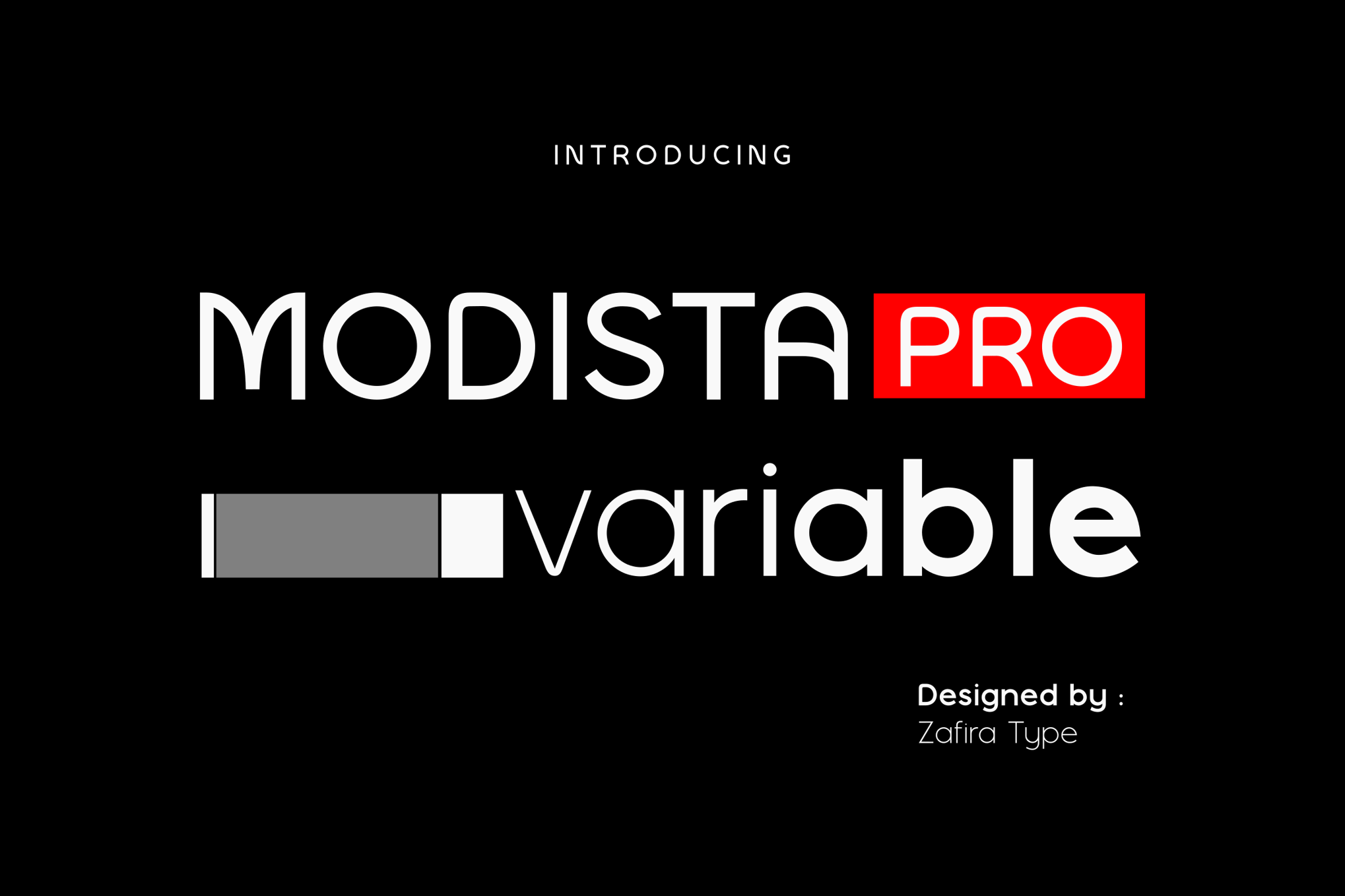
Modista Pro is a sleek and contemporary sans-serif typeface, offering versatility with 9 weights from Thin to Heavy, plus italics. Ideal for branding, editorial, and web designs, its geometric and balanced design enhances clarity and visual impact. This font includes standard glyphs, multilingual support, symbols, and numbers, compatible with both PC and Mac.
Gantle – Modern Font for Captions
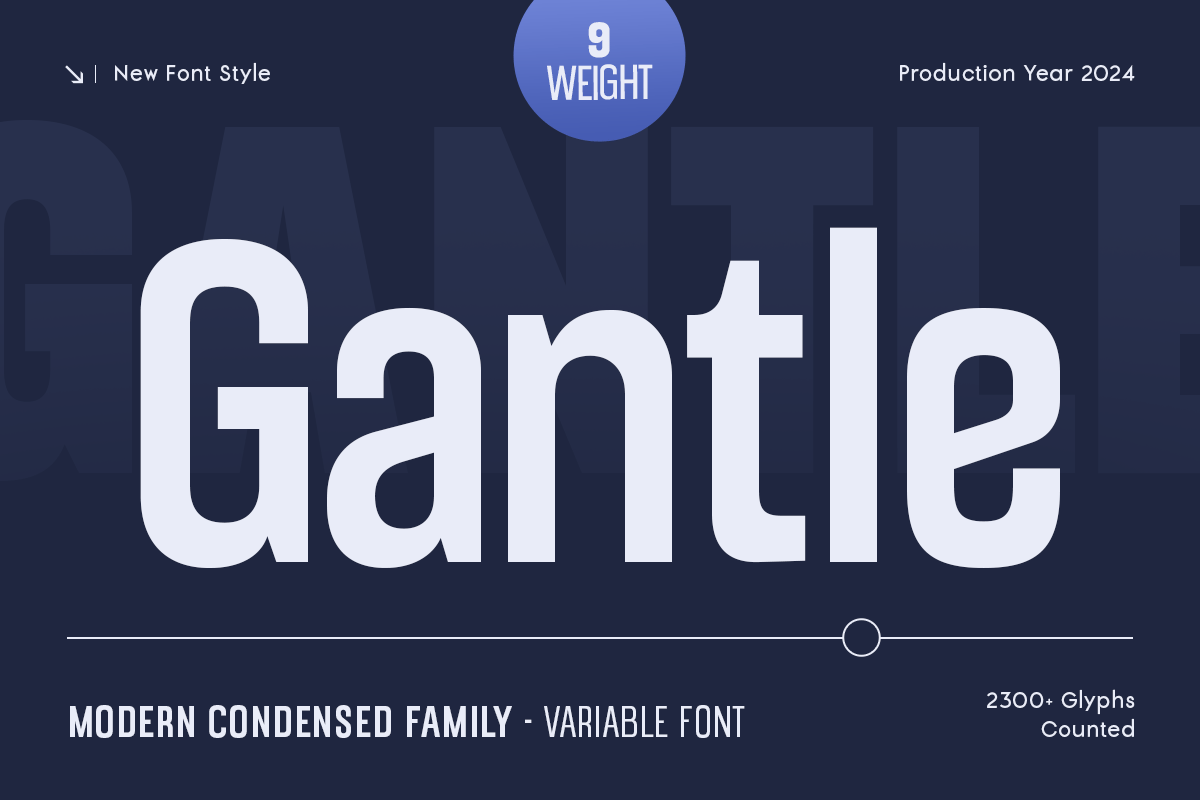
Gantle offers a sleek, condensed typeface designed for clarity and elegance in various design projects. Ideal for modern branding, corporate identity, and digital platforms, it includes a complete character set and nine weights. Compatible with major design software, Gantle ensures readability and style, making it a versatile choice for cohesive and professional visuals.
Best Free Fonts For Captions
Nerva – Free Font for Captions
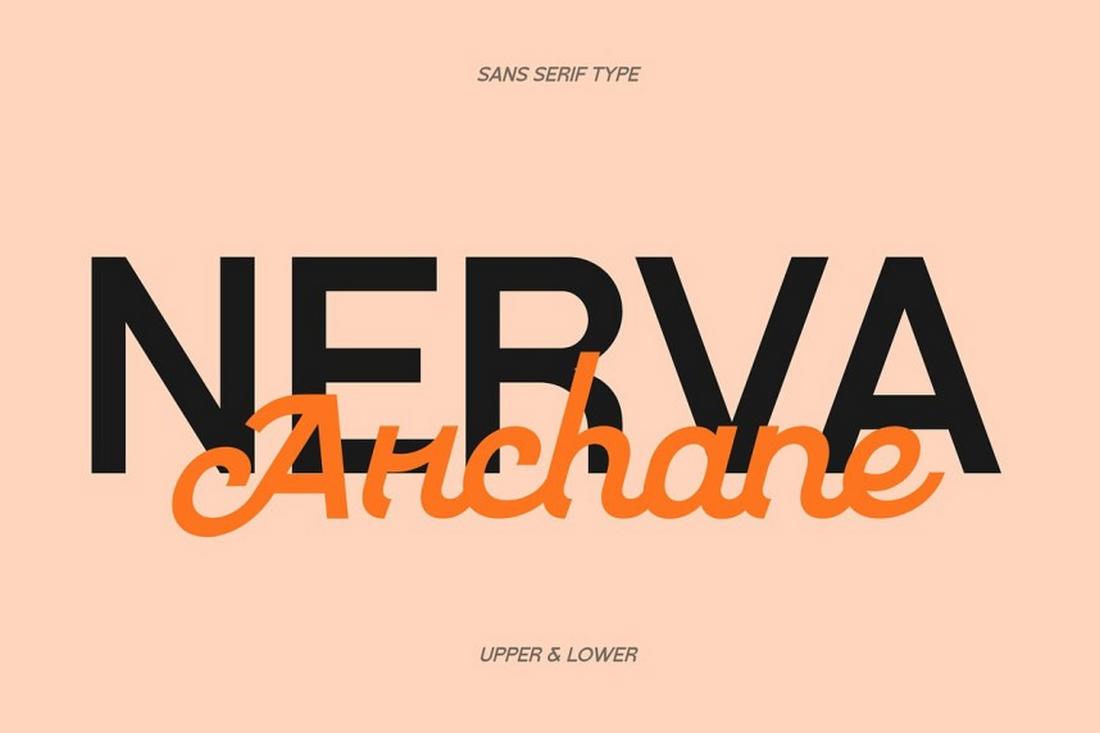
Nerva Archane is a clean, contemporary sans-serif with subtle flair that keeps short text crisp and legible. It’s ideal for captions over images or as call-outs in layouts. Its neutral tone ensures it works across genres.
Oatlash – Free Font for Captions
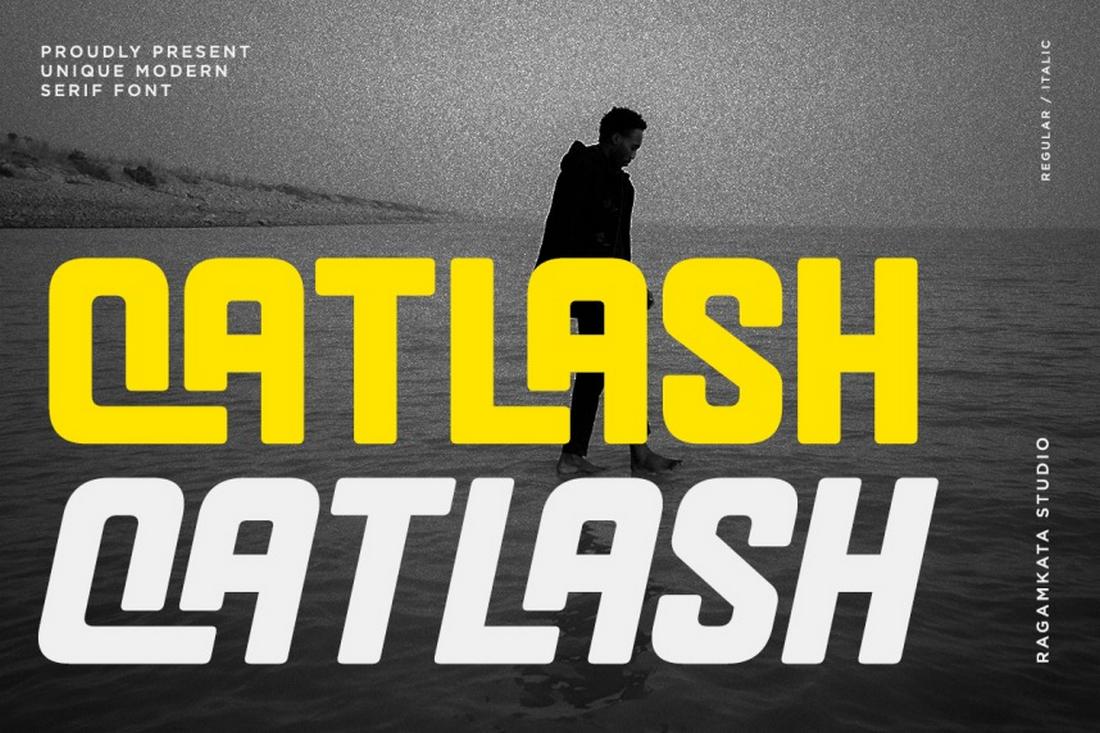
Oatlash offers a friendly, rounded aesthetic that pairs beautifully with visuals, making captions feel cohesive and inviting without overpowering the imagery. Its smooth letterforms help maintain readability even at small sizes.
Classical Premiera – Free Font for Captions
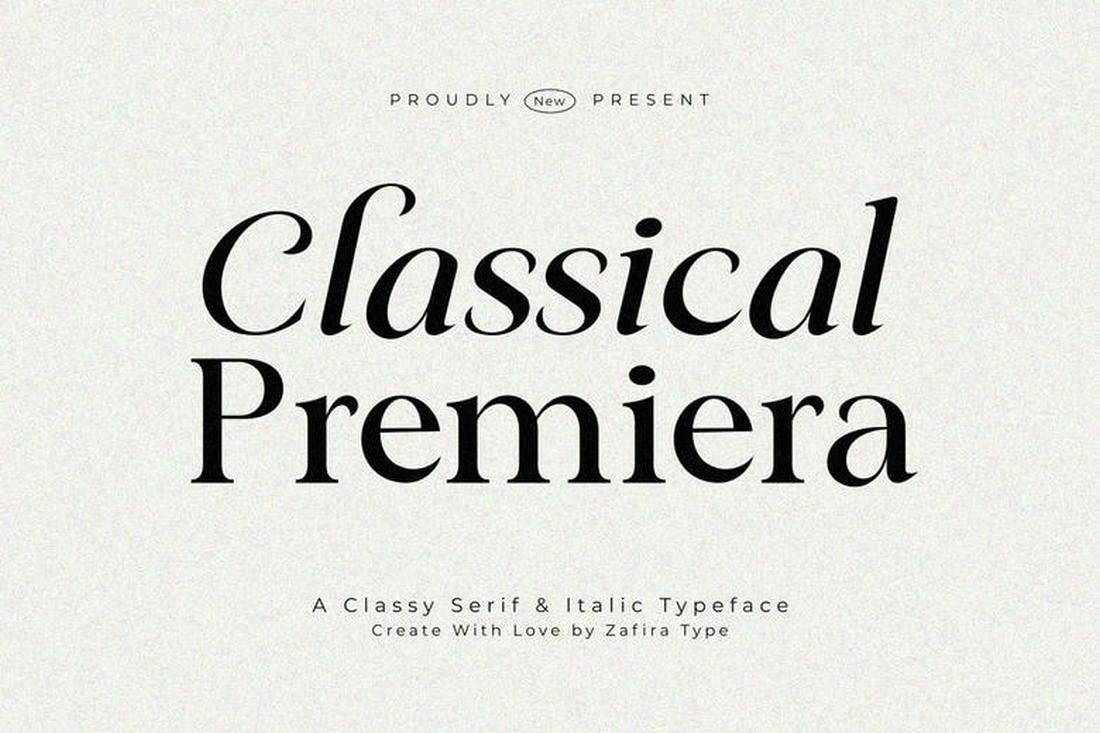
Classical Premiera brings timeless serif styling with refined details that give captions an elegant look. Great for editorial layouts, posters, and designs where small blocks of text need a touch of sophistication.
Halton – Free Font for Captions
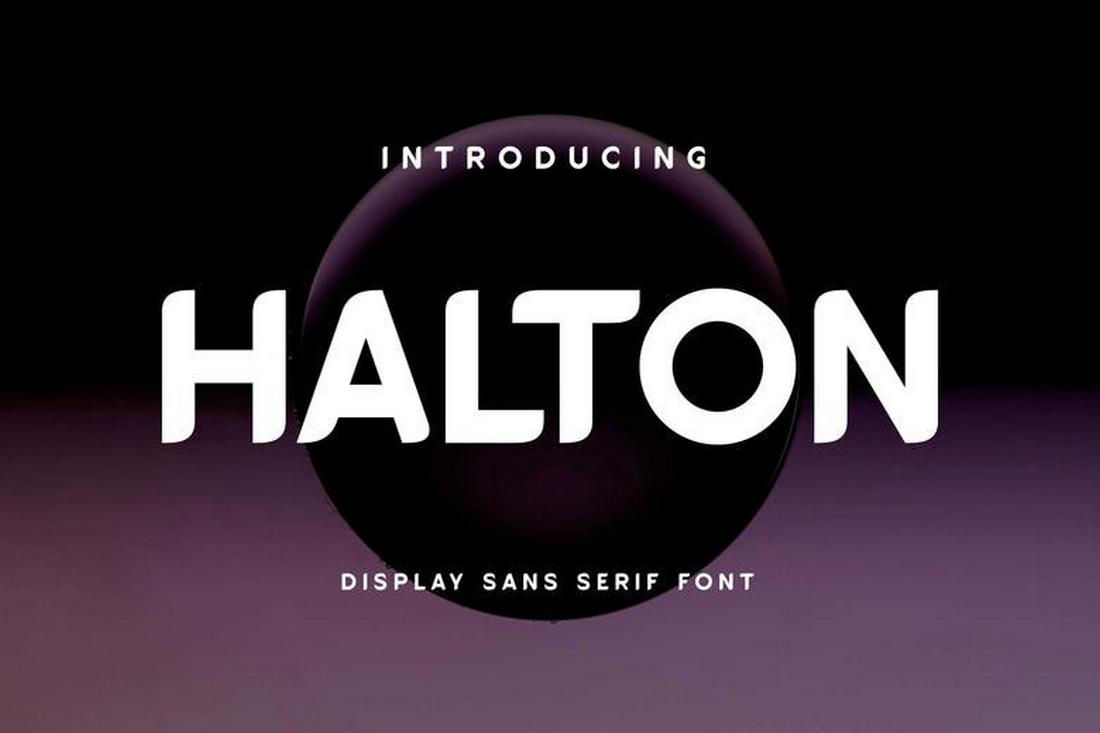
Halton is a strong, structured sans-serif with neat, well-spaced characters that stay readable even in brief caption text. It’s a solid choice when clarity and simplicity are top priorities.
7 Tips for Designing the Perfect Caption
1. Start With a Strong Hook
The first line should grab attention. Ask a question, make a bold statement, or highlight a key benefit. A strong opening encourages readers to keep reading rather than scrolling past.
2. Keep It Clear and Concise
Captions work best when they are direct and easy to understand. Avoid long, complicated sentences. Short paragraphs or spaced lines improve readability, especially on mobile screens.
3. Match the Tone to the Brand
Your caption should reflect the brand’s personality. Whether the tone is professional, playful, informative, or inspirational, keep it consistent across posts to build recognition and trust.
4. Add Value, Not Just Description
Instead of simply describing the image, provide insight, context, or a takeaway. Share a tip, explain the story behind the visual, or highlight why it matters to the audience.
5. Use Formatting to Improve Readability
Break up text into short lines or small paragraphs. Use simple spacing or bullet points if appropriate. Clean formatting makes longer captions easier to scan and digest.
6. Include a Clear Call to Action
Tell readers what to do next. This might be commenting, sharing, visiting a link, or reflecting on a question. A clear call to action turns passive reading into engagement.
7. End With Impact
Finish with a memorable line, thoughtful question, or concise summary. The last sentence often stays with readers, so make it purposeful and aligned with your message.