20+ Professional Fonts for Design Systems & Component Libraries
A well-chosen font can elevate a design system from functional to thoughtful.
In this set of fonts for design systems, you’ll discover typefaces that balance adaptability with aesthetic strength.
The fonts in this collection strengthen tone, hierarchy, and rhythm throughout your project. They also offer clean, neutral forms that blend seamlessly across interfaces.
Whether your system serves a minimalist web app or a bold brand platform, these typefaces help maintain visual harmony and readability at every touchpoint.
System Code – Design System Font
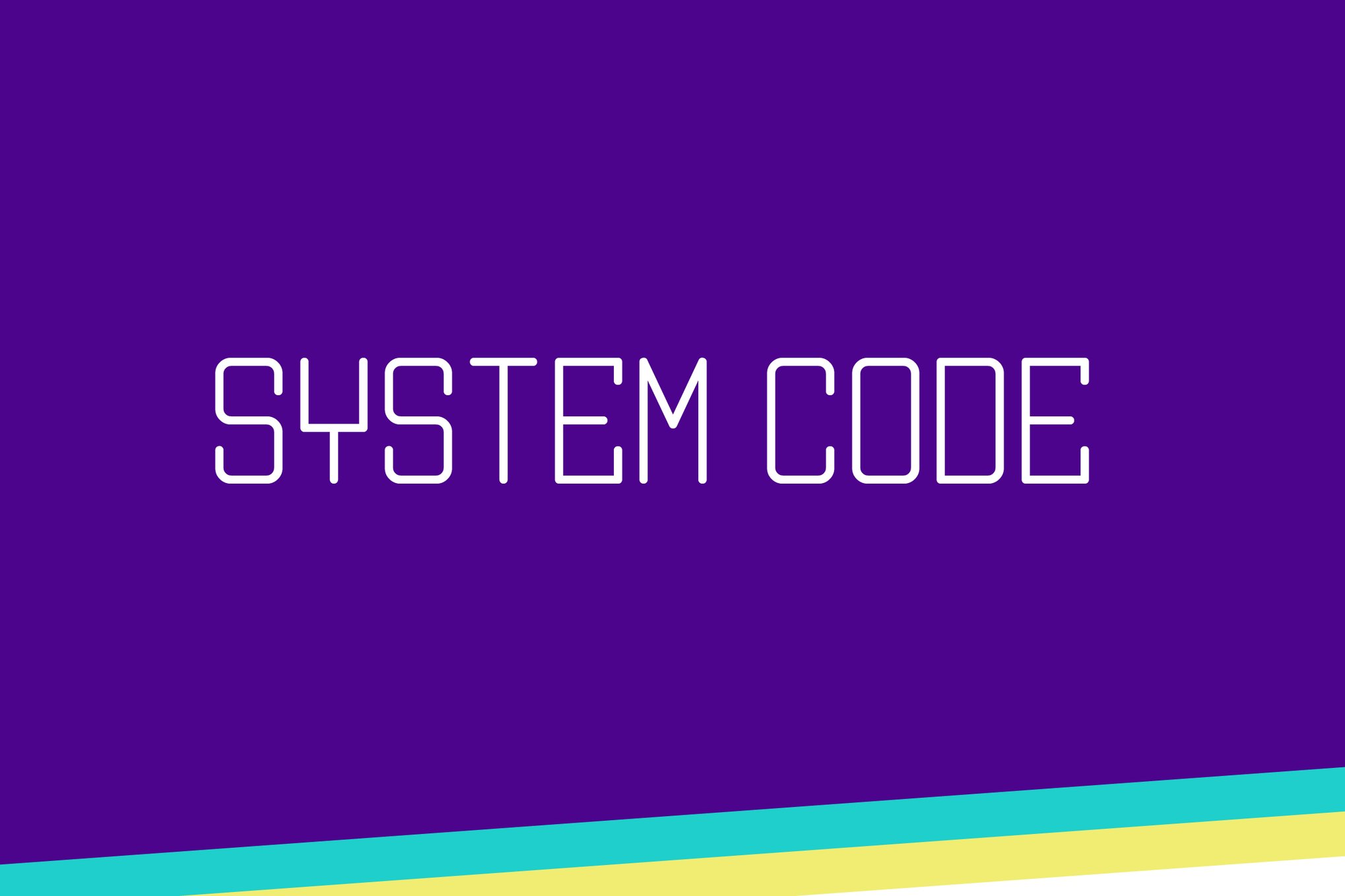
System Code is a decorative, tech-inspired typeface perfect for adding a futuristic touch to your design systems. With clean lines and sleek curves, this font enhances visual appeal and ensures your designs stand out. It’s versatile and modern, making it a great choice for innovative projects that demand attention.
Architect – Geometrical Design System Font
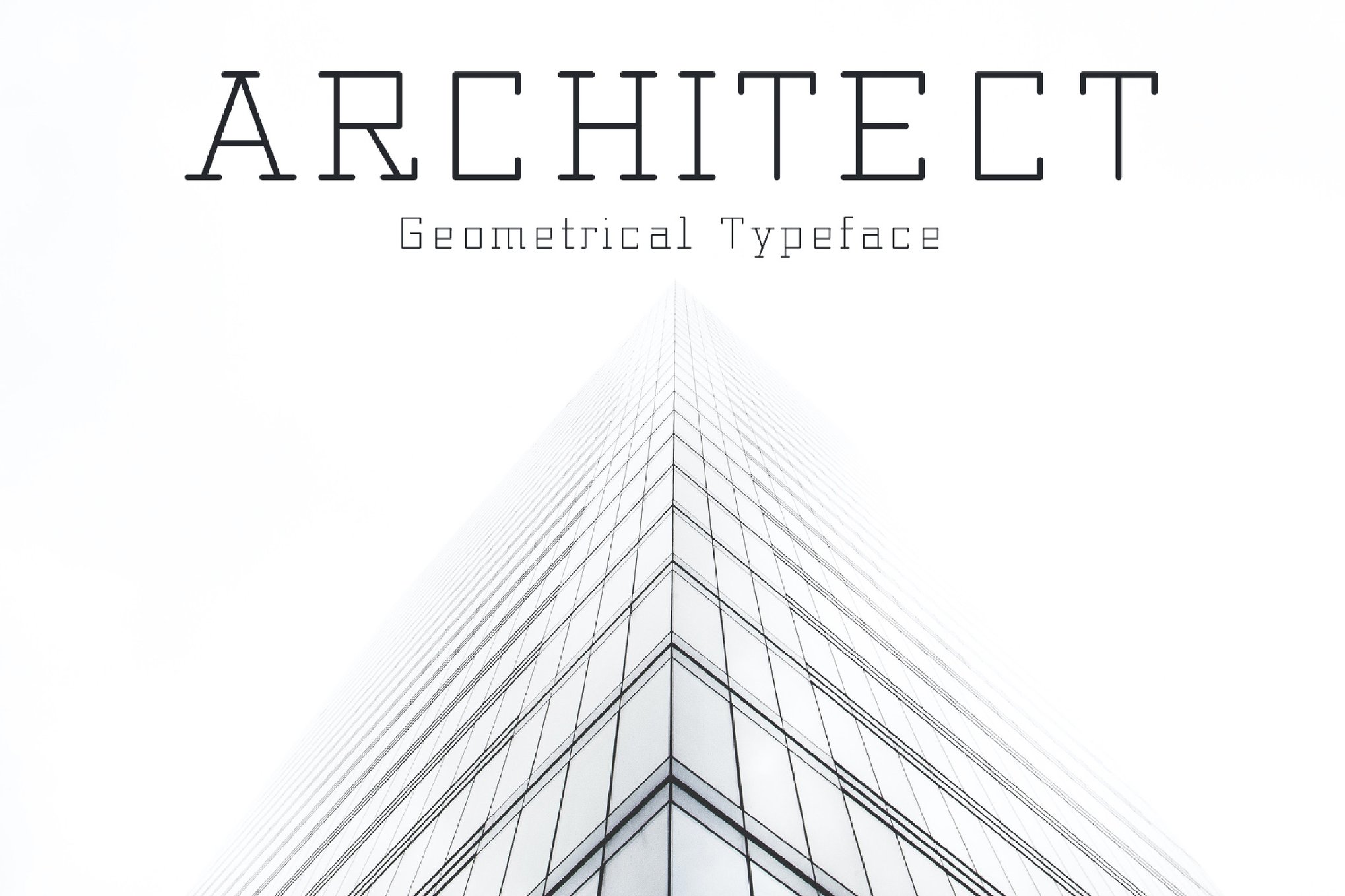
Architect is a playful digital typeface that draws inspiration from the early personal computer era. Ideal for striking headlines, logos, and layouts, this font adds a unique touch to any project. Its design system ensures compatibility, making it a versatile choice that pairs well with various fonts, enhancing your creative endeavors with its distinctive style.
Moregressive – Design System Font
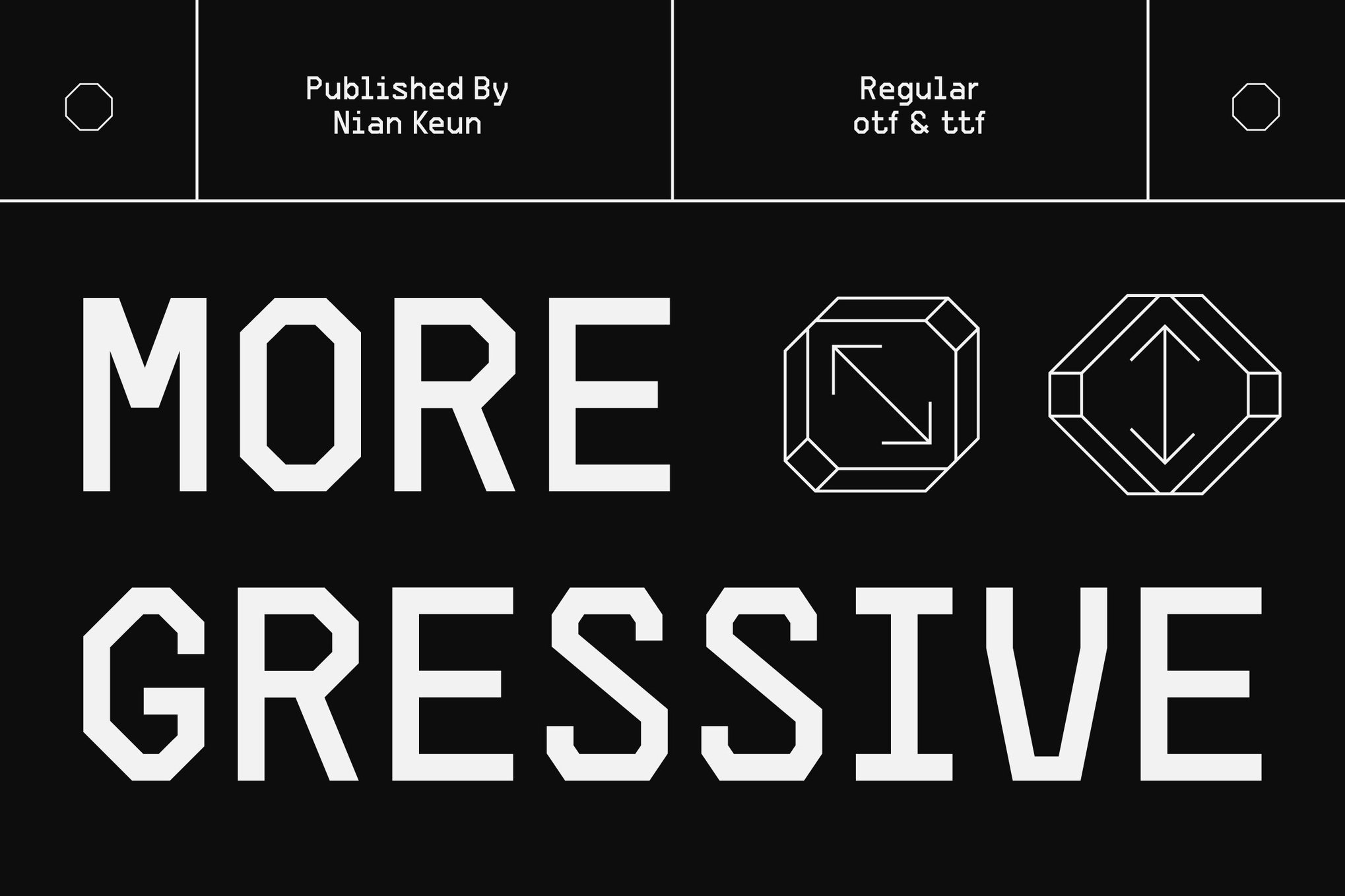
Moregressive is a modern display font that marries tech-inspired aesthetics with clean, contemporary design. Drawing from the essence of technology, its pixel-inspired roots highlight progress and innovation. Perfect for futuristic graphic design and digital interfaces, Moregressive infuses projects with a sleek, tech-savvy edge.
Artlab – Variable Design System Font
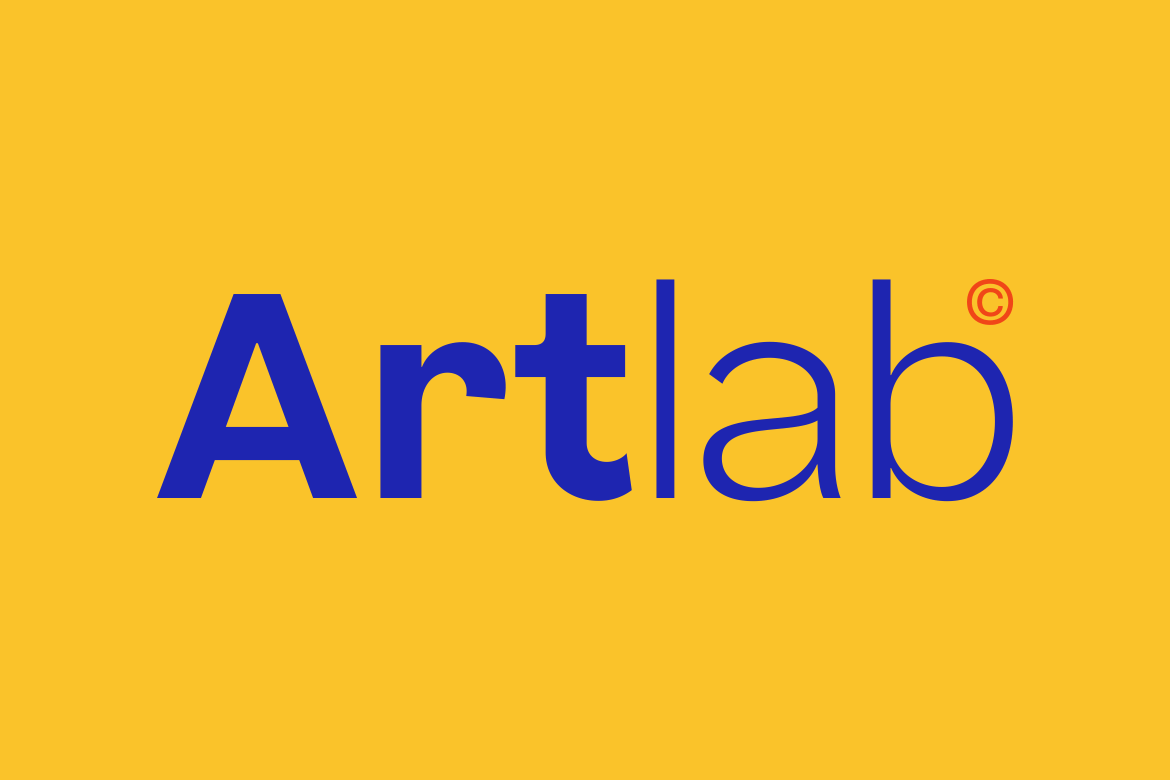
Artlab is a versatile variable sans-serif typeface perfect for modern design needs. With 18 styles, including Thin to Black Italic, Artlab adapts effortlessly to minimalist and bold aesthetics. Ideal for branding, editorial, and digital interfaces, its clean lines and readability ensure professionalism. Available in otf, ttf, woff, and woff2 formats, Artlab supports multilingual characters, ligatures, and alternatives.
Nuxai – Design System Font
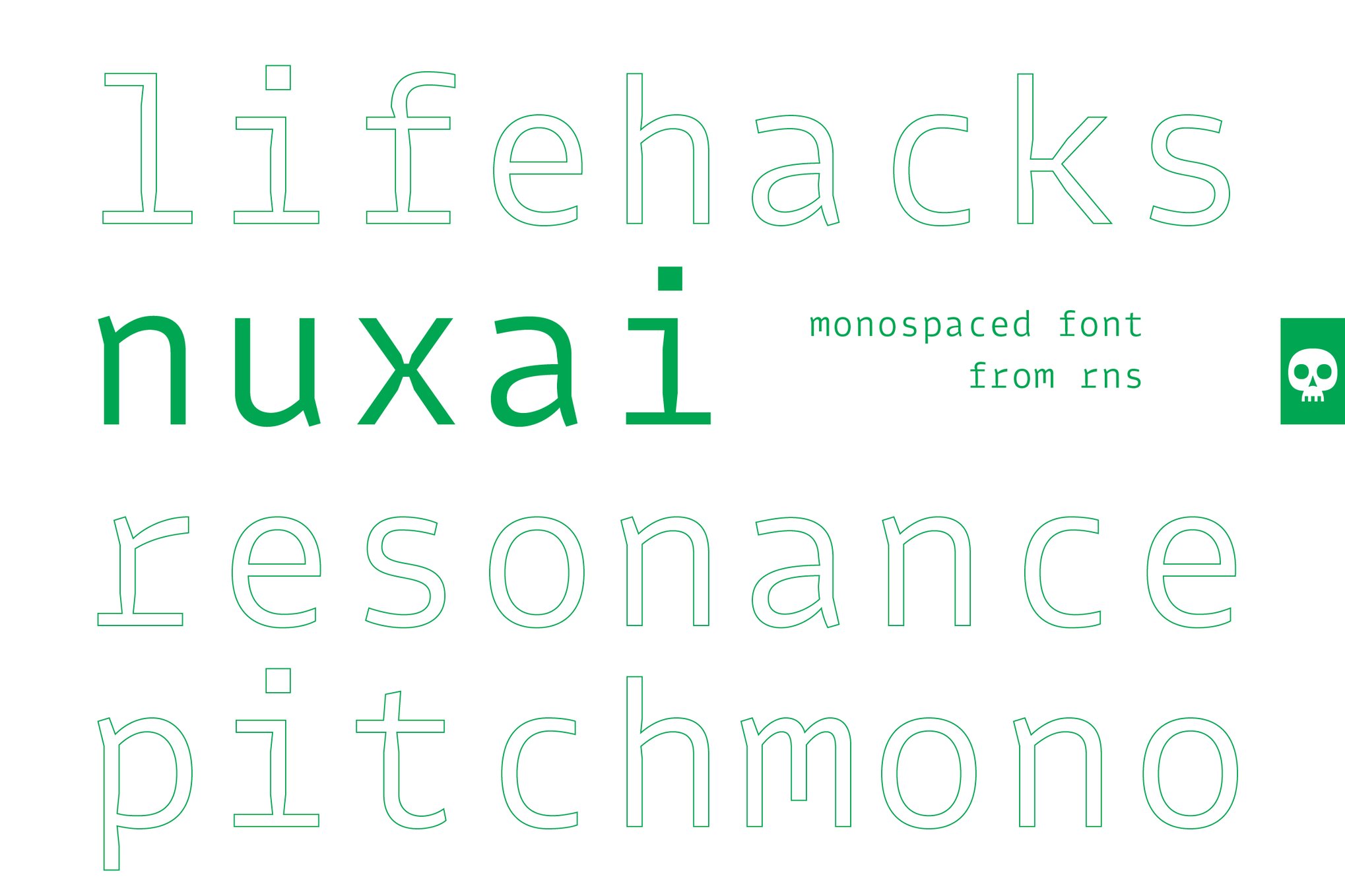
Nuxai, a monospaced font by RNS, is expertly designed for programming, offering both functionality and style. Its futuristic and elegant details make it suitable for various editorial uses beyond coding. Versatile and visually appealing, Nuxai enhances readability in technical contexts while adding a touch of modern sophistication to any project.
Xytrion – Modular Design System Font
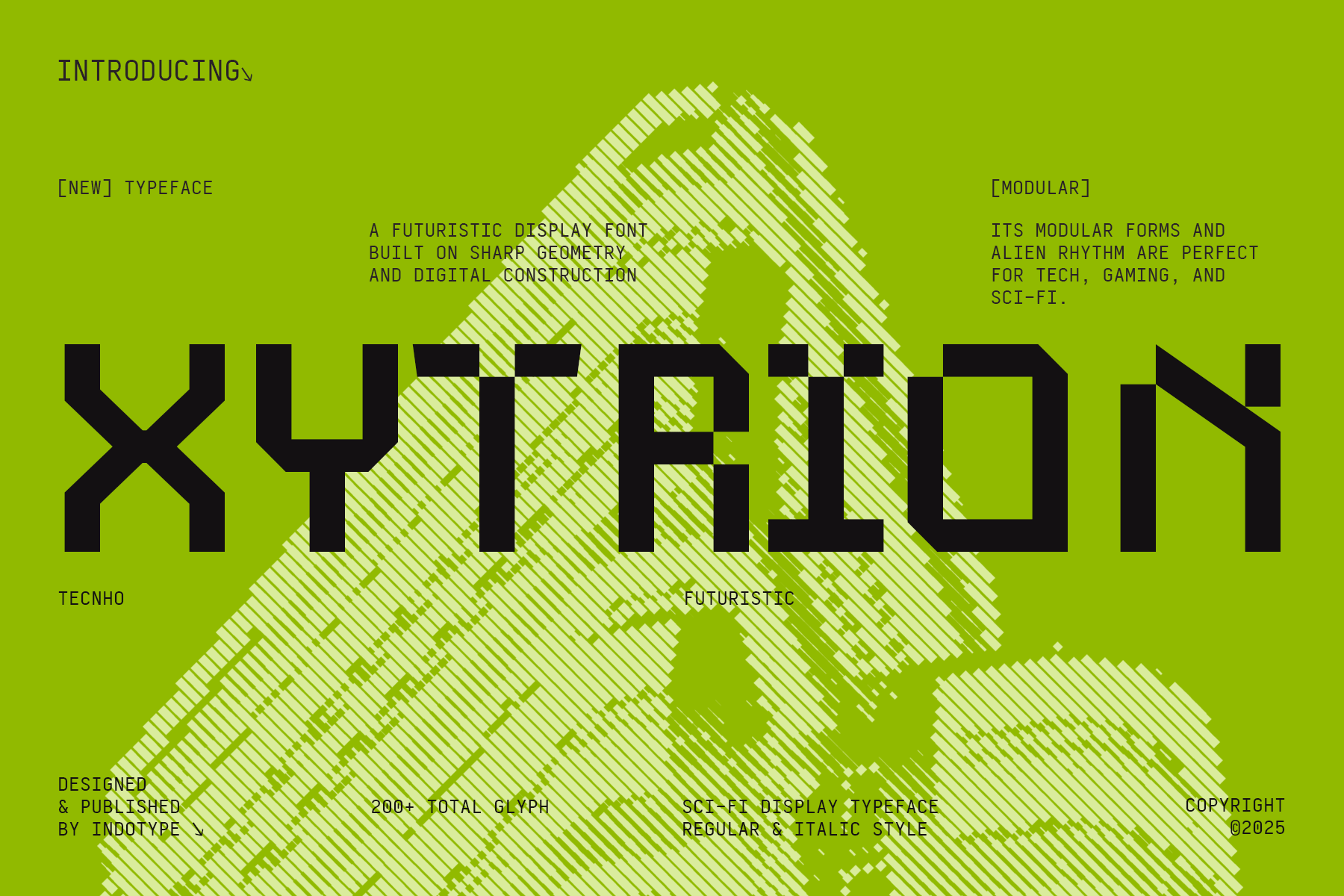
Xytrion font propels your projects into a futuristic realm with its sharp, geometric design and sci-fi flair. Offering over 200 glyphs in both Regular and Italic styles, Xytrion excels in tech interfaces, gaming titles, and sci-fi branding. Compatible across various platforms, it’s perfect for creating a striking, advanced impact in both digital and print environments.
Groutpix Flow – Design System Font
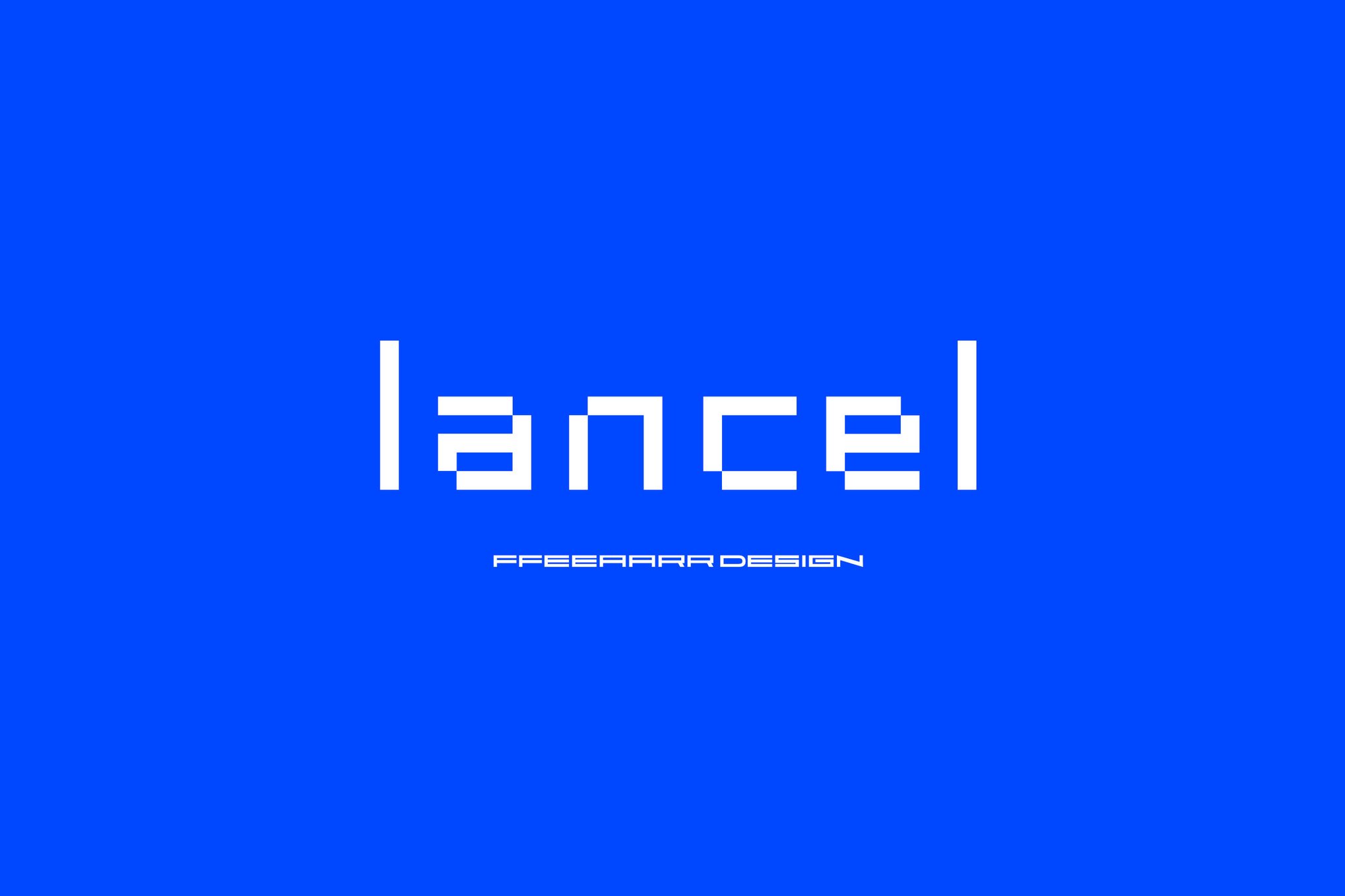
Groutpix Flowis perfect for innovative digital projects, from tech designs to gaming ventures. It combines a pixelated style with versatility, available in Truetype, Opentype, Woff, and Woff2 formats. Whether you’re breaking boundaries or creating something unique, this regular weight font helps you communicate with a striking, tech-savvy voice.
Simpanse X – Design System Font
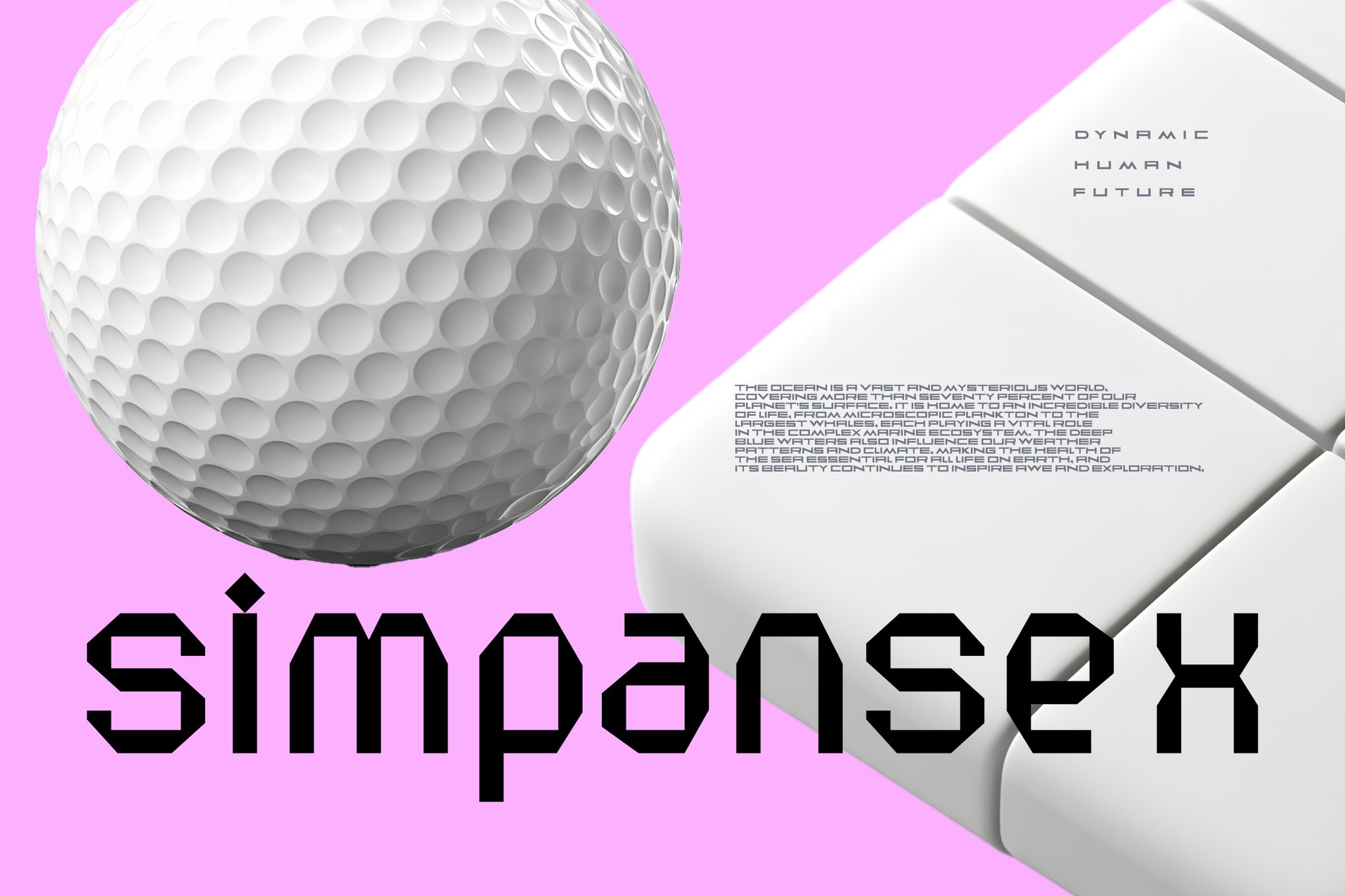
Simpanse X is a clean and precise sans-serif typeface tailored for digital clarity. Its structured and simple design resembles visual code, emphasizing functionality over decoration. Available in Regular and Italic styles, this futuristic font supports TTF, OTF, WOFF, and WOFF2 formats, making it versatile for various digital applications.
Design Sprint – Design System Font
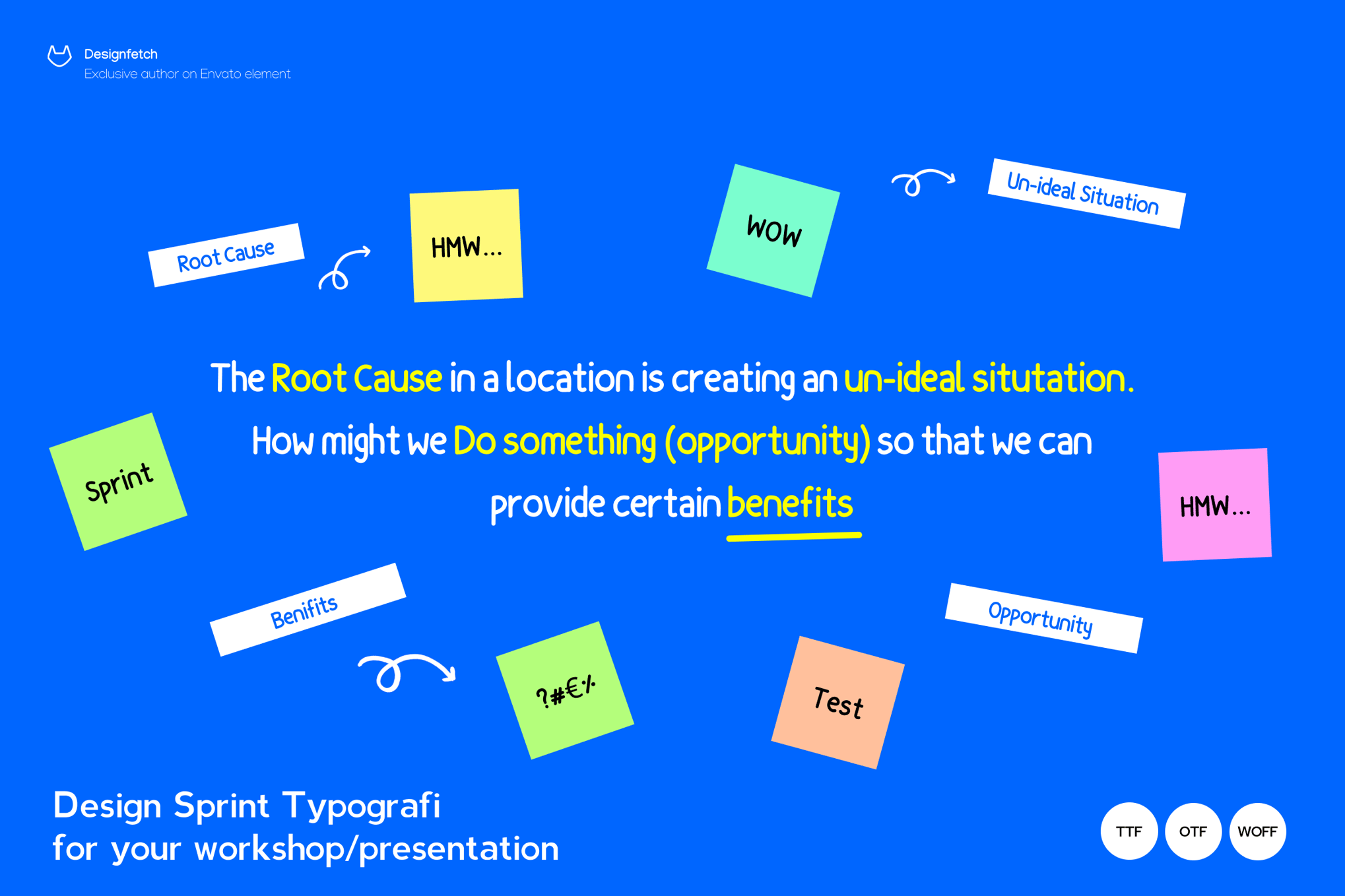
This 100% hand-drawn font adds a touch of personality and clear flow to any text. Perfect for titles, events, and social media content, its playful bounce stands out while remaining easy to read. The pack includes OTF, TTF, and Web Fonts for versatile use.
Interform – Monospace Design System Font
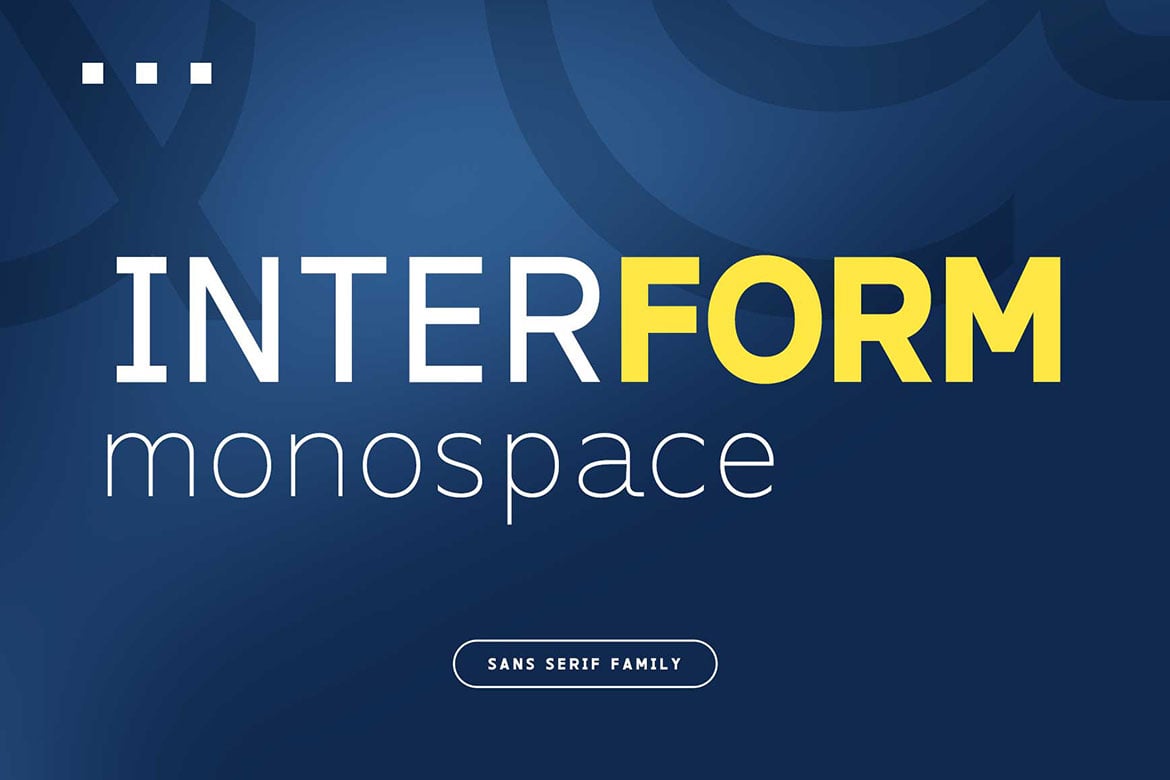
Interform is a versatile monospaced typeface with an industrial look, perfect for digital interfaces and editorial layouts. Available in five weights from Light to Bold, it ensures readability across different sizes. Ideal for coding, headlines, and labels, it includes stylistic alternates and supports multiple languages. Formats include TTF, OTF, and WOFF.
Mantrex – Futuristic Design System Font
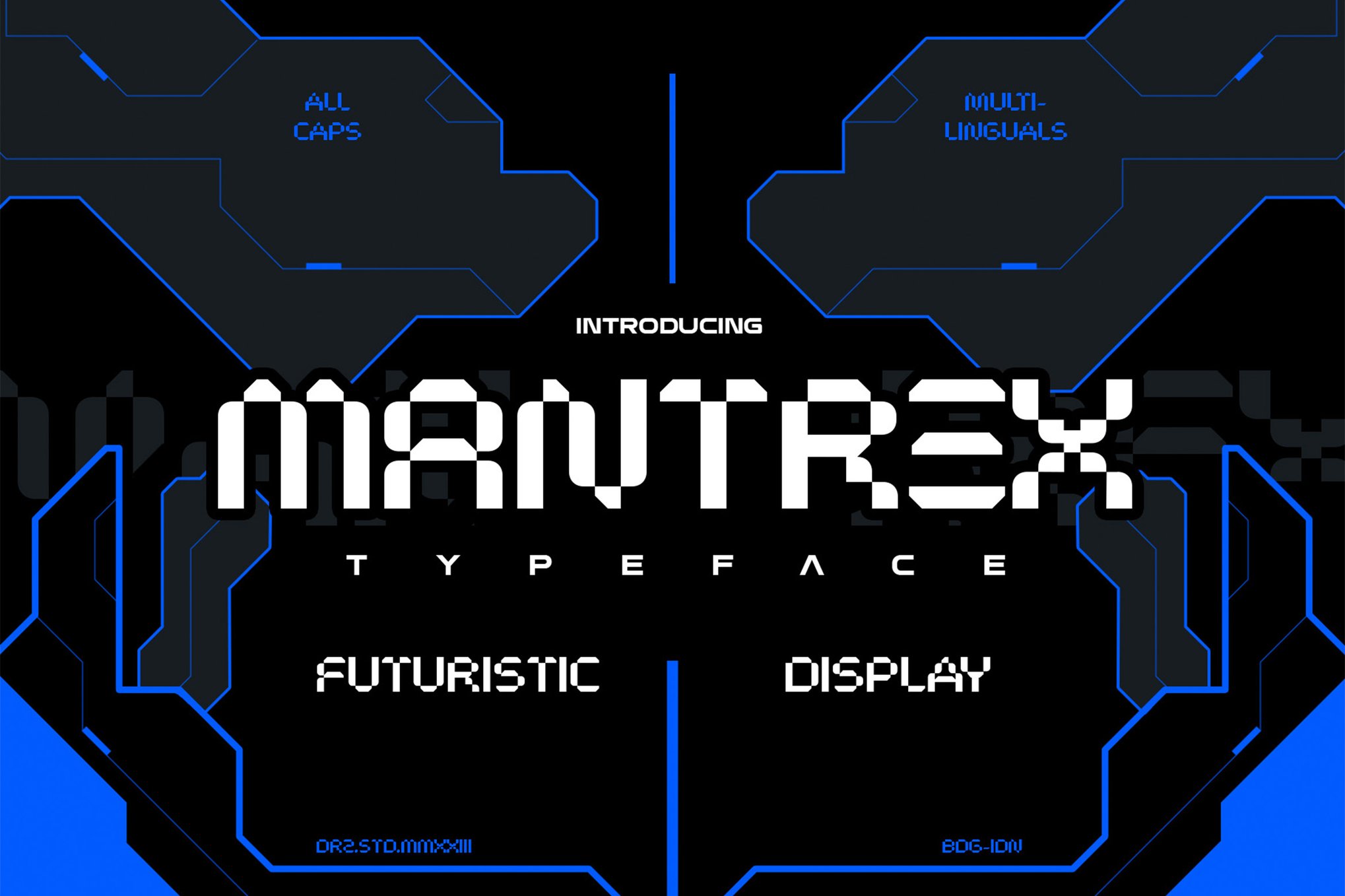
Mantrex is a captivating Futuristic Display Typeface that transforms your design projects with its bold and imaginative style. Perfect for innovative and forward-thinking aesthetics, Mantrex offers a complete character set, punctuation, numbers, multilingual support, and alternates. Available in OTF and TTF formats, this font is your gateway to exploring new design horizons.
Sanz – Clean Design System Font
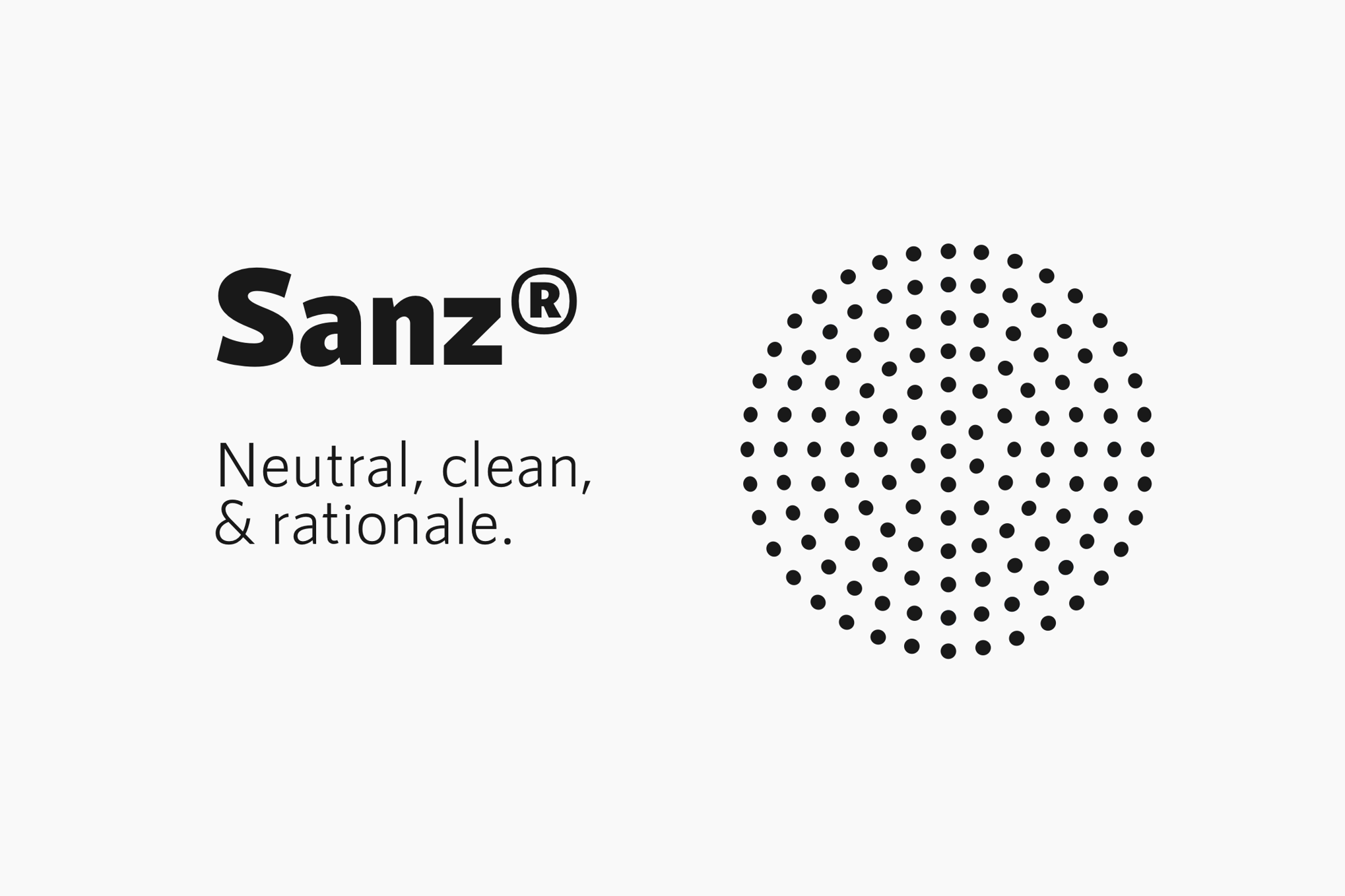
Sanz is a versatile and functional typeface, perfect for various design needs. It features seven weights from Light to Black, each with small caps, and is optimized for webfont use. Ideal for signage and architecture applications, Sanz offers formats like OTF, TTF, WOFF, WOFF2, and EOT, ensuring broad compatibility.
Mono Rogient – Modular Design System Font
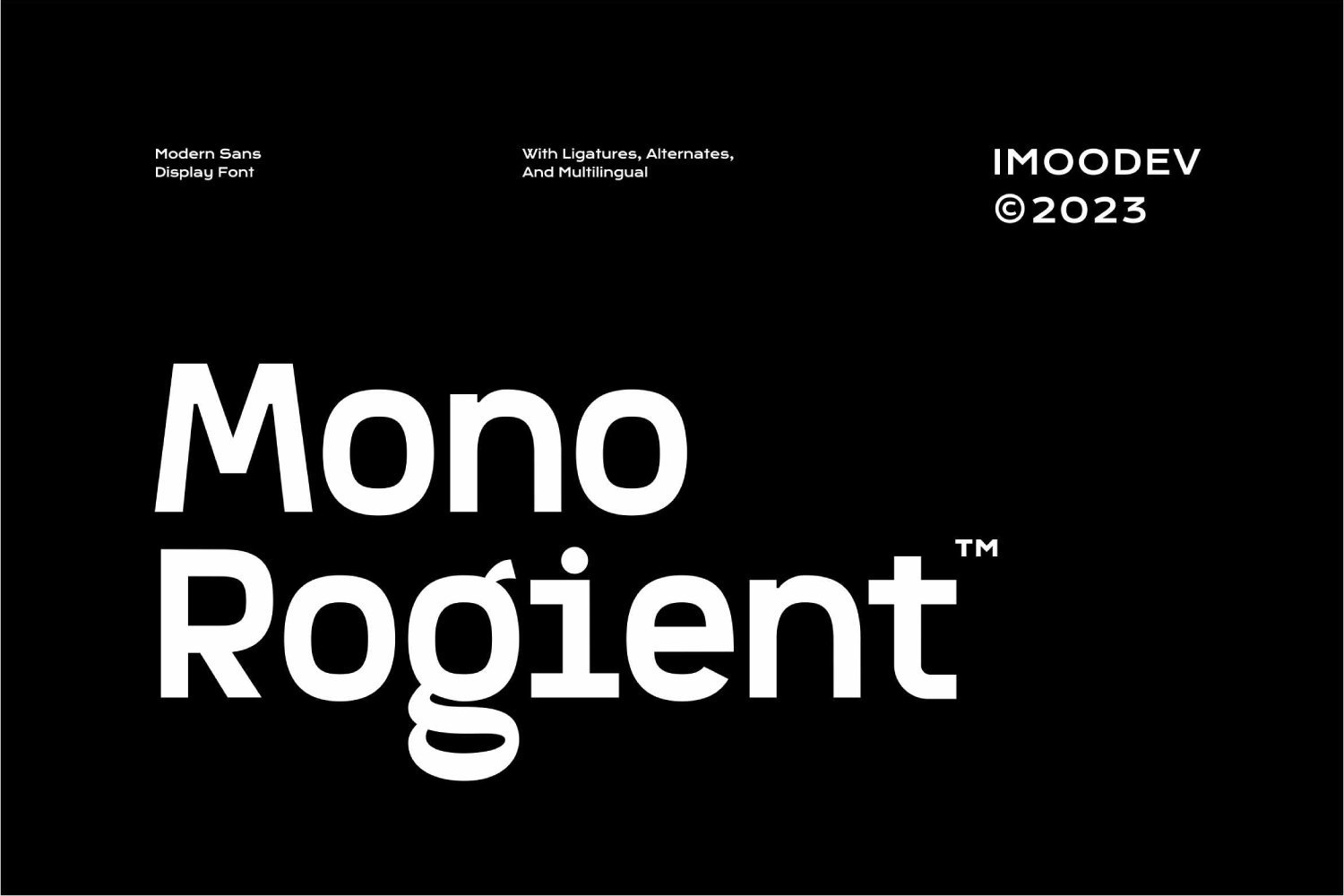
Mono Rogient is a unique modular font that combines minimalist sans display style with quirky, expressive elements. Its blend of monospaced geometry makes it perfect for fashion, music, and tech-inspired designs, offering versatility across branding, editorial, and futuristic themes. Available in OTF and TTF formats, it includes uppercase, lowercase, and punctuation.
Qalited Rough – Unique Design System Font
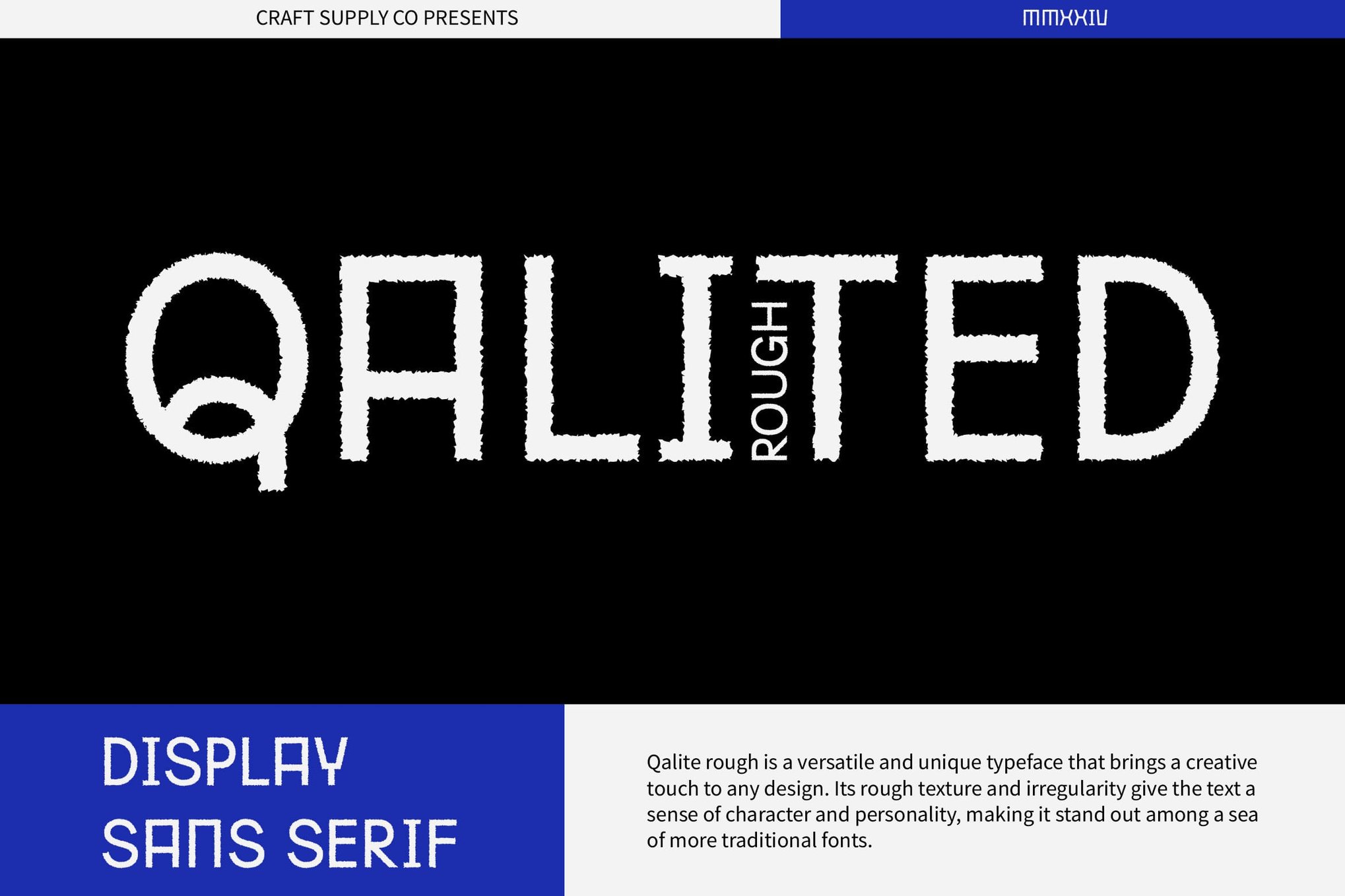
Qalited Rough is a rugged, industrial sans-serif font designed to convey strength and sturdiness in your projects. Perfect for headlines, banners, or display purposes, it offers a unique and powerful look. Versatile yet distinctive, Qalited Rough includes regular and italic styles, supports multilingual characters, and comes with numerals and punctuation, making it a compelling choice for adding an industrial touch.
Wirebet – Modern Design System Font
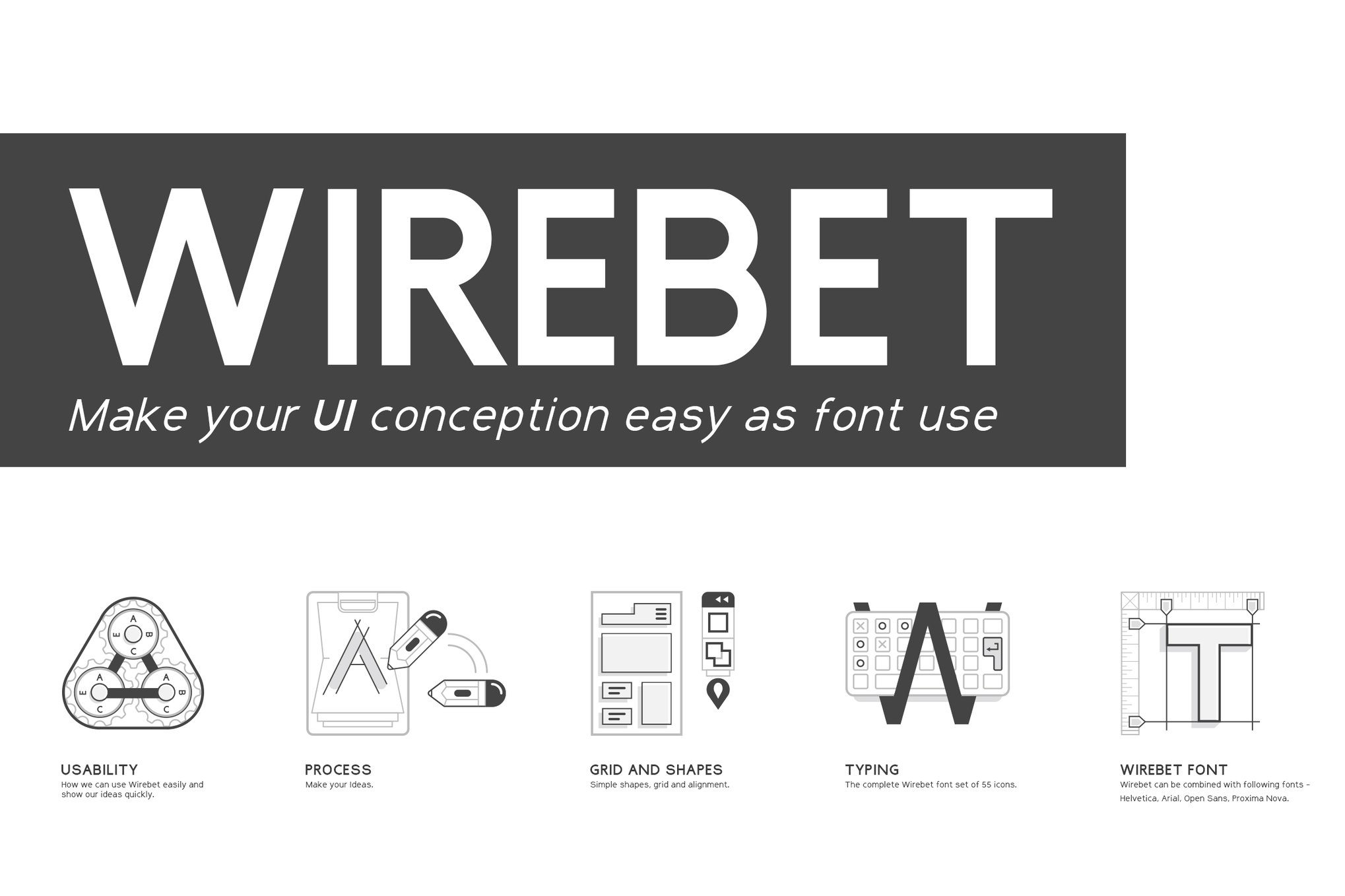
Wirebet, the Modern Design System Font, combines wireframe and alphabet elements to create a versatile set of icons. Ideal for visualizing web concepts, Wirebet allows you to construct or highlight web design elements seamlessly, with or without graphic software. This creative asset is perfect for presentations and aids in bringing your web ideas to life.
Ranberg Rounded – Design System Font
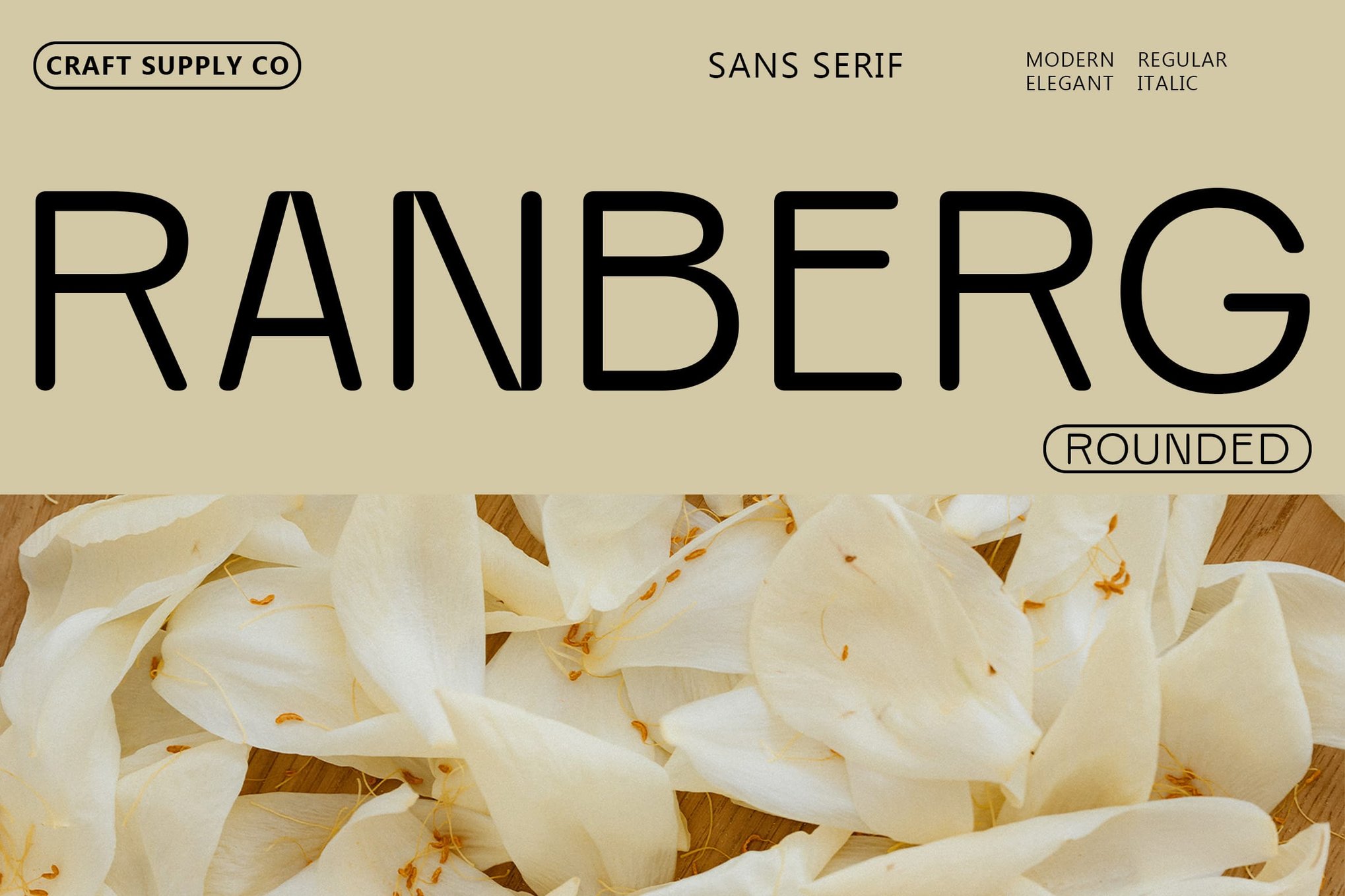
Ranberg Rounded is a sleek sans serif font that balances modernity and warmth with its low-contrast design and rounded strokes. Ideal for branding, editorial layouts, and digital interfaces, it offers a minimalist yet sophisticated look that enhances visual appeal and legibility across various media. Available in Regular and Italic, it supports multilingual characters.
Practish – Design System Font Family
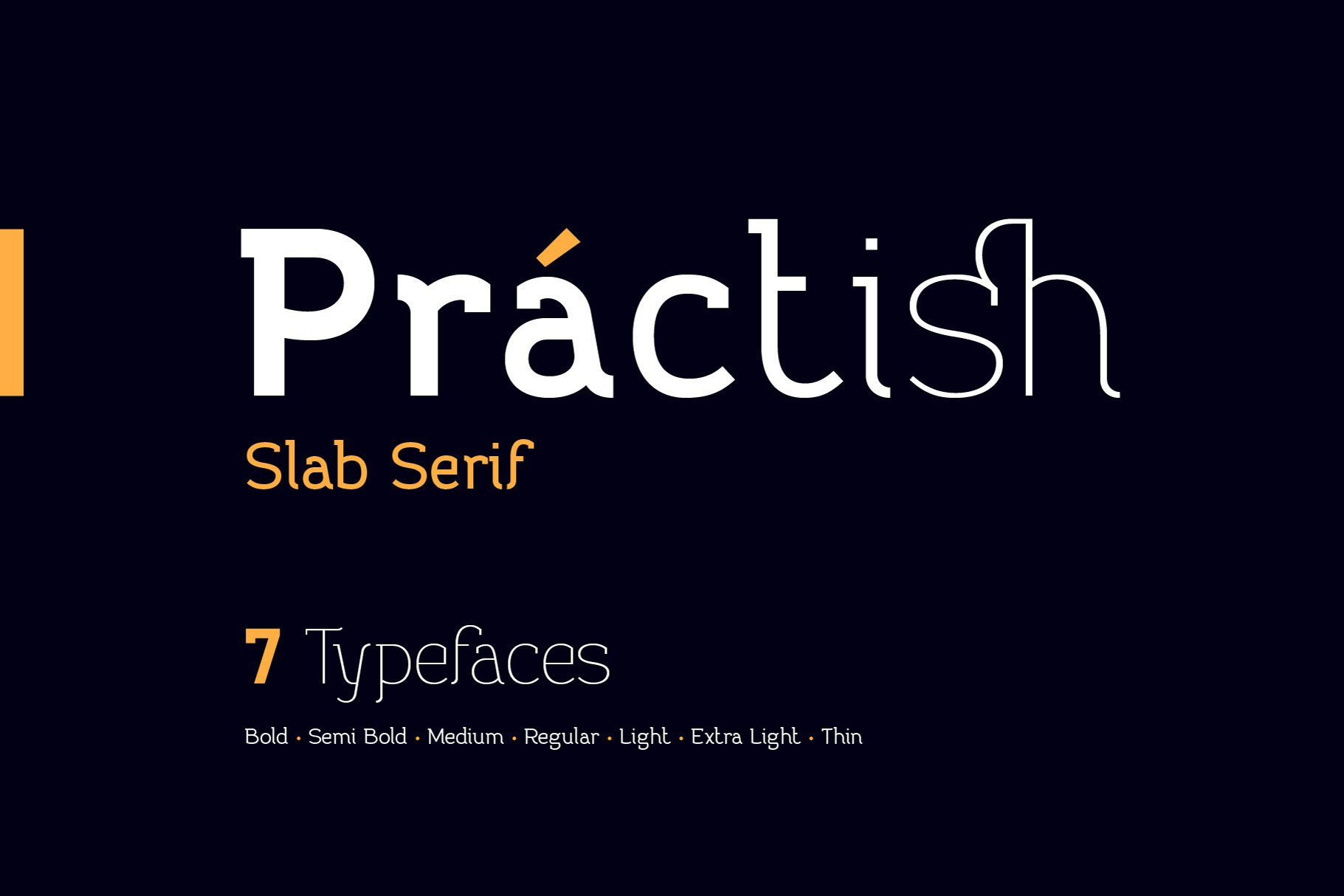
Practish is a versatile Slab Serif font family featuring 7 weights from Bold to Thin. With its classic design and varying character thickness, Practish is perfect for any project, from business cards to billboards. It supports multiple Western European languages and includes 13 ligatures, making it a practical choice for diverse design needs.
PixPixls – Pixelated Design System Font
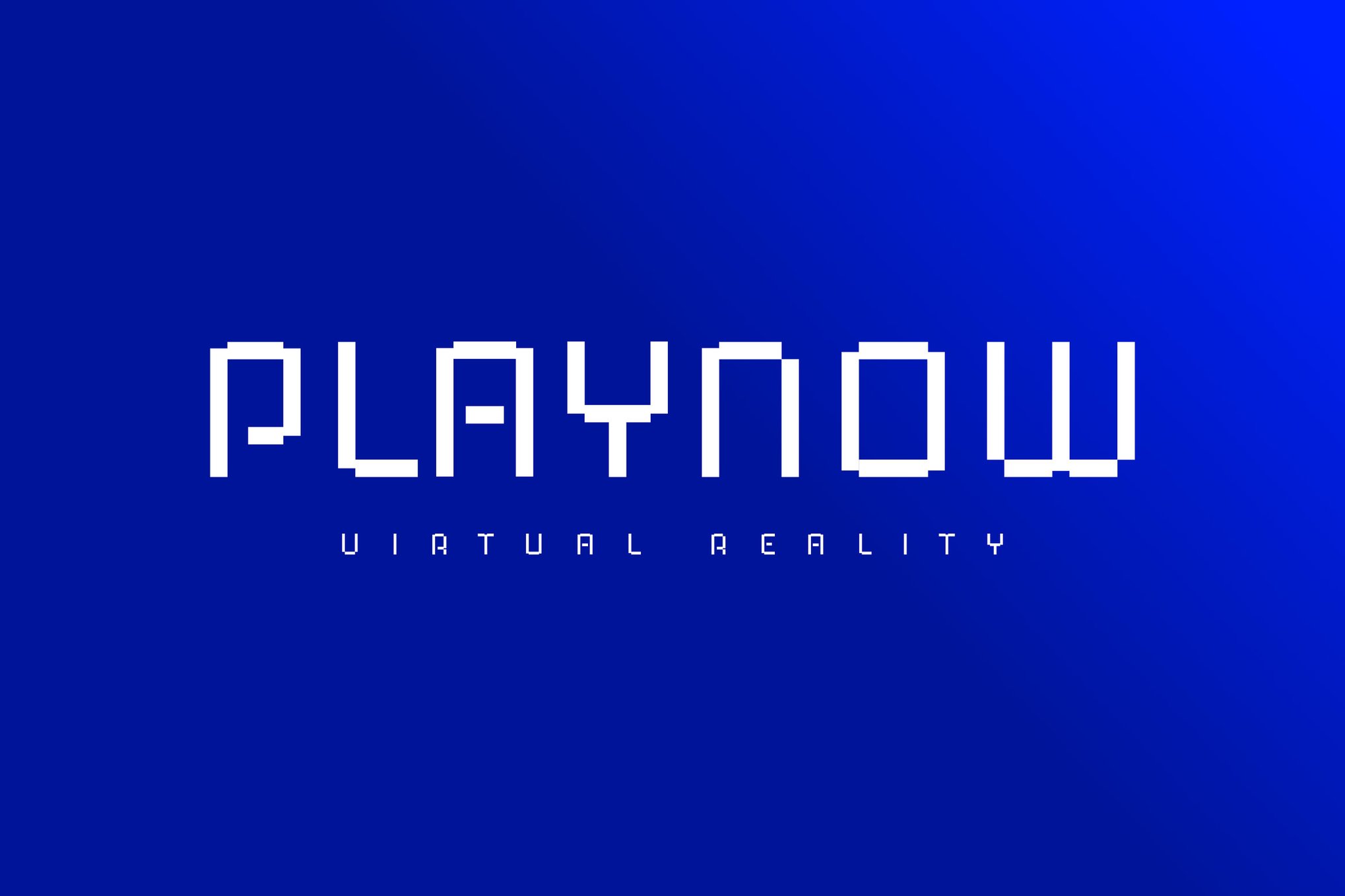
PixPixls is a sleek, modern typeface with clean lines that emphasize innovation and clarity. Its minimalist design ensures easy readability, making it ideal for forward-thinking projects. With support for TTF, OTF, WOFF, and WOFF2 formats, PixPixls is versatile and ready for both print and digital use.
Best Free Fonts for Design Systems
Altura – Free Design System Font
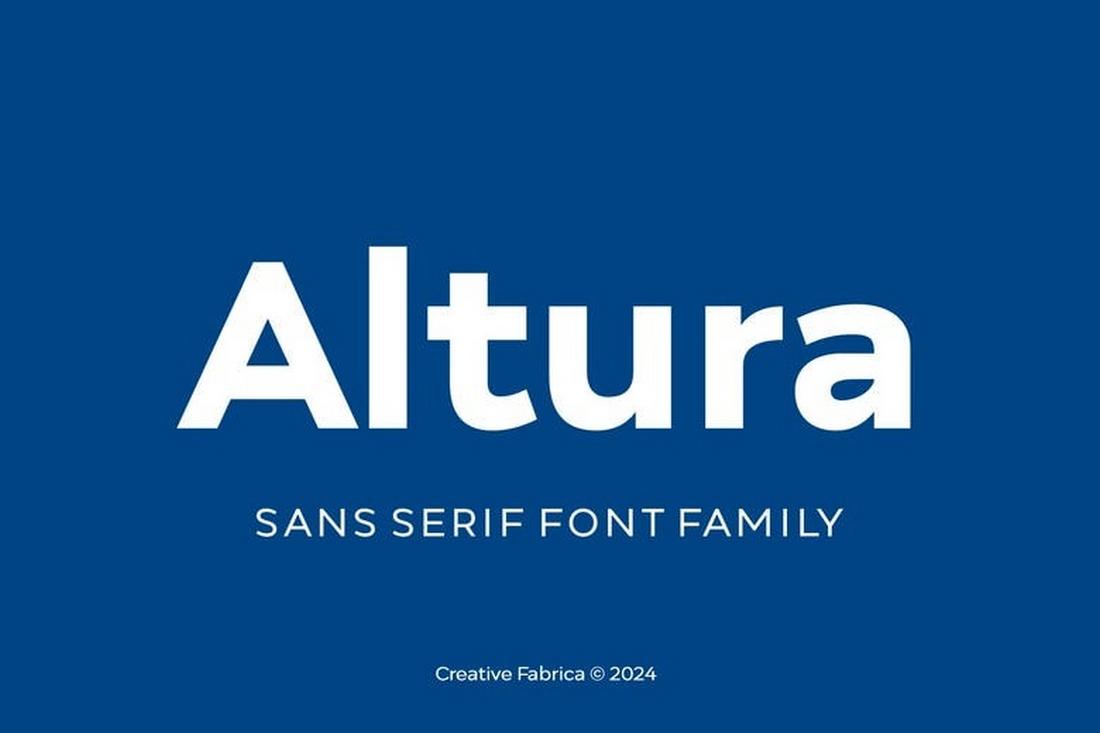
Altura is a versatile sans-serif with neutral proportions and clean shapes that make it ideal for design systems, UI interfaces, and scalable typography. Its clarity at small and large sizes helps maintain consistency across platforms. Free for personal use.
NeuxtaPro – Free Font for Design Systems
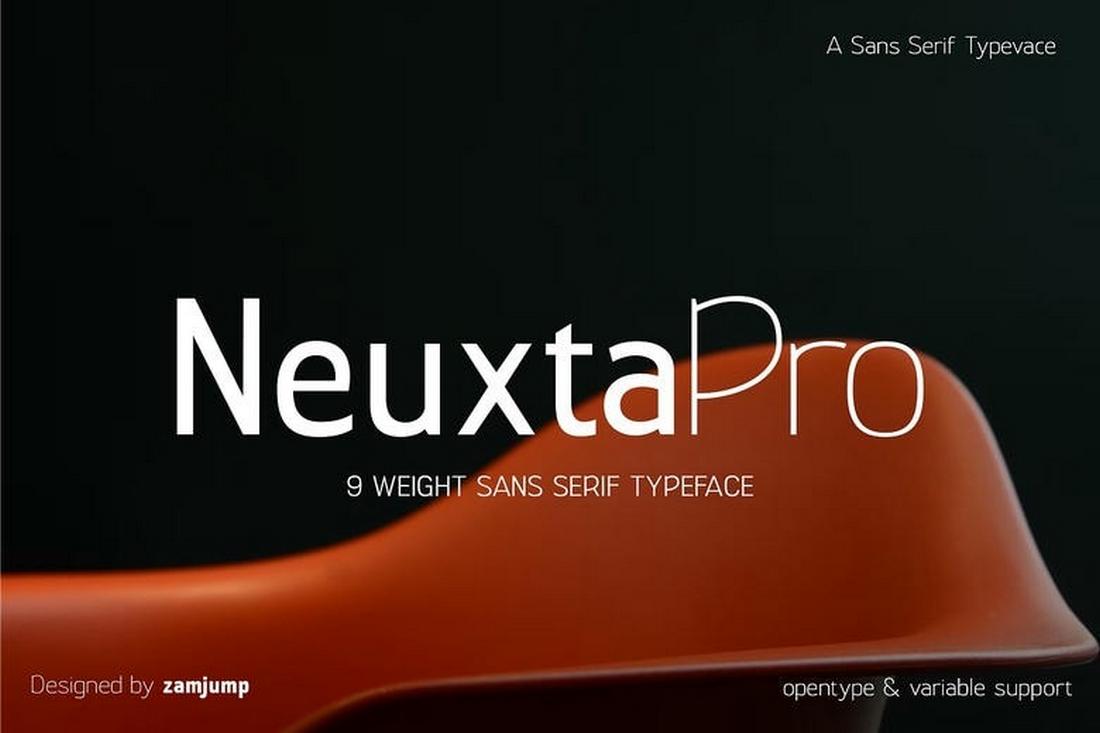
NeuxtaPro offers a robust set of weights with well-balanced letterforms that support hierarchy, accessibility, and flexible typographic systems. It’s a strong choice for web design, app typography, and structured branding systems.
Dexperdy – Free Design Systems Font
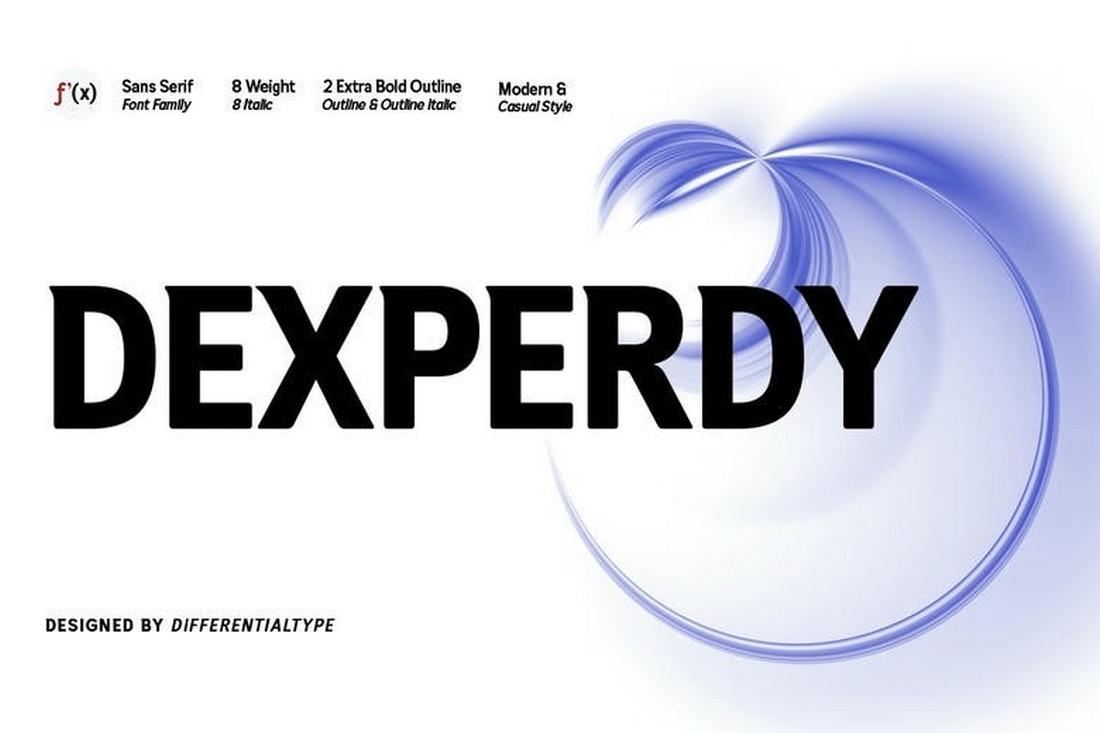
Dexperdy brings professional, modern sans-serif styling with clear distinction between weights, helping designers build consistent, multi-tiered type systems. Excellent for interfaces, dashboards, and documentation layers.
Binoma – Free Font for Design Systems
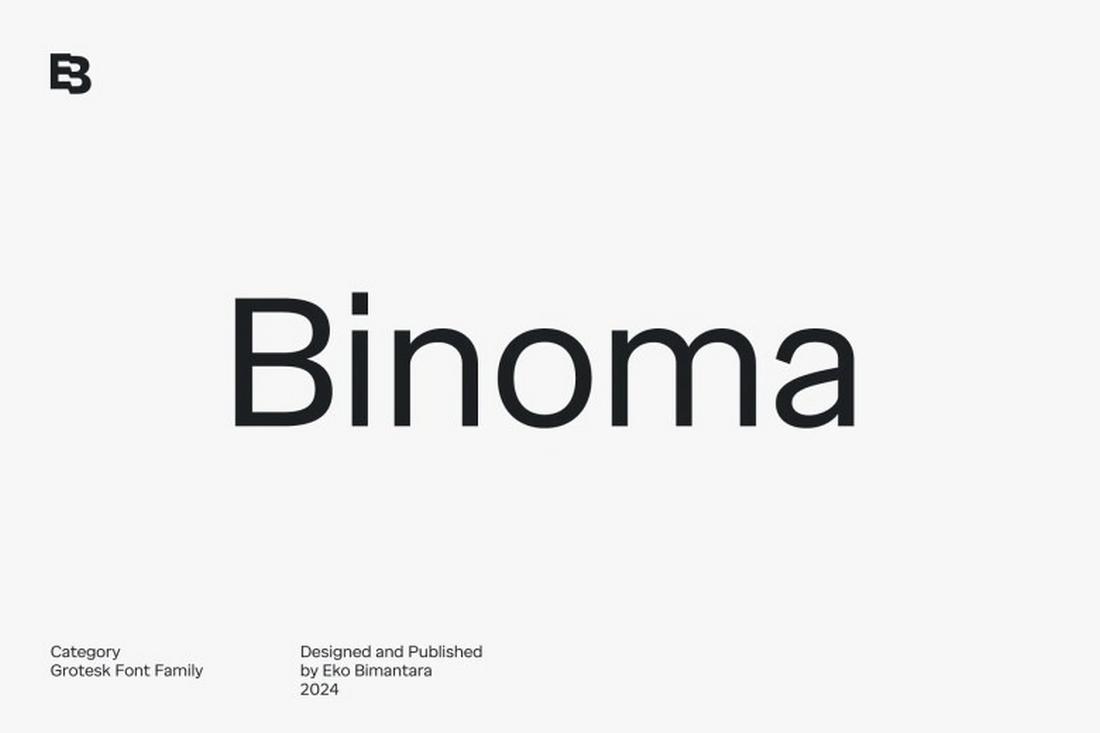
Binoma delivers a clean, geometric sans-serif with smooth curves and ample spacing — ideal for design systems needing reliability and clarity. Use it across headings, body text, and UI elements for a consistent typographic rhythm.
7 Tips for Choosing the Right Font for Design Systems
Follow these tips to find the perfect font for your design system.
1. Prioritize Readability Across Sizes and Contexts
A design system font must perform well everywhere, from small UI labels to larger headings. Test the typeface at multiple sizes and weights to ensure it stays clear in dense interfaces, long form text, and data heavy views.
2. Choose a Font Family With a Wide Range of Weights
A strong design system relies on hierarchy, not decorative styles. Fonts with multiple weights give you flexibility to create emphasis and structure without introducing additional typefaces that complicate the system.
3. Look for Clear Letterforms and Distinct Characters
Characters like I, l, and 1 should be easy to distinguish. Open counters and simple shapes improve accessibility and reduce reading errors, especially in forms, dashboards, and navigation elements.
4. Make Sure the Font Scales Well Across Platforms
Design systems often span web, mobile, and sometimes print. Choose a font that renders consistently across operating systems and devices. Test how it behaves on different screens to avoid unexpected spacing or clarity issues.
5. Consider Performance and Loading Impact
Fonts are part of your system’s performance budget. Large font files or too many variants can slow load times. Choose a type family that balances flexibility with efficiency, especially for products with global audiences.
6. Align the Font’s Personality With the Product’s Tone
Even neutral system fonts communicate personality. Decide whether the product should feel friendly, serious, modern, or authoritative, and choose a typeface that supports that tone without overpowering the interface.
7. Test the Font in Real Interface Scenarios
Avoid choosing a font based only on specimen pages. Use it in actual components like buttons, forms, tables, and alerts. Real usage reveals spacing issues, weight problems, and readability concerns early.