Photoshop Actions
Want to speed up photo workflows? A Photoshop action can save you time and effort when it comes to processing multiple images at the same time. In this series, you’ll learn how to use Photoshop Actions and find professional examples to use in your own design work.
Use an action to create a specific filter or style or just about anything else that you can do in Photoshop. “Record” the process and use it repeatedly. Don’t want to create your own? There are plenty of great options out there ready to download.
Latest Photoshop Action Articles
5 Mar 2026
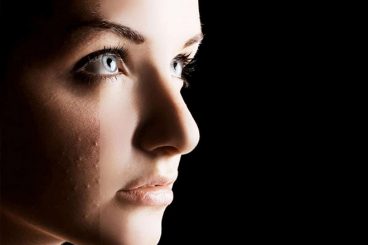
95+ Best Free Photoshop Actions & Effects 2026
Photoshop actions are quite useful when optimizing photos, applying effects, and editing graphics. For this collection, we’ve handpicked some of the best free Photoshop actions you can download and use with no price to pay!
Whether you’re a professional designer or a complete beginner, Photoshop actions can help you save a lot of time. Simply put, Photoshop actions pack hours worth of design work into a single-click so that you can achieve professional-level effects without an effort.
In this post, we’re featuring several different types of free Photoshop actions. You’ll find them categorized into different effects and styles below. Have a look and start downloading.
21 Jan 2026
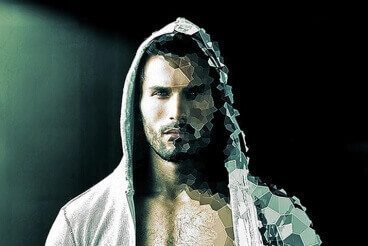
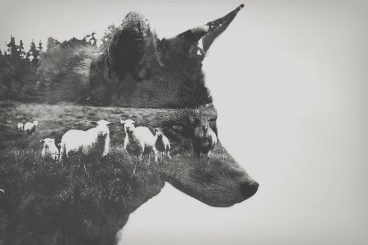
100+ Best Photoshop Filters + Plugins 2026 (+ How to Use Them)
If you’re looking for unique Photoshop filters to turn your photos into artwork, you’ve come to the right place. In this post, we feature a collection of the best Photoshop filters and plugins you can use to add various effects to photos.
There are many benefits to using Photoshop filters. They are quite useful in crafting creative graphic designs such as posters, flyers, logos, and much more. While Photoshop itself comes with a set of default filters they don’t offer much value. Thankfully there are many filters you can download from third-party sources.
Using the Photoshop filters on our list, you can extend the functionality of Photoshop and create unique effects more easily.

12 Jan 2026
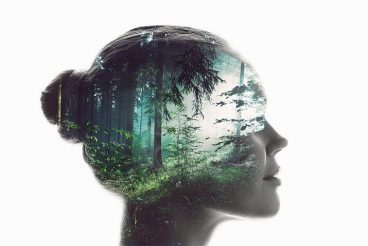
50+ Photoshop Photo Effects for Stunning Creative Photos
One of the best things about using Photoshop is how it gives you the freedom to let your creativity run wild and experiment with different effects.
When Photoshop first went mainstream, everyone used it to make photo manipulations and try different styles of effects on photos to make them look more fun and unique.
Well, now you can do all those fun things using pre-made templates. Today, we brought you a collection of cool Photoshop photo effects you can use to make your photos look more creative and unique.
You’ll find lots of different photo effects and photo overlays in this list. They are easy to edit and use with various types of photos. We included a few free photo effects and tutorials as well. Download them all below.
24 Jun 2025
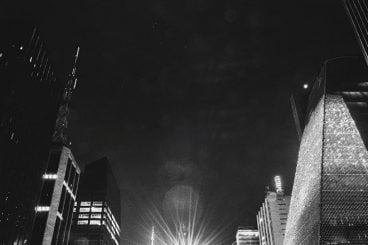
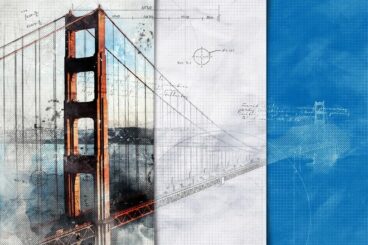
30+ Architecture Actions, Effects & Presets (For Photoshop + Lightroom)
Architectural photography and design demand precision, clarity, and an eye for detail. The right actions, effects, and presets can dramatically enhance your work, bringing out the best in your images with just a few clicks.
In this post, we showcase a selection of the best architecture-focused actions, effects, and presets available for Photoshop and Lightroom. They are designed to enhance architectural elements, improve lighting and contrast, and add artistic flair to your photos and designs.
From dramatic blueprint-style sketch effects to bold black-and-white conversions, our collection covers a wide range of styles and techniques to suit various creative needs.
What Is a Photoshop Action?
A Photoshop action is a “recorded” command that you can use later to perform tasks in the popular editing software. Using actions can help you tap into creative techniques, cutting edge post-processing styles and beautiful effects.
Here’s how Photoshop describes it:
An action is a series of tasks that you play back on a single file or a batch of files—menu commands, panel options, tool actions, and so on. For example, you can create an action that changes the size of an image, applies an effect to the image, and then saves the file in the desired format.
Actions can include steps that let you perform tasks that cannot be recorded (for example, using a painting tool). Actions can also include modal controls that let you enter values in a dialog box while playing an action.
5 Places to Find Photoshop Actions
While you can create your own Photoshop actions, there is an abundance of them available from third parties, with paid and free options. The nice thing about downloading a Photoshop action is that it can help you get comfortable with this design technique if you haven’t used it before.
Here are five places to find Photoshop actions for your projects:
- Envato Elements has a huge library of Photoshop actions that are all available to subscribers at no extra cost.
- Fix the Photo has a good collection of actions for portrait touch-ups that are all free to use.
- Shutter Pulse has an extensive library of Photoshop actions, most of which are designed for photos of people with easy to see previews.
- Creative Market includes a library of nearly 300 actions in .psd format that you can purchase one at a time for as little as a few bucks.
- Creative Tacos has a collection of several hundred Photoshop actions that are grouped by category for easy search and filtering.
How to Add an Action to Photoshop
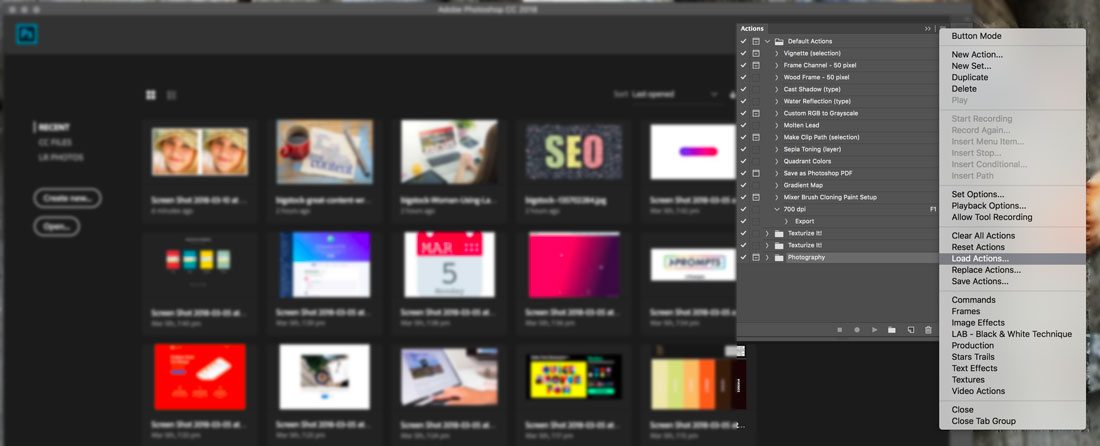
Adding an action to Photoshop is easier than you might think. Once you add an action it is part of your Photoshop library and available to use over and over again.
Here’s how you do it:
- Download and unzip the action file.
- Open Photoshop and navigate to Window, then Actions. The Actions Panel will open. (The placement often defaults to the top right.)
- From the menu, select Load Actions, navigate to the saved, unzipped action and select it. The file you want to install ends with .atn. Many downloadable actions also include readme or instruction files that are not installed.
- The action is ready for use.