Lightroom Presets
Adobe Lightroom makes it easy to organize and edit thousands of images and photographs. It’s trusted by photographers everywhere, and a key piece of software to know how to use as a designer. This series looks at how you can use Lightroom presets to create stunning end-results with your photos.
Adobe Lightroom is a go-to tool for photographers and designers that have to edit and manage images. Lightroom is designed to help you edit, organize, store, manage and even share photos across devices.
Because Lightroom is part of the Adobe Creative Cloud suite, it comes with full paid plans or can be used as a standalone app. And there are plenty of presets available to help you make this most of this popular photography tool.
Latest Lightroom Preset Articles
28 Aug 2026
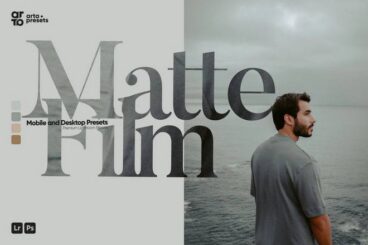
23 Exceptional Matte Effect Presets for Lightroom (Free & Pro)
Matte effect Lightroom presets are perfect for creating soft, cinematic edits with a timeless and slightly faded aesthetic.
The matte look is created by lifting the darker tones in an image, reducing harsh contrast, and softening colors to produce a smoother, more atmospheric feel.
This editing style became especially popular in film-inspired photography and continues to be widely used in portrait, lifestyle, travel, and Instagram photography today.
Below, you’ll discover a curated collection of the best matte effect Lightroom presets.
These presets are perfect for creating elegant, film-inspired edits with soft tones and a cohesive visual style.

1 Jul 2026
20+ Handpicked Instagram Lightroom Presets in 2026
Creating a visually consistent Instagram feed starts with choosing the right editing style.
Lightroom presets for Instagram are built to simplify that process. They provide ready-made color grading and tonal adjustments that help you achieve a specific aesthetic without spending hours fine-tuning each photo.
These presets come in many different styles, each suited for a different type of content.
In this collection, you’ll find some of the best Instagram Lightroom presets across different styles.
Whether you prefer bright, moody, vintage, or cinematic looks, these presets will help you create a feed that stands out.

19 May 2026
20+ Exceptional Lightroom Presets for Editing Smartphone Photos
Lightroom presets are a game-changer for anyone looking to make their smartphone photos look professional with just a single tap.
They allow you to apply complex color grades and lighting adjustments instantly, saving you from the hassle of moving dozens of sliders manually.
In this collection, you will find a variety of smartphone Lightroom presets specifically designed to handle the unique lighting and colors of mobile photography.
These effects help you establish a consistent aesthetic for your social media feed, blog, or personal portfolio.
19 May 2026
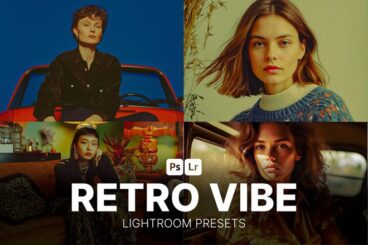
20+ Highest-Rated Retro Lightroom Presets for Groovy Vibes
Today, we are bringing you retro Lightroom presets that focus on groovy looks inspired by color palettes, textures, and visual character from decades past.
These Lightroom presets enhance tones and contrast in ways that feel both artistic and intentional, with warm amber hues and gentle grain that evoke a cozy, analog feel.
Perfect for photographers, content creators, and editors looking to infuse mood into their images, these presets make enhancements simple and effective.
With the right retro preset, your photos will glow with personality and groovy, retro charm.
What Is A Lightroom Preset?
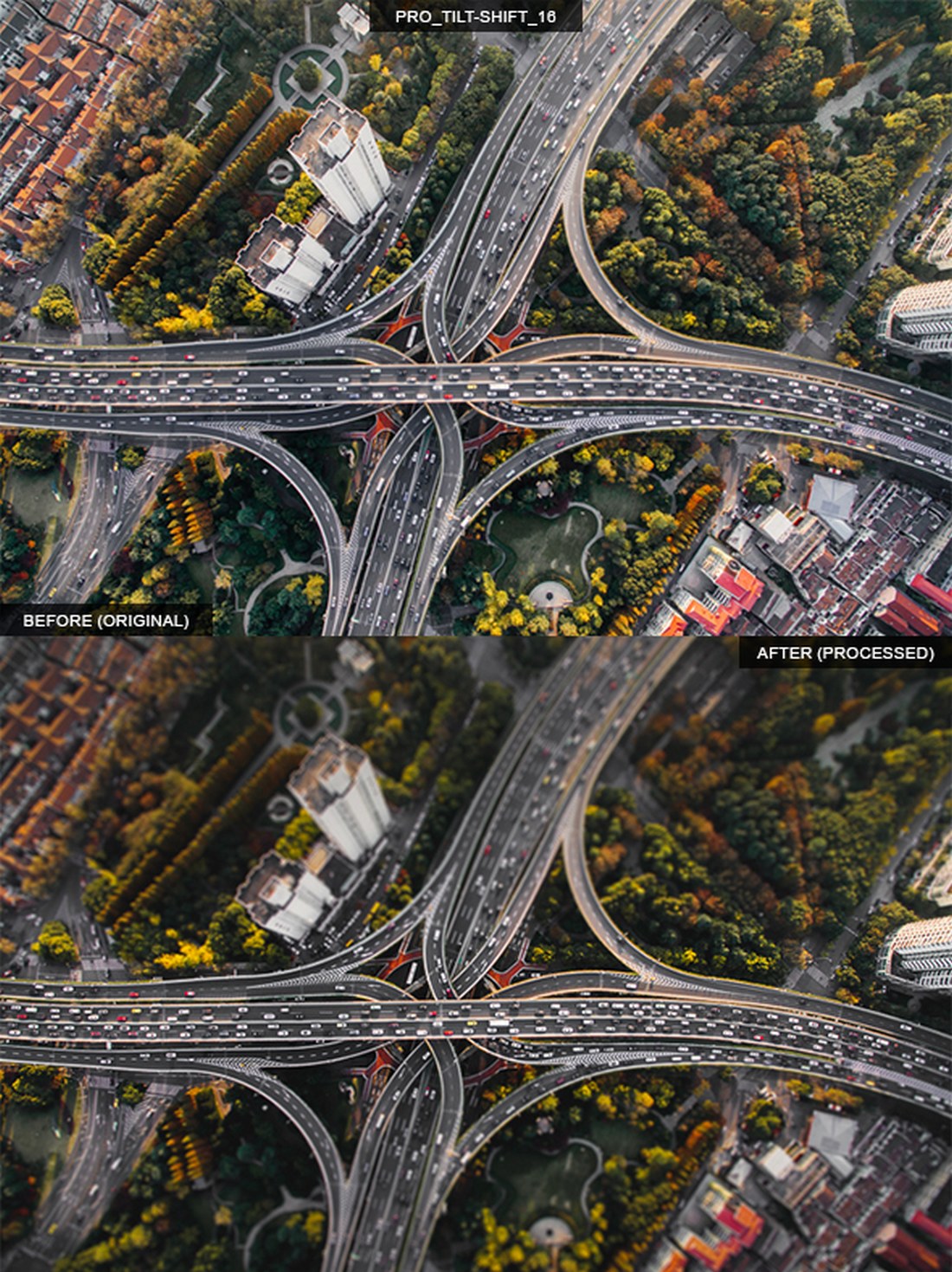
A Lightroom preset is a “package” of settings to help create a certain type of look for editing photos. Designers might have one set of presets to use for landscape images and another set of presets to enhance portraits.
A Lightroom preset can be saved and reused in Adobe’s software, and there are plenty of places to find presets for different types of images. The best thing about a preset is that you can change the look of an image instantly, taking a lot of time out of the editing process. (This can be a life-saver if you edit bulk images.)
5 Places to Find Lightroom Presets
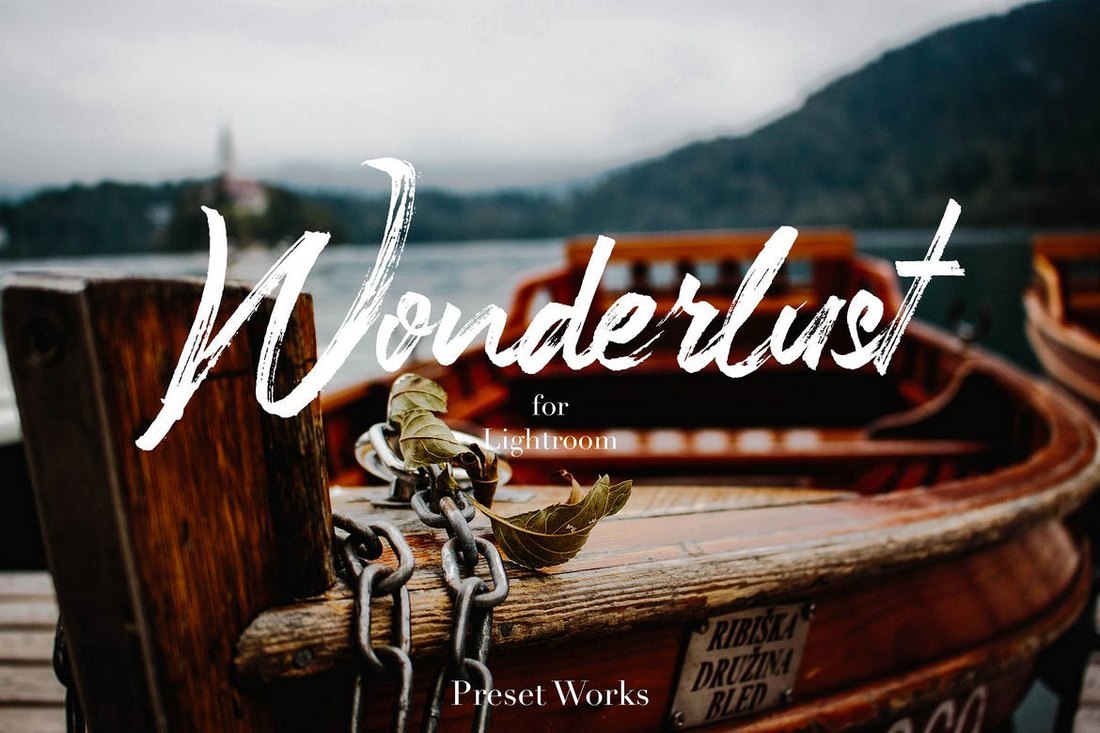
If you really want to save time and get just the right effect, a Lightroom preset is the answer. There are plenty of places to find high-quality presets for projects.
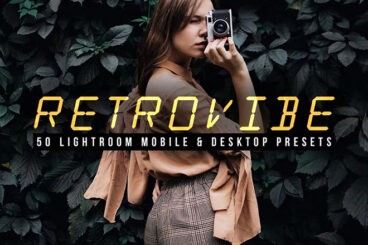
- Envato Elements is a subscription-based graphic design service and is packed with Lightroom preset options (including the example above)
- The Luxe Lens has themed Lightroom presets – snow, portraits, etc. – at reasonable prices
- Filtergrade is a photography site that includes more than 1,000 Lightroom presets for every use you can imagine
- Creative Market has plenty of Lightroom presets (and preset bundles) that you can purchase a la carte
- Adobe has a collection of Lightroom presets available for download that are made by other users
How to Add a Preset to Lightroom
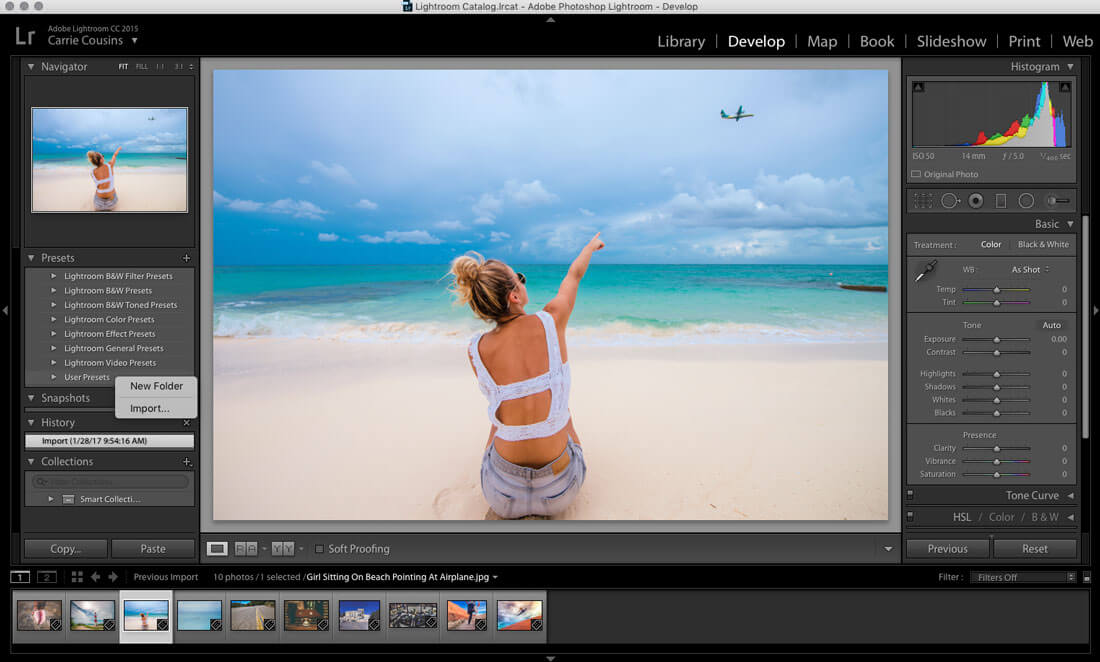
Adding a preset to Lightroom is pretty simple. Here’s how to do it:
- After you download the file – don’t forget to unzip it – open Lightroom and the “Develop” tab. Presets will be on the left side of the screen.
- Then, right- or command-click anywhere in the presets module to Import new presets. The preset will install in the folder you select in this step.
- Navigate to the preset on your desktop or in your downloads folder (or wherever you saved it) and click “import.”
- Done! The preset is ready to use.