Font Collections
This is our series of beautiful, inspiring collections of fonts and typefaces. These articles feature bold poster fonts, decorative scripts, and everything in-between! Find the perfect font for your next design project with one of these collections.
Whether you’re looking for a particular type of font or a style of typeface that matches an event or theme, we’ve got you covered. Some of these fonts are free, others are included in an Envato Elements subscriptions, and many cost just a few dollars. The typeface makes the design, and these fonts can elevate your work to a whole new level!
Latest Font Collection Articles
9 Sep 2026
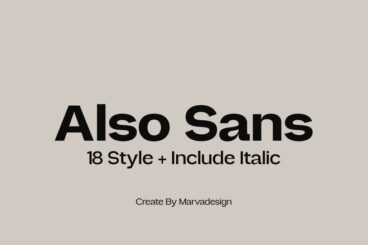
25 Recommended Small Text Fonts That Improve Readability
Readability matters most when text shrinks down, and the right font can make all the difference.
This roundup highlights small text fonts that maintain strong readability while still offering style and personality.
Each font balances character clarity with thoughtful design so your content remains approachable, even at reduced sizes.
Whether you’re designing apps, dashboards, ebooks, or print documents, these fonts help you maintain a smooth reading experience.
With the right small text font, your design will be more readable, user-friendly, and visually balanced.
9 Sep 2026
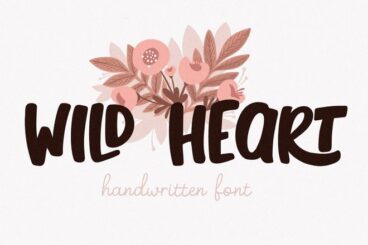
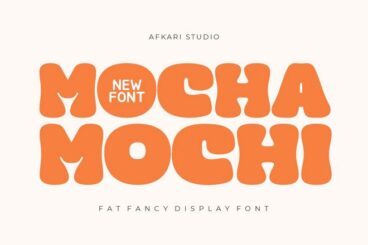
23 Kawaii Fonts for Cute & Playful Visuals
Kawaii fonts bring sweetness, charm, and playful personality to any design that aims to feel fun and heartwarming.
In this collection, you’ll find typefaces inspired by the soft, adorable aesthetics of Japanese kawaii culture.
These fonts feature bubbly lettering, pastel-ready forms, and cute embellishments that suit children’s products, stationery, and character branding.
Kawaii fonts pair beautifully with bright color palettes, soft illustrations, and playful layouts to create designs that feel cheerful and approachable. Their versatility makes them ideal for logos, greeting cards, product labels, and any project that aims to evoke happiness.
With the right kawaii font, your design will feel cute, inviting, and delightfully full of personality.
9 Sep 2026
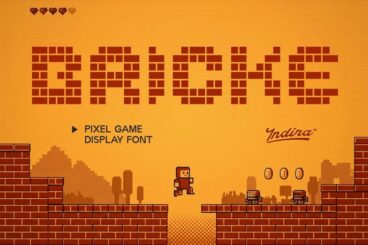
23 Awesome Arcade Fonts for Retro Gaming Projects
There is something undeniably magical about the bold, blocky typography of classic 80s and 90s arcade games.
Whether it is the glowing neon hues or the distinct pixelated edges, these fonts instantly transport us back to a golden era of gaming.
In this collection, we have gathered the best arcade fonts available to give your next creative project that perfect, coin-operated vintage vibe.
There are both free and premium arcade fonts included in this list. They are perfect for capturing that authentic, nostalgic energy.
9 Sep 2026
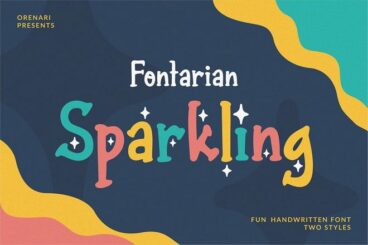
19 Sparkle & Glitter Fonts for Cute & Dazzling Designs
Sparkle and glitter fonts add instant charm and shine to various types of designs.
We’ve found a bunch of dazzling sparkle fonts to help you achieve that same shine in your projects. In this collection, you’ll find typefaces that shimmer with personality and playful energy.
Some fonts sparkle with metallic effects and soft gradients that feel elegant and polished. Others lean into whimsical textures, pastel hues, and glittery details that make every letter pop.
These fonts are ideal for invitations, social media graphics, product packaging, and branding that needs a touch of glam.
These sparkle and glitter fonts help you express joy, positivity, and confidence through typography that truly shines. Have a look.
4 Reasons to Use a Premium Font or Typeface
“Typography is two-dimensional architecture, based on experience and imagination, and guided by rules and readability.” – Hermann Zapf, legendary German type designer (Palatino, Optima, Zapfino)
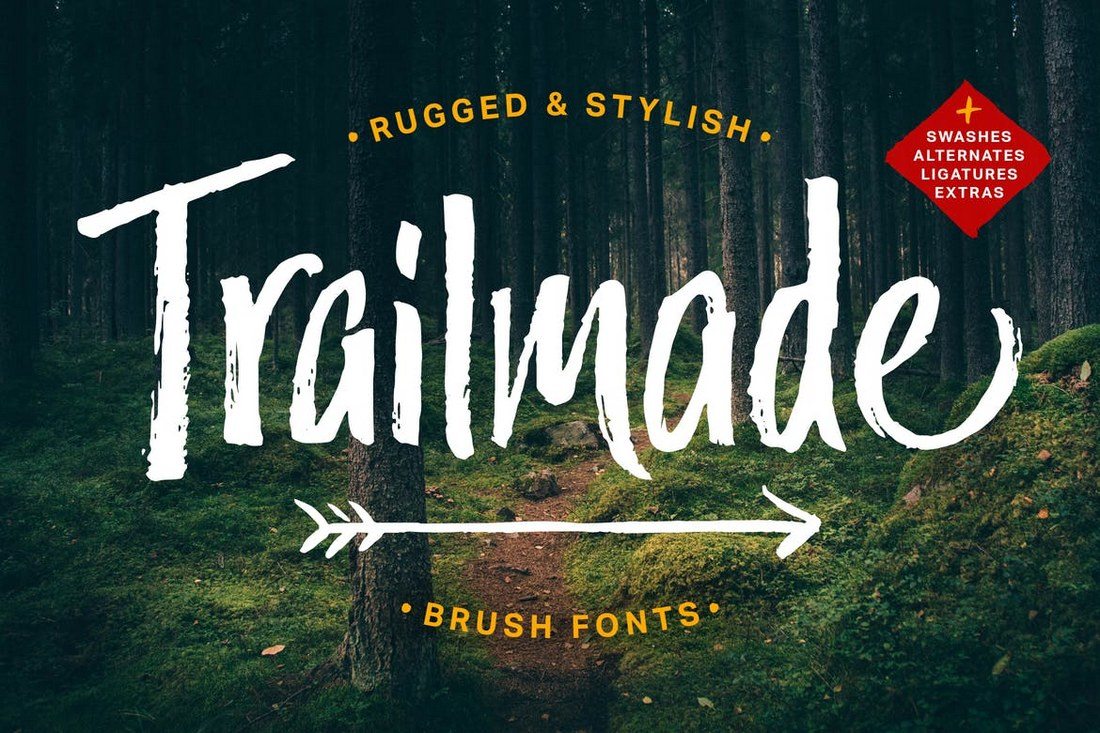
There are two classes of typefaces when it comes to licensing – free or premium. While there are plenty of options for each type of font, there are some distinct advantages to selecting a premium option.
Premium typefaces are often sold by larger foundries or are part of collections such as Typekit. Prices can vary widely.
- Premium fonts come with extended characters and glyphs. Have you ever run into a font that didn’t have an ampersand or comma? That’s a common problem with many free fonts, and isn’t the case with premium options.
- Premium fonts won’t degrade in quality when used at large sizes and have been tested to render on multiple browsers and devices.
- Premium fonts have a character consistently to ensure that the family looks like it goes together among different characters and weights.
- Premium fonts often include multi-language support and come with a license so you know when you are using it legally.
How to Install a Font on a Mac
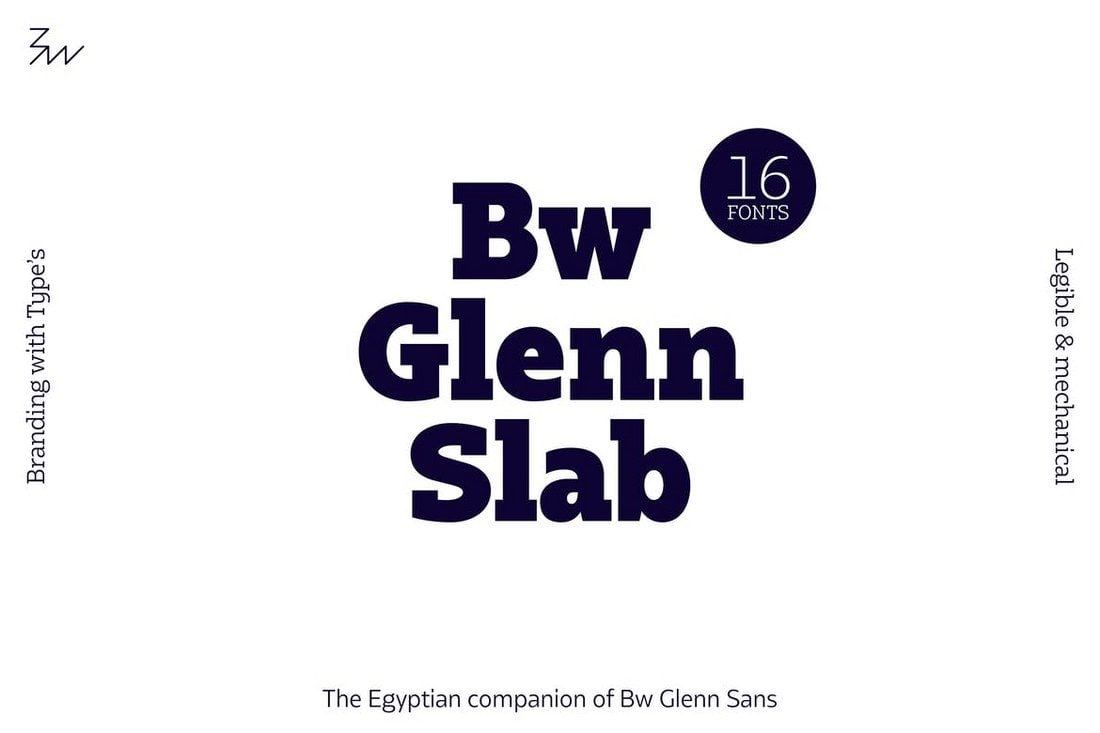
Installing a font on Mac operating systems just takes a couple clicks, using the Font Book app.
After downloading the font (make sure to unzip it), double-click the font icon and a window will pop up in font book that shows the name and basic character set. Click install to add to your default font set, using default preferences. (You can change these settings in the Font Book preferences.)
How to Install a Font on Windows
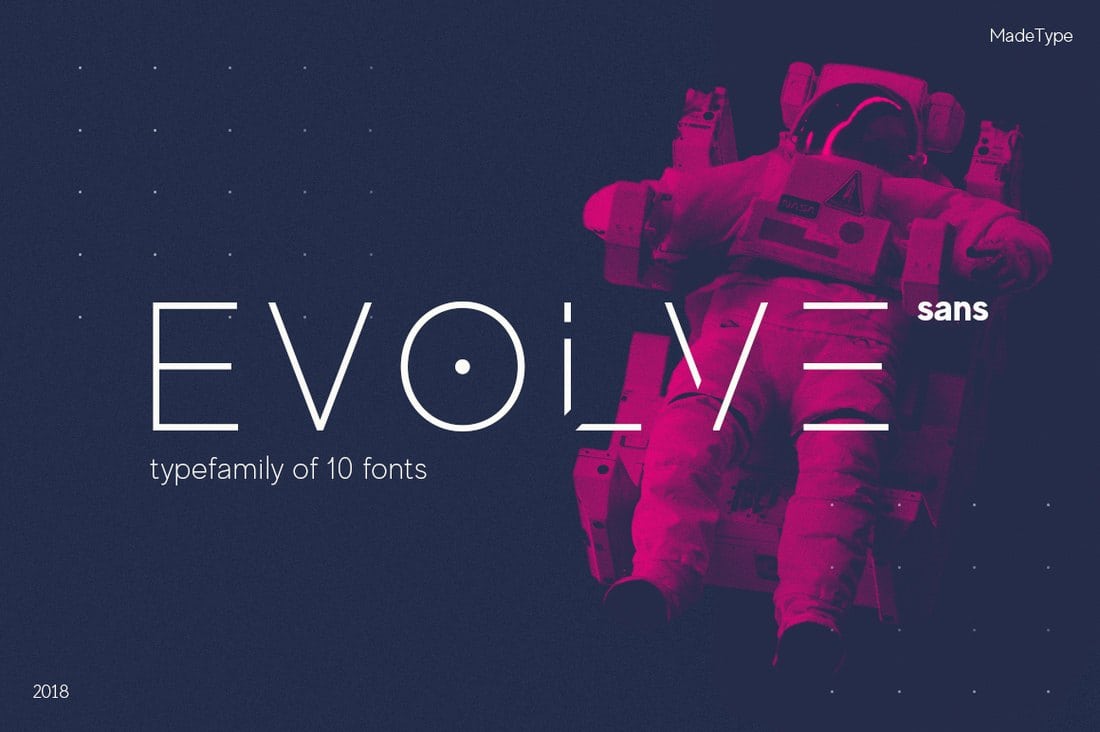
Adding a font on Windows is equally simple. (Note that administrator access is required to install on Windows NT 4.0, Windows 2000, Windows XP, or Windows Server 2003.)
After downloading the font (make sure to unzip it), right click on the font file and select Install.
The alternate method is to open the Fonts Control Panel and Fonts Manager. Then drag and drop the unzipped font file into the Fonts Manager to install.
3 Tips for Pairing Fonts
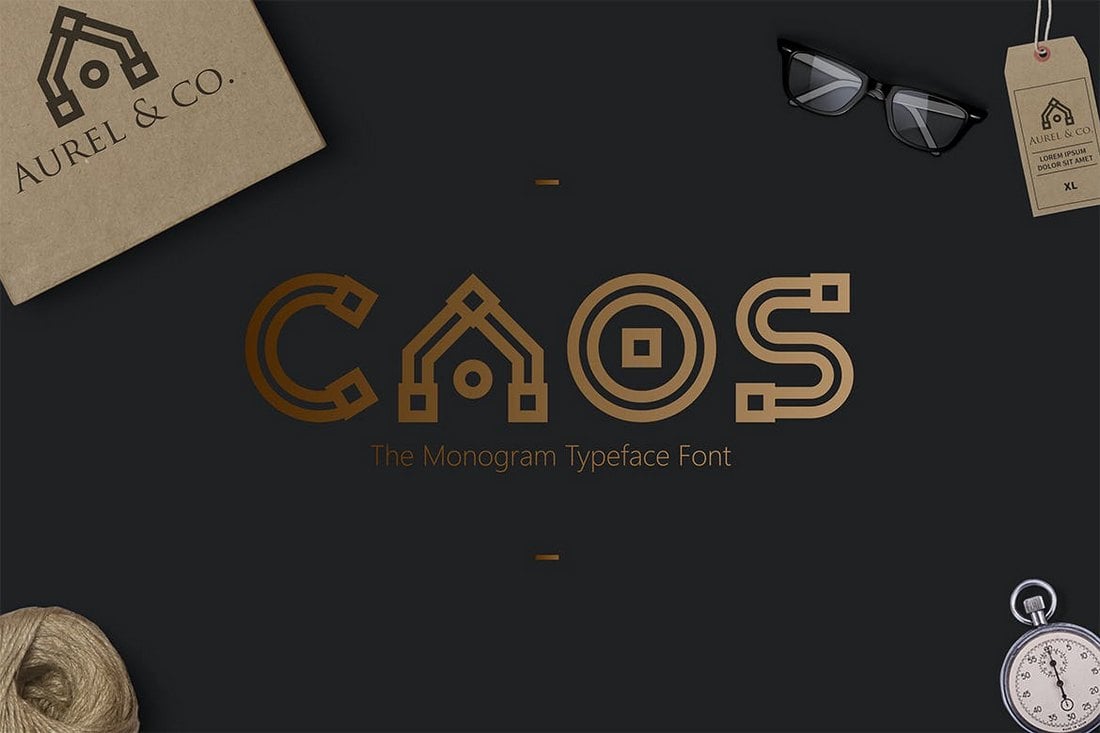
Most projects aren’t a one-font design. Pairing typefaces is an art in itself, but it is a little easier with these tips to help you create amazing font pairs.
- Look for typefaces with similar shapes: Think about whether each typeface is more round or oval, thick or thin, or tilts.
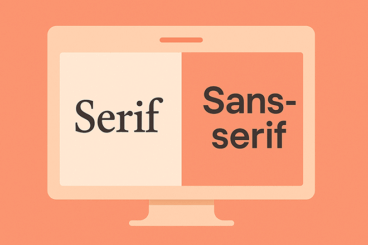
- Mix type styles: Use a serif and a sans serif or a script and sans serif. Paring different type styles is more visually interesting than mixing similar typefaces.
- Create plenty of contrast: Typography pairs need plenty of contrast to stand out. Pair fonts in different sizes, styles, color and use so that each font serves a distinct purpose.